

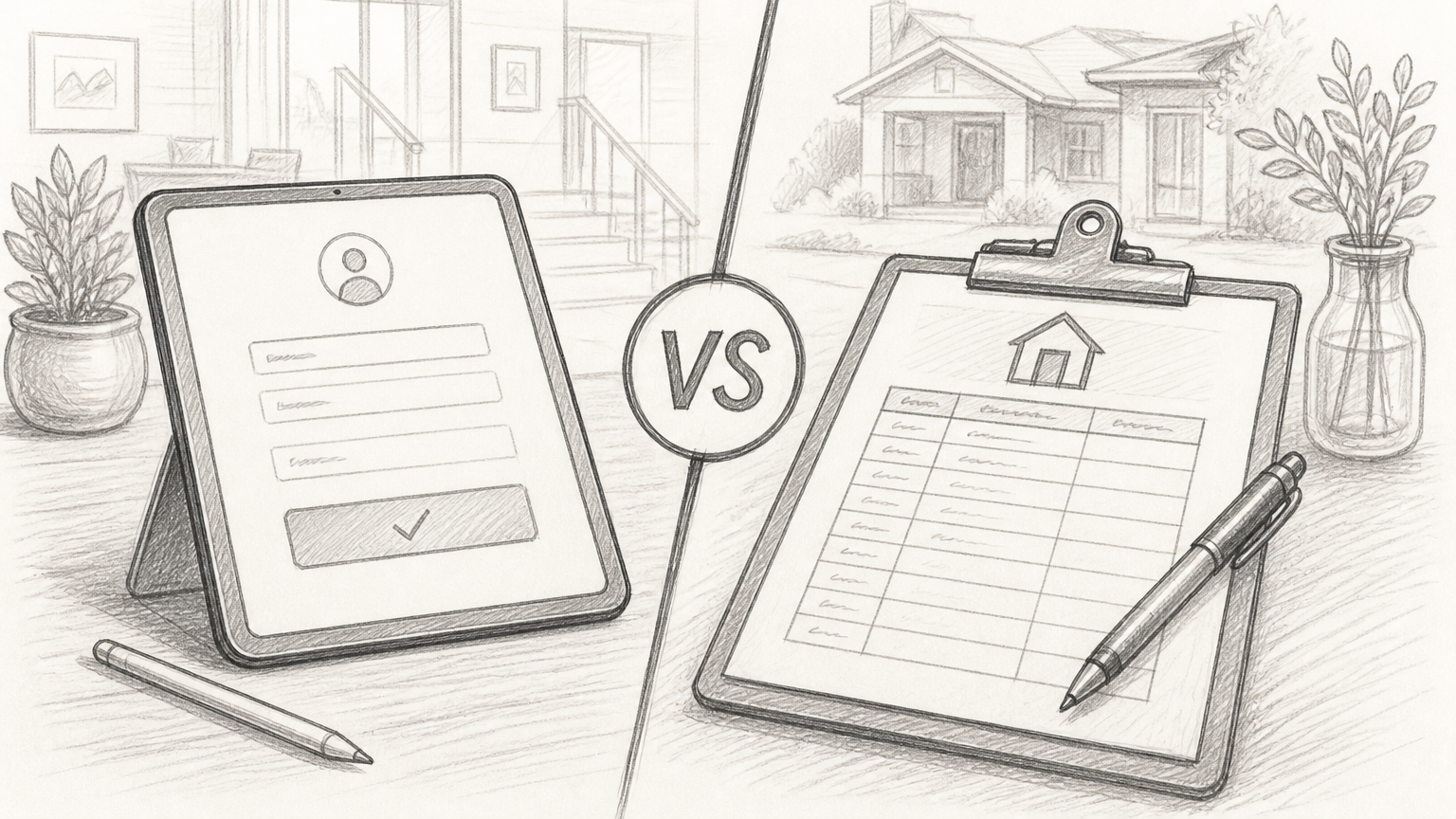
Every open house has the same fragile moment: a prospect walks in, looks around, and decides in seconds whether they will become a real lead or just another anonymous visitor. If your sign-in process creates friction, loses data, or delays follow-up, that moment is gone.
That is why the choice between a digital sign-in and a paper sign-in sheet matters more than most teams admit. This is not just an admin preference. It affects lead quality, response time, attribution, compliance, and ultimately how many conversations turn into showings, offers, and closed deals.
When people search for guidance on open house lead capture, comparing digital and paper sign-in sheets, they are usually asking a practical question: which option actually helps you collect better leads and move faster after the event? The short answer is simple. Digital usually wins for speed, structure, and scale. Paper still has a place in low-tech, low-volume situations. The right choice depends on your workflow, not nostalgia.
What Open House Lead Capture Means in Practice
Open house lead capture is the process of collecting visitor information at an event so your team can follow up, qualify interest, and measure results. At a minimum, that means name and contact details. In better setups, it also includes buyer intent, timeline, agent status, financing status, property preferences, and consent to future communication.
A paper sign-in sheet does this the old-fashioned way. Visitors write their details by hand, usually on a clipboard near the door. It is familiar. It is cheap. It is also messy. Handwriting is often unreadable, fields get skipped, and the data has to be entered manually later if you want to use it in a CRM or marketing system.
A digital sign-in sheet moves the same workflow onto a tablet, kiosk, mobile form, QR code landing page, or branded app. Instead of collecting loose handwriting, you capture structured information in real time. That means cleaner records, faster routing, and immediate follow-up while the visitor still remembers the property.
Why This Decision Has Bigger Consequences Than It Seems
Most teams do not lose leads because they had no traffic. They lose leads because they failed at capture, enrichment, or follow-up. Paper creates risk at every one of those stages.
Think about what happens after a busy event. A stack of paper forms sits in a car seat, a tote bag, or an office pile. Someone has to decipher names, type them into a spreadsheet, import them into a CRM, and assign next actions. Hours pass. Sometimes days. By then, intent has cooled and the lead has likely engaged somewhere else.
Digital systems compress that lag. A visitor signs in, the record is created instantly, tags are applied, automations fire, and your team can follow up the same day. That speed is not a minor operational benefit. It is often the difference between being first and being forgotten.
Key Aspects of Digital vs Paper Sign-In Sheets
The real comparison is not tablet versus clipboard. It is structured, connected data, versus manual, delayed data. Once you frame it that way, the trade-offs become much clearer.
Data Quality and Accuracy
Paper sign-in sheets are vulnerable to incomplete and inaccurate data. Visitors rush. They use fake phone numbers. They write email addresses that nobody can decode later. Some intentionally leave blank fields because they do not want a long interaction at the door.
Digital forms improve accuracy because they can enforce structure. You can require key fields, validate email formats, standardize phone numbers, and use dropdowns or multiple-choice questions instead of open text. That alone increases usable lead volume.
This matters to data teams in particular. Bad inputs create bad downstream reporting. If half your records are missing phone numbers or duplicate contacts, your open house channel becomes difficult to analyze. Digital capture reduces that chaos before it enters the system.
Speed of Follow-Up
Lead response time is one of the clearest performance levers in any funnel. Open houses are no exception. A prospect who toured a home at 1 p.m. is much more likely to respond to a thoughtful message at 2 p.m. than to a generic email the next morning.
Paper slows that cycle. Even in a disciplined workflow, somebody needs to re-enter the information first. If the event is busy, data entry becomes a backlog. If the event is light, the process still depends on someone remembering to do it.
Digital forms can trigger instant workflows. A signed-in visitor can receive a thank-you email, a property brochure, a financing resource, or a booking link before they leave the driveway. That creates continuity. It also signals professionalism.
Visitor Experience
Some teams assume paper feels warmer and less intrusive. Sometimes that is true, especially with older audiences or luxury environments where a clipboard feels more discreet than a screen.
But the opposite is often true. Paper can feel public. Visitors see other names on the sheet. They may hesitate to share personal information in plain sight. A tablet or QR form can feel faster and more private, particularly if it is well-designed and asks only what is necessary.
The key is friction. If digital means a clunky form with ten mandatory fields and poor connectivity, it loses. If paper means a single line for name, email, and phone, it may outperform a badly built app. The better system is the one that gets completed quickly and accurately.
Privacy, Consent, and Compliance
Paper sign-in sheets are weak on privacy. Visitors can often see previous entries, which exposes names, phone numbers, and email addresses to strangers. That is not just awkward. Depending on your region and how the data is handled, it can raise compliance concerns.
Digital systems are better suited for modern consent practices. You can display clear opt-in language, collect timestamped consent, link to privacy policies, and maintain a record of exactly what the user accepted. If your growth or legal team cares about auditability, this is a major advantage.
This is where digital lead capture moves from convenience to risk reduction. Structured consent records are easier to store, retrieve, and defend than a clipboard page with a checkbox nobody can verify later.
Integration With CRM and Marketing Systems
Paper lives outside your stack until someone manually imports it. That means delays, transcription errors, duplicate records, and weak attribution.
Digital sign-in sheets fit into the rest of your operating system. They can push data directly into your CRM, trigger lead scoring, update contact profiles, and kick off segmented nurture campaigns. Marketing teams get cleaner attribution. Sales teams get faster action. Data teams get fewer manual touchpoints and better source integrity.
One tool, not three disconnected steps. That is the operational advantage.
Cost and Setup Complexity
Paper is cheap upfront. You print a sheet and bring a pen. There is almost no setup and no training barrier. For solo agents or occasional events, that simplicity still has appeal.
Digital has a higher starting cost. You may need a tablet, software, a branded form, internet access, CRM integration, and a basic automation layer. But the ongoing cost needs to be judged against labor saved and leads recovered.
If your team runs open houses regularly, the hidden cost of paper adds up quickly. Data entry time, missed follow-ups, unreadable records, poor reporting, and lower conversion rates are all real costs, even if they do not show up as line items on a software invoice.
Digital and Paper Compared Side by Side
Here is the practical comparison most teams need when evaluating open house lead capture options.
Factor | Digital Sign-In Sheets | Paper Sign-In Sheets |
|---|---|---|
Data accuracy | High, with field validation and required inputs | Low to moderate, depends on handwriting and completion |
Speed to follow-up | Immediate, can trigger automations in real time | Delayed, requires manual entry first |
CRM integration | Strong, often native or API-based | None by default |
Privacy | Better, individual entries stay hidden | Weak, visitors often see previous entries |
Compliance tracking | Easier to capture consent and timestamps | Harder to verify and store accurately |
Setup cost | Moderate, device and software may be required | Low, paper and pen only |
Ease of use | High if form is simple and device is ready | Familiar, but often messy in practice |
Reporting and attribution | Strong, structured data from the start | Weak, manual cleanup required |
Scalability | Excellent for teams and repeatable workflows | Poor for high volume or multi-location operations |
When Paper Still Makes Sense
Paper is not obsolete. It is just limited.
If you run very occasional open houses, operate in areas with unreliable internet, or serve an audience that strongly prefers low-tech interactions, paper may be the more practical choice. It is also useful as a fallback option when batteries die, Wi-Fi fails, or a device gets left behind.
There is also a behavioral point worth noting. Some visitors are skeptical of screens at the door. They may worry they are being dropped straight into an aggressive sales funnel. A paper sheet can feel less formal and easier to ignore if they are not ready to engage deeply.
Still, if you choose paper, you need process discipline. Without it, paper becomes a leak in your funnel. Not a lead capture system.
How to Make Paper Work Better
If your workflow depends on paper for now, tighten it up. Use a clean, simple layout. Limit required fields. Never expose a full visible list of prior entries if privacy is a concern. And build a strict same-day digitization process.
A practical minimum looks like this:
Collect fewer fields: Ask only for the information your team will actually use.
Enter data immediately: Move records into your CRM the same day.
Verify during conversation: Confirm spelling, email, and phone verbally when possible.
Log consent clearly: If follow-up permissions matter, make that explicit and legible.
That does not make paper equal to digital. It just reduces the damage.
Why Digital Usually Wins for Growth Teams
Growth teams care about throughput, attribution, and conversion velocity. Digital sign-in sheets perform better on all three.
Throughput improves because the data is already structured. Nobody needs to clean up handwriting or reconcile duplicate contacts after the fact. Attribution improves because every lead can carry source metadata from the moment of capture, including event name, property, date, and campaign context. Conversion velocity improves because the lead enters a live system, not a pile of paperwork.
There is also a testing advantage. Digital workflows are easier to optimize. You can test form length, incentive offers, QR placement, follow-up timing, and qualification questions. Paper makes experimentation slow and hard to measure.
For startups and data-minded businesses, this matters. If you cannot test it, track it, and improve it, it remains a black box.
The Analytics Difference Is Massive
Paper gives you anecdotal performance. Digital gives you actual funnel data.
With a digital workflow, you can answer questions like: Which property generated the highest sign-in rate? Which host converted the most visitors into appointments? Which source produced the best downstream close rate? Which open-house question best predicts follow-up engagement?
Those are not vanity metrics. They help you allocate staffing, improve scripts, refine lead qualification, and justify spend. This is exactly why digital lead capture aligns so well with data teams. It turns an offline event into a measurable acquisition channel.
How to Get Started With Open House Lead Capture
The best setup is not the most complex one. It is the one your team will actually use every time.
Start by mapping your current workflow from front door to follow-up. Look at what gets collected, where it gets stored, how quickly it gets into your CRM, who owns the next step, and where leads get lost. Most teams discover the same issue quickly: capture is not the real problem, handoff is.
Build the Minimum Effective Digital Flow
If you are moving from paper to digital, keep the first version simple. You do not need a giant stack of automations on day one. You need a clean form, a stable device or QR path, and a reliable connection to your lead system.
Focus on a short list of essentials:
Setup Element | What to Aim For |
|---|---|
Form fields | Name, email, phone, interest level, timeline, and consent |
Entry method | Tablet at entry, QR code, or both |
Destination | Direct sync to your CRM or lead database |
Immediate action | Auto-send thank-you message and assign follow-up owner |
Fallback | Printed backup form in case the device fails |
That gets you 80 percent of the value without overbuilding.
Design for Completion, Not Curiosity
A common mistake is asking too many questions up front. Teams want every possible detail because the event feels like a rare data collection moment. That instinct hurts completion rates.
Instead, collect only what you need to start a useful conversation. You can always enrich the record later during the tour or the follow-up. Short forms convert better. Structured forms convert cleaner. That combination is where digital shines.
Think of the sign-in flow like a product onboarding screen. Remove friction. Make the next step obvious. Respect the user’s time. If it takes more than a minute, it is probably too long.
Train the Human Layer
Even the best digital sign-in process can fail if the host presents it awkwardly. Lead capture is still a person-driven moment.
Hosts should know how to position the sign-in naturally, explain why it matters, and help visitors complete it without turning the experience into a checkpoint. The script matters. So does body language. A simple line like, “Please sign in so I can send you the property details after your tour,” performs better than a vague request to “fill this out.”
Technology supports the workflow. It does not replace the interaction.
Set a Follow-Up SLA
If you capture leads faster but still wait two days to respond, you have not fixed the problem. You have only modernized the first step.
Set a clear service-level expectation for follow-up. Same hour is ideal for high-intent visitors. Same day should be the baseline. Tie that expectation to ownership, templates, and CRM tasks so the process does not depend on memory.
This is where digital sign-in systems create compounding value. Faster capture enables faster action. Faster action usually lifts conversion.
Choosing the Right Option for Your Team
There is no moral victory in going digital, and no shame in using paper if your environment truly calls for it. The decision should come down to operating reality.
If your team values speed, clean data, automation, attribution, and scale, digital is the better choice in almost every case. If your open houses are infrequent, your process is highly personal, and your tech stack is minimal, paper can still do the job, provided you digitize quickly and consistently after the event.
The bigger question is this: do you want lead capture to be a passive guest log, or an active part of your revenue system? Paper is usually the first. Digital is much better at becoming the second.
Conclusion
The debate around digital versus paper sign-in sheets is really a debate about workflow maturity. Paper is simple and familiar, but it creates delay, inconsistency, and blind spots. Digital requires a bit more setup, but it gives you cleaner lead capture, faster follow-up, stronger privacy controls, and data you can actually use.
If you are evaluating digital and paper sign-in sheets for open house lead capture, start with the outcome you want. Better data. Faster response. More conversions. Then choose the method that supports that outcome with the least friction.
Your next step is straightforward: audit your current open house process, identify where leads slow down or disappear, and test a simple digital sign-in flow at your next event. Measure completion rate, follow-up speed, and conversion quality. The right answer will show up quickly in the numbers.
Written by
Bastian W.
Content Manager / ManyPI