


TL;DR
An AI landing page generator turns one sentence into a full page in minutes. Before you publish, check every fact it wrote, keep the page to one goal, test the form and look at it on a phone.
Build a page from a sentenceAn AI landing page generator takes a sentence like "a page for our Saturday bread club, with a sign-up form" and gives you back a whole page: headline, sections, photos to swap, a call to action and a form. That part takes minutes. The part that decides whether the page works is the ten minutes after, when you check what it wrote.
Before you publish, check four things: every fact on the page, that the page asks for one thing, that the form saves responses where you'll see them, and how it looks on a phone. The rest of this post covers how to write the sentence and what to look for.
How an AI landing page generator works
You describe the page. The tool picks a structure for that kind of page and writes the copy for each section, in your colours and fonts if it knows them. Good ones let you edit any part afterwards, by typing over it or by asking the AI to rewrite a single section.
What it can't know is anything you didn't tell it. Language models predict likely words; they don't look up your opening hours. Google's own guidance on using generative AI content makes the same point and tells site owners to check the facts before publishing.
Founders swap notes on these tools in r/SaaS and r/nocode, mostly about how much editing the first draft needs.
What to put in the sentence
The more of your own details the sentence carries, the less the AI has to guess. A useful sentence covers four things:
Include | Why | Example |
|---|---|---|
Who the page is for | Sets the tone and the wording | "for regulars of our coffee shop" |
The one action you want | The page is built around it | "to join the coffee club" |
What they get | Gives the page its reason to exist | "a free drink on their birthday" |
Details only you know | Stops the AI from filling gaps | "Bean There, open from 7 am, in Leeds" |
Put together: "A page for regulars of Bean There, our Leeds coffee shop, asking them to join the coffee club and get a free drink on their birthday." That's specific enough that the first draft only needs small fixes.
What to check before you publish
Treat the first draft as a draft. Go through the page with this list:
Every fact and number. Prices, dates, addresses, opening hours, and any figure that sounds like a statistic. If the AI invented a "500 happy customers", delete it.
Claims you can back up. In the US, the FTC's advertising guide for small business says advertisers must have evidence for their claims. That applies to words a tool wrote for you.
One goal. A landing page that asks people to sign up, call, book a visit and follow you on social media usually gets less of each. Keep one button that matters.
The form. Submit a test entry and confirm it arrives where you expect, whether that's a lead list or an inbox.
The phone view. Most people will open the link from a phone, especially if it came from a QR code or a social post.
Photos you're allowed to use. Swap stock placeholders for your own pictures where you can.
A privacy notice link near the form, saying what you'll do with people's details.
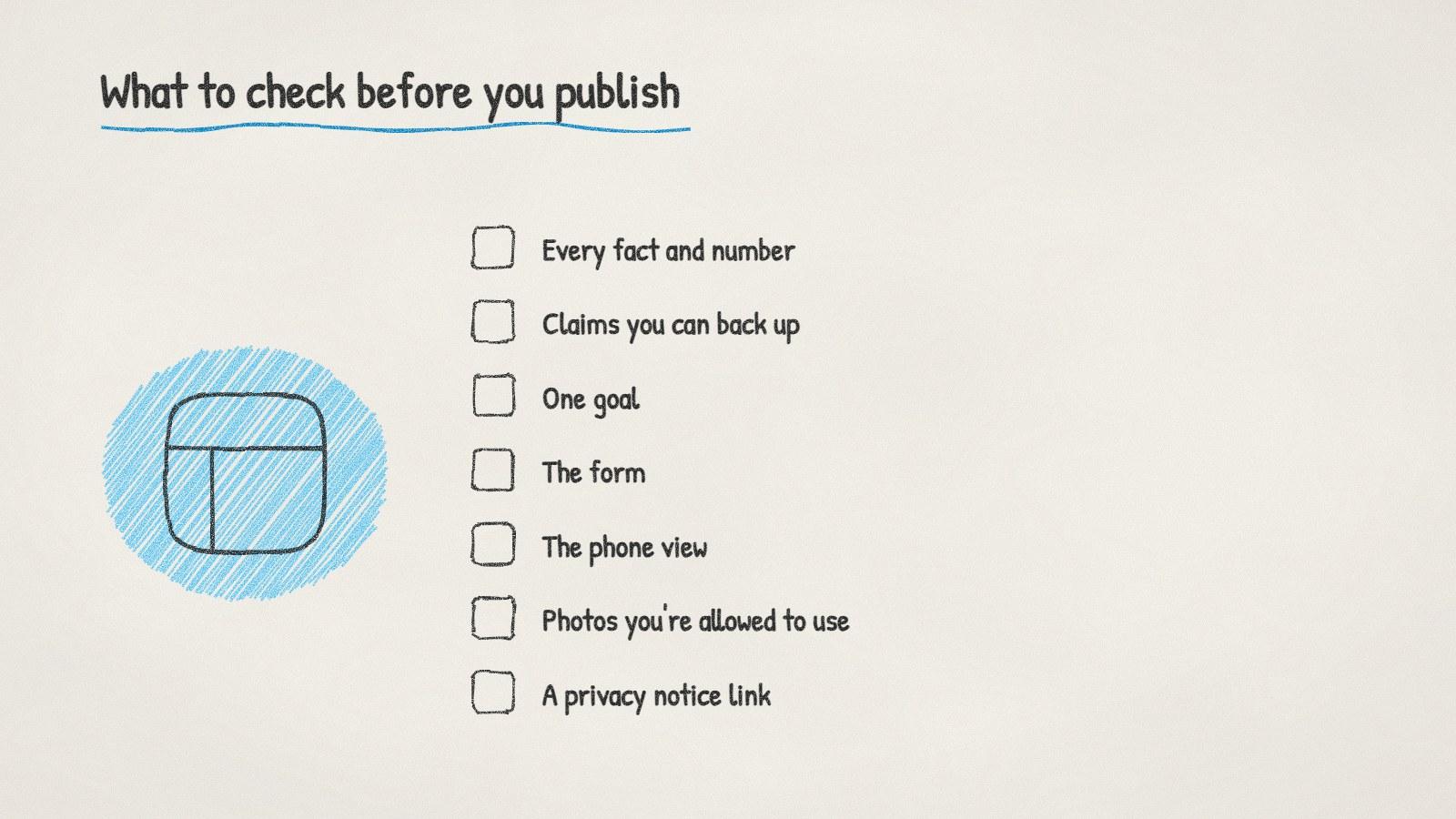
What to check on an AI-written landing page before it goes live.
Will an AI-written page hurt your search ranking?
Not because AI wrote it. Google's 2023 statement on AI content says it rewards helpful content however it's produced. The same guidance warns against mass-producing pages that add nothing, which is a spam problem. One page about your real offer, with your real details, isn't that.
Most landing pages don't live on search anyway. They're where a QR code or an email points.
Doing it with ManyPI
Disclosure: ManyPI is our product.
ManyPI's landing page builder works the way this post describes. You describe the page in a sentence and AI writes it section by section in your brand's look, while you watch. Then you click to change any text, drop in your photos, move sections, or ask AI to rewrite one part without touching the rest. If you'd rather start from something finished, there are ready-made starters for 17 kinds of business, from coffee shops and bakeries to gyms and SaaS.
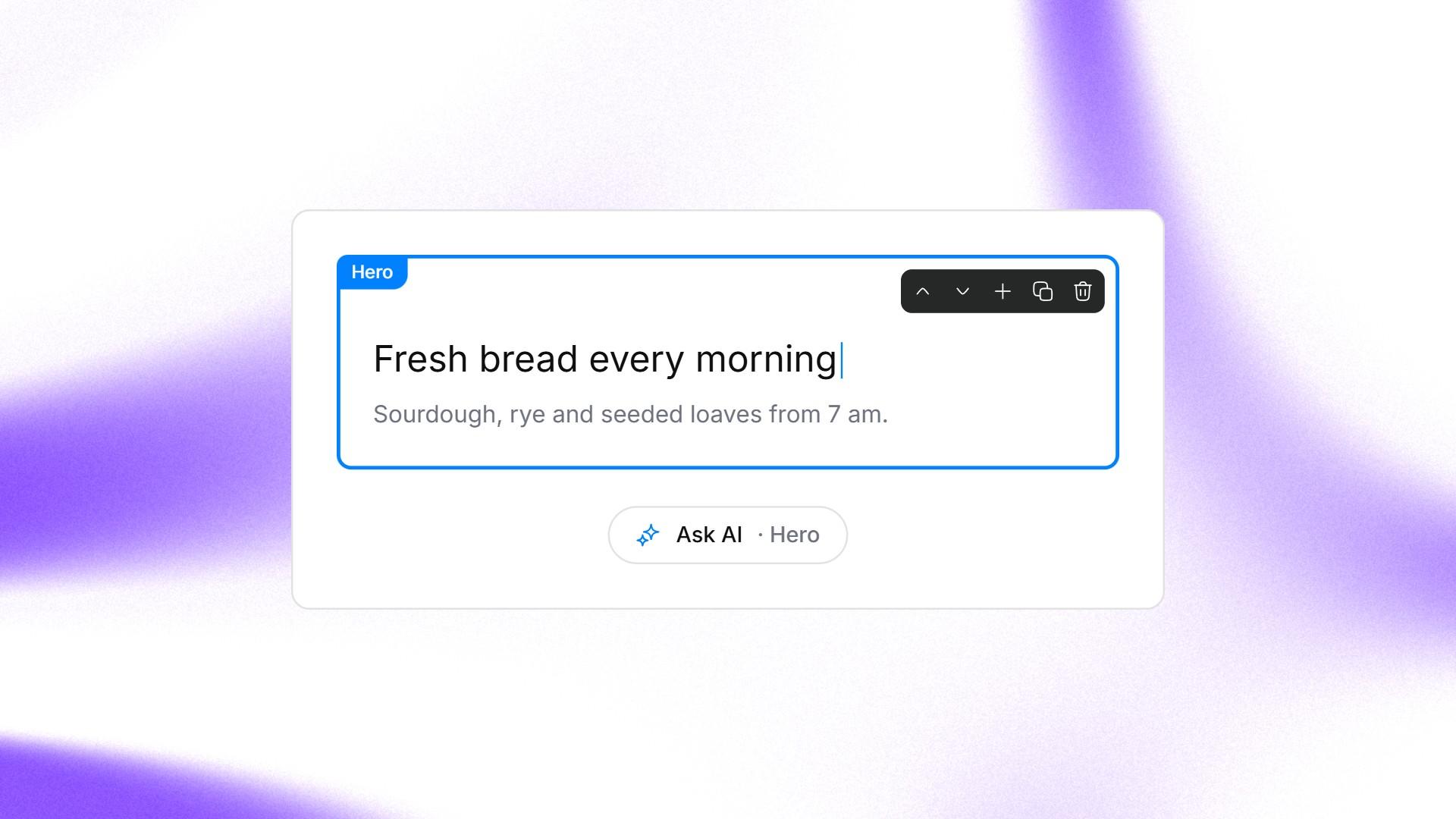
One section of a landing page being edited in place in ManyPI, with Ask AI for that section.
Put any of your ManyPI forms on the page and every response lands as a lead in the list you choose. Publish on a ManyPI address, or your own domain on paid plans, and each page gets a QR code that follows it. Free plans publish with a small "Made with ManyPI" line, and free forms take 3 live forms and 10 responses a month. Paid plans start at $25 a seat a month and remove the line.
Where this advice stops: if your page makes health or financial claims, a quick read-through isn't enough. Have someone who knows the rules in your field check it before it goes live.
Written by
Bastian W.
Content Manager / ManyPI