

TL;DR
The easiest landing page builders we found on Reddit, in r/smallbusiness and r/nocode, for owners who don't code. ManyPI is first because it writes the page from a sentence and puts your lead form on it. Google Sites, Notion, Canva and your own site follow.
Build a landing pageIf you run a business and need one page for one offer, the hard part usually isn't the software. It's the blank screen, and getting a form on the page that actually saves who signed up. These are the five easiest options we found on Reddit, in r/smallbusiness and r/nocode, for owners who'd rather not touch code. ManyPI comes first because it writes the page for you and the form is built in.
The quick list
# | Option | Best for | Cost | Watch out for |
|---|---|---|---|---|
1 | A page written from one sentence, with a lead form on it | Free plan, then from $25 a seat a month | Free forms take 10 responses a month | |
2 | Google Sites | A simple page if you already use Google | Free with a Google account | You write every word and pick every layout |
3 | Notion | Publishing a page you've already written in Notion | Free to publish; custom domains are a paid add-on | Looks like a document more than a sales page |
4 | Canva | Owners who already design flyers and posts in Canva | Free to publish on a Canva address | Free sites carry a Canva footer |
5 | A page on the site you already have | One more page on an existing website | Included in your site plan | Only as easy as your current site is to edit |
1. ManyPI
You describe the page you need in a sentence, something like "a page where regulars vote on our next seasonal drink", and AI writes it section by section in your brand's look while you watch. There are ready-made starters for 17 kinds of business, including coffee shops, bakeries, gyms and SaaS, if you'd rather start from a finished page.
Editing is click and type. You can change any text on the page, drop in your own photos, move sections around, or ask AI to rewrite one part without touching the rest. Then put any of your ManyPI forms on the page, and every response lands as a lead in the list you choose.
Publishing works on a ManyPI address on any plan, or on your own domain on paid plans. Each page also gets a QR code that follows the page, so a printed code keeps working if the address changes.
Here's what's free. The free plan publishes pages with a small "Made with ManyPI" line, and you get 3 live forms with 10 responses a month. Paid plans start at $25 a seat a month, or $21 billed yearly, remove the line and add your own domain. Starter forms take 2,500 responses a month.
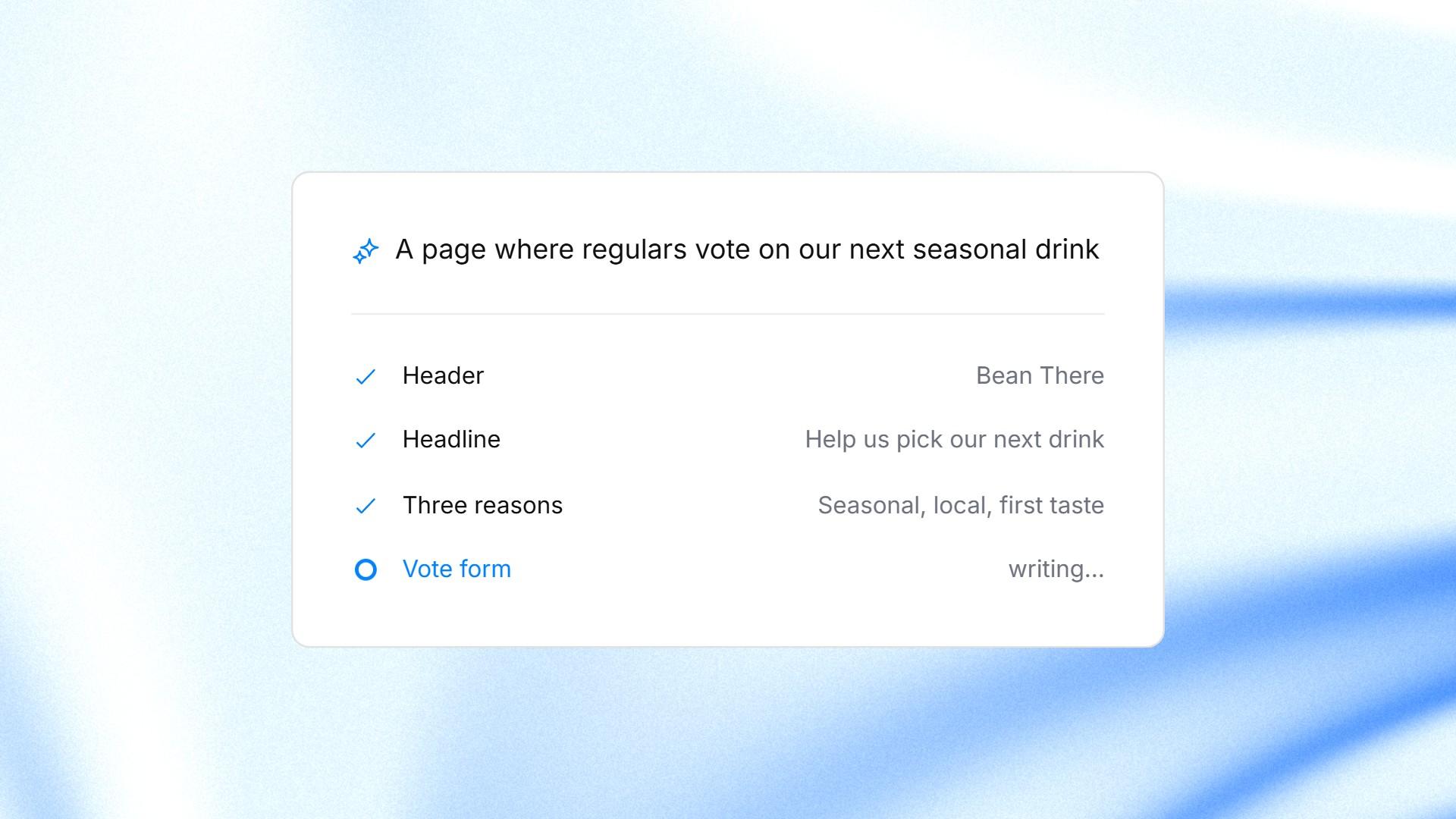
A one-sentence description turning into a landing page, section by section, in ManyPI.
2. Google Sites
Google Sites is free with a Google account and comes up in Reddit discussions as the no-cost way to get a page live. You build from a theme, insert Google files such as a Google Form, then publish the site to a web address. Google also explains how to use a custom URL.
It's easy in the sense that there's little to learn. What it won't do is write the page for you. You start from a theme and fill in each section yourself, and a Google Form on the page sends responses to the form, not to a lead list. If writing sales copy is the part you dread, that's still on you.
3. Notion
If your menus or offers already live in Notion, publishing a page as a Notion Site takes a couple of clicks from the Share menu, and the page updates as you edit it. Notion also has forms whose responses land in a database, and published forms can be shared on the web.
Check what the free plan covers. Notion's pricing page for Sites says free workspaces can claim one notion.site domain, and connecting your own domain needs a paid plan plus a custom domain add-on. The bigger trade-off is the look: a Notion page reads like a tidy document, which suits a menu or an FAQ better than a page built to get sign-ups.
4. Canva
Lots of owners already make flyers and social posts in Canva, so its website feature is a natural next step. Canva's help pages on Canva Websites and publishing websites for free say free accounts can publish on a my.canva.site address, with a "Designed with Canva" footer that stays on the free plan. Custom domains need a paid Canva plan.
The design side is the easiest of any option here, since it's the editor you already know. The gap is the form. A Canva site is built to look good, so check how you'll collect names and emails before you print the link anywhere.
5. A page on the site you already have
The option people forget: add one page to the website you already pay for. It's on your domain and it matches your brand. Most website builders also have a form block you can drop onto the page.
How easy that is depends entirely on your current site. If changing a headline means emailing whoever built it, a separate page you control yourself will get updated far more often.
What easy should mean
Easy covers more than the editor. Before you pick, check four things:
A starting point. A page written for you, or a starter close to your business, so you're not facing a blank screen.
A form that saves responses. Somewhere you'll actually look, ideally as leads you can follow up.
Your own domain when you're ready. A free address is fine for testing, less so on printed material.
Changes without a developer. You'll edit prices and photos more often than you think.
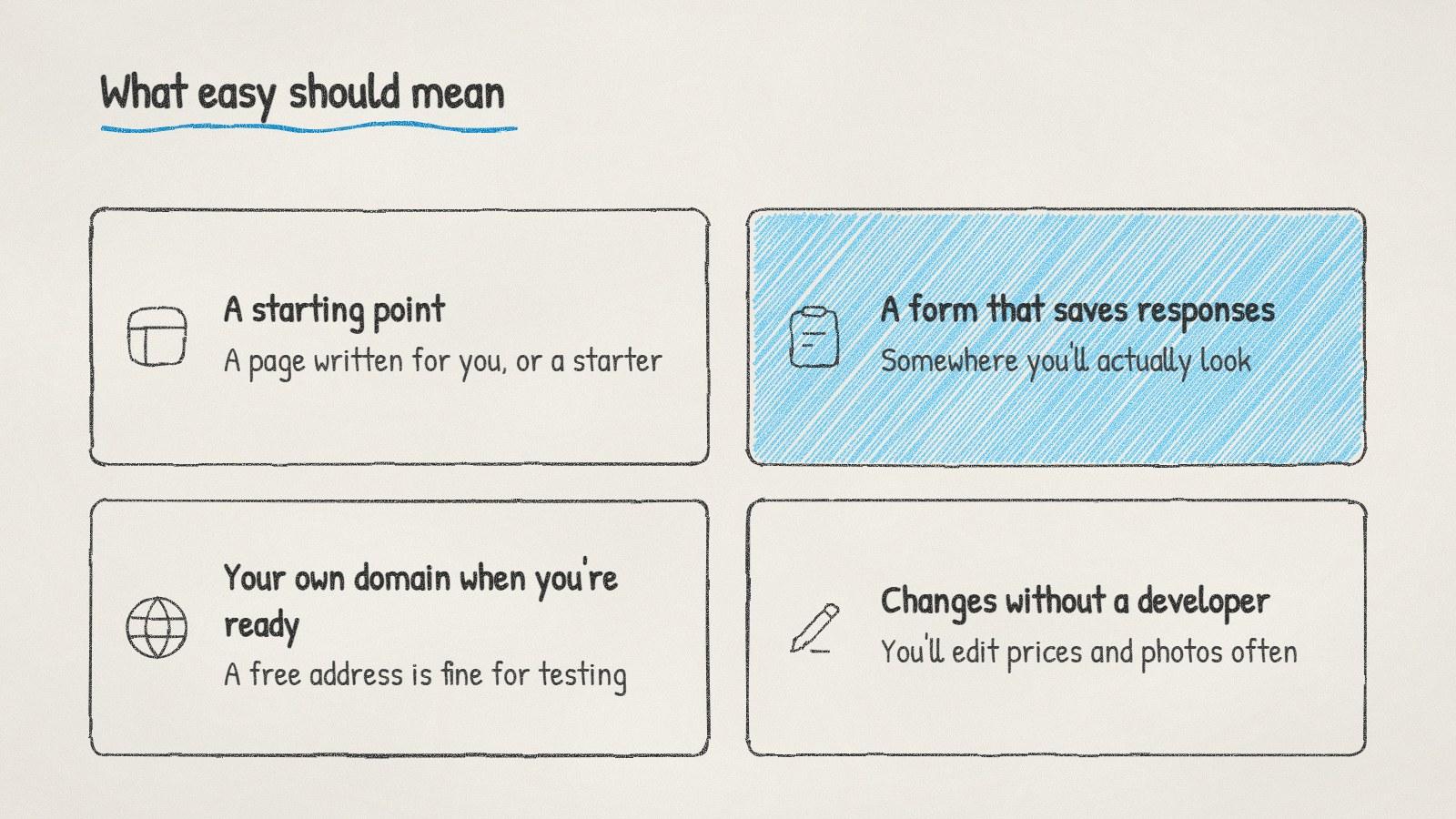
Four checks for an easy landing page builder.
If you need ideas for the form itself, our form templates cover 143 kinds of business, from coffee club signups to quote requests.
Where to read more on Reddit
Subreddit | What it's about | What to search there |
|---|---|---|
r/smallbusiness | Owners running small businesses | landing page, simple website |
r/nocode | Building sites and tools without code | landing page builder, easiest website builder |
r/Entrepreneur | Starting and growing a business | landing page for my business, one page website |
r/sweatystartup | Owners of local service businesses | website for local business, get leads from website |
One trap to avoid with any of these: publishing the page before you've filled in the form yourself. Submit a test entry, then check it arrived where you expect.
Written by
Bastian W.
Content Manager / ManyPI