


TL;DR
Find Shopify stores by searching your niche alongside Shopify's fingerprints, confirm the platform with a tech check, size each store up, then get the owner's email from the about or policy pages and verify it.
Find store owners with ManyPIShopify app makers, ecommerce agencies, 3PLs, product photographers and suppliers all want the same list: Shopify stores in a specific niche, at a size that fits, with a way to reach the person who runs the store. There's no official directory of Shopify merchants, but stores leave enough clues on their own sites that you can build the list yourself.
The method: search your niche alongside Shopify's fingerprints, confirm each store really runs on Shopify, size it up, then find the owner's contact details on the store's own pages.
How to tell a store runs on Shopify
You need this check because plenty of stores look like Shopify and aren't. Any one of these signs is usually enough:
cdn.shopify.com in the page source. Shopify serves theme files and images from it.
A myshopify.com address. Every store has one behind its custom domain, and some links and checkout steps still show it.
"Powered by Shopify" in the footer. Many themes keep it, though plenty of stores remove it.
A public products feed. Many Shopify stores answer at yourstore.com/products.json with their product list, unless the owner has blocked it.
Our free website technology detector checks a single site, and the tech stack lookup handles a list of domains at once and flags the apps each store uses.
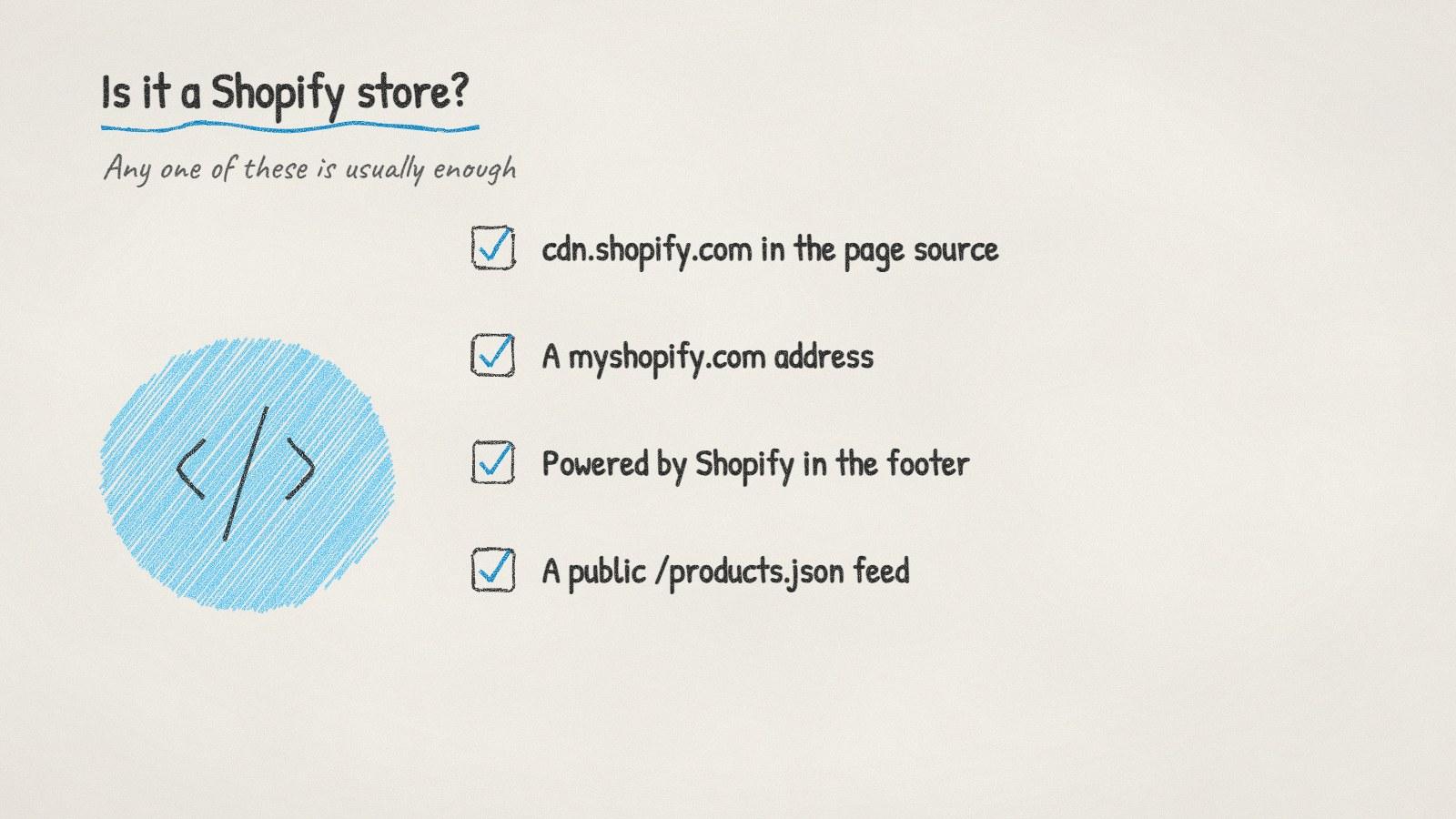
Four signs a store runs on Shopify.
Ways to surface stores in a niche
Search engines are the main tool. A few query patterns work well:
site:myshopify.com plus your niche keyword, for stores that still show their myshopify address.
"powered by shopify" plus your niche, for stores that kept the footer line.
Your product category plus words like "free shipping" or "shop now", then run the results through a tech check.
If you build Shopify apps, there's a better source: the Shopify App Store. Reviews on apps in your category usually show the store name and country of the merchant who wrote them. Those merchants have installed an app like yours and cared enough to review it, and you can find their store from the name.
Size each store before you contact it
A two-product hobby store and a brand doing serious volume need different pitches, and one of them probably can't afford you.
Signal | What it suggests | Where to check |
|---|---|---|
Number of products | Catalogue size and complexity | Collection pages, or the products feed |
Apps installed | Budget and sophistication | A tech stack check (reviews, subscriptions, email tools) |
Product reviews | Real sales volume | Review counts on best-selling products |
Running paid ads | Money going into growth | Public ad libraries, checked by hand |
Hiring | Growing team | Careers page or job boards |
Social following | Brand reach | The links in the store's footer |
A store with a few hundred reviews, a subscription app and an email tool is spending money on growth. A store with no reviews and a default theme might be too early for most paid services.
Finding the owner's email
Shopify stores are unusually good at publishing contact details, because their policy pages need them:
The contact page and policy pages. Refund, shipping and privacy policies often include a support email.
The about page. Small brands tell their founder story there, often with a name.
The domain. With a founder's name and the store's domain, the email pattern is usually simple. Our free email finder checks the likely addresses.
At a small store, the support inbox is often read by the founder. Emailing it is fine. For bigger brands, find the person who owns your area: ecommerce manager, head of growth, operations.
Verify every address before you send. Stores close and change domains often, and support addresses sometimes route to a helpdesk that never forwards sales email.
A pitch that gets read
Point to something specific you noticed on their store. For an app maker or agency, that's usually a gap:
Hi [Name], I was looking at [store] and noticed [specific thing, for example: your best seller has no subscribe-and-save option, even though customers mention reordering it in the reviews]. We help [type of store] [what you do], and [one sentence of proof you can back up]. Would a quick look at how that could work for [store] be useful?
Keep it to a few sentences. Store owners read email on their phones between orders.
Doing it with ManyPI
Disclosure: ManyPI is our product.
You can describe the stores you want in one sentence, for example "Shopify stores in the US selling pet supplements, with under 200 products, and the founder's email". The agent searches and reads the stores live, checks the platform, and records where each lead came from. Every email is verified before sending, and sequences go out from your own inbox and stop when someone replies.
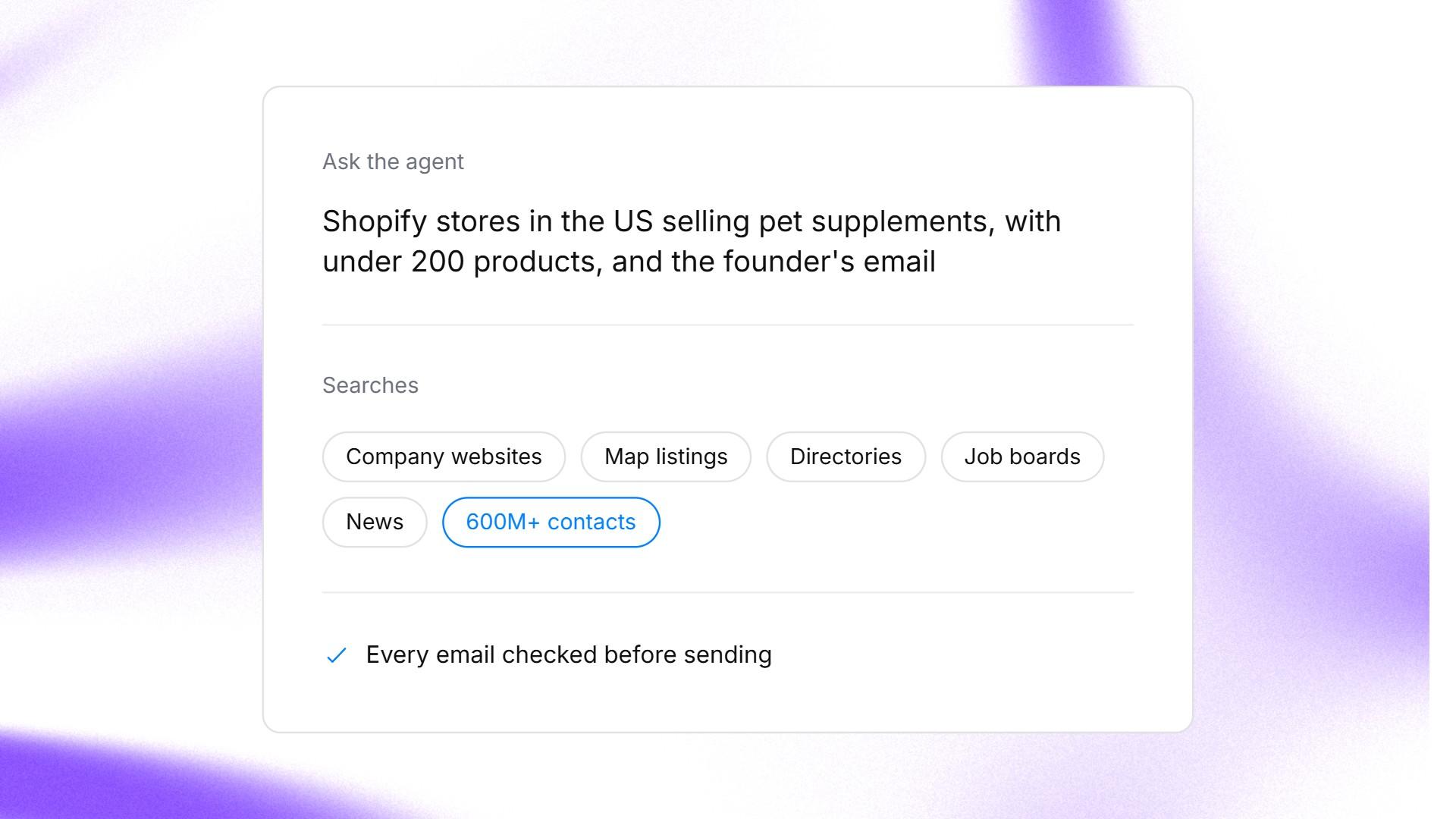
A store search described in one sentence in ManyPI.
Once you've found a few stores that turn into good clients, Lookalike companies finds more stores like them. The lead generation page shows the full setup.
One thing to keep in mind: the products feed and footer tricks work on a lot of stores, but larger brands often switch them off. For the stores you most want, confirm the platform with a tech check rather than ruling them out because one clue was missing.
Written by
Ole Mai
Founder / ManyPI