


TL;DR
Check the company's website first, then work out the email pattern from addresses it publishes, then verify the address against the mail server before sending. Catch-all domains are the exception you need to know about.
Find work emails with ManyPIYou have a name and a company, and you need to email them today. Finding the address is usually quick. The part people skip is checking it exists before sending, and that's the part that protects your domain.
Start on the company's own website, and verify whatever you find against the receiving mail server before it goes into a campaign.
Step 1: Look where the company publishes addresses
Start with the places the company itself puts emails:
Team, about and contact pages. Smaller companies often list staff with their emails.
Press releases and news pages. Media contacts are usually named, with a direct address.
Event and conference pages. Speaker bios sometimes include contact details.
Documents. Brochures, price lists and PDFs often carry a sales contact.
Our free email extractor pulls every address off a page, which saves scrolling through long ones.
Step 2: Work out the company's email pattern
Even if the person you want isn't listed, a colleague's address shows you the format. Most companies use one pattern for everyone:
Pattern | Example for Anna Berg at contoso.com |
|---|---|
first | anna@contoso.com |
first.last | anna.berg@contoso.com |
firstlast | annaberg@contoso.com |
first initial + last | aberg@contoso.com |
first + last initial | annab@contoso.com |
last | berg@contoso.com |
If you find two addresses at the company that follow the same pattern, you can be fairly confident about the third. Our free email finder tries the likely patterns for a name and domain and checks which mailbox exists.
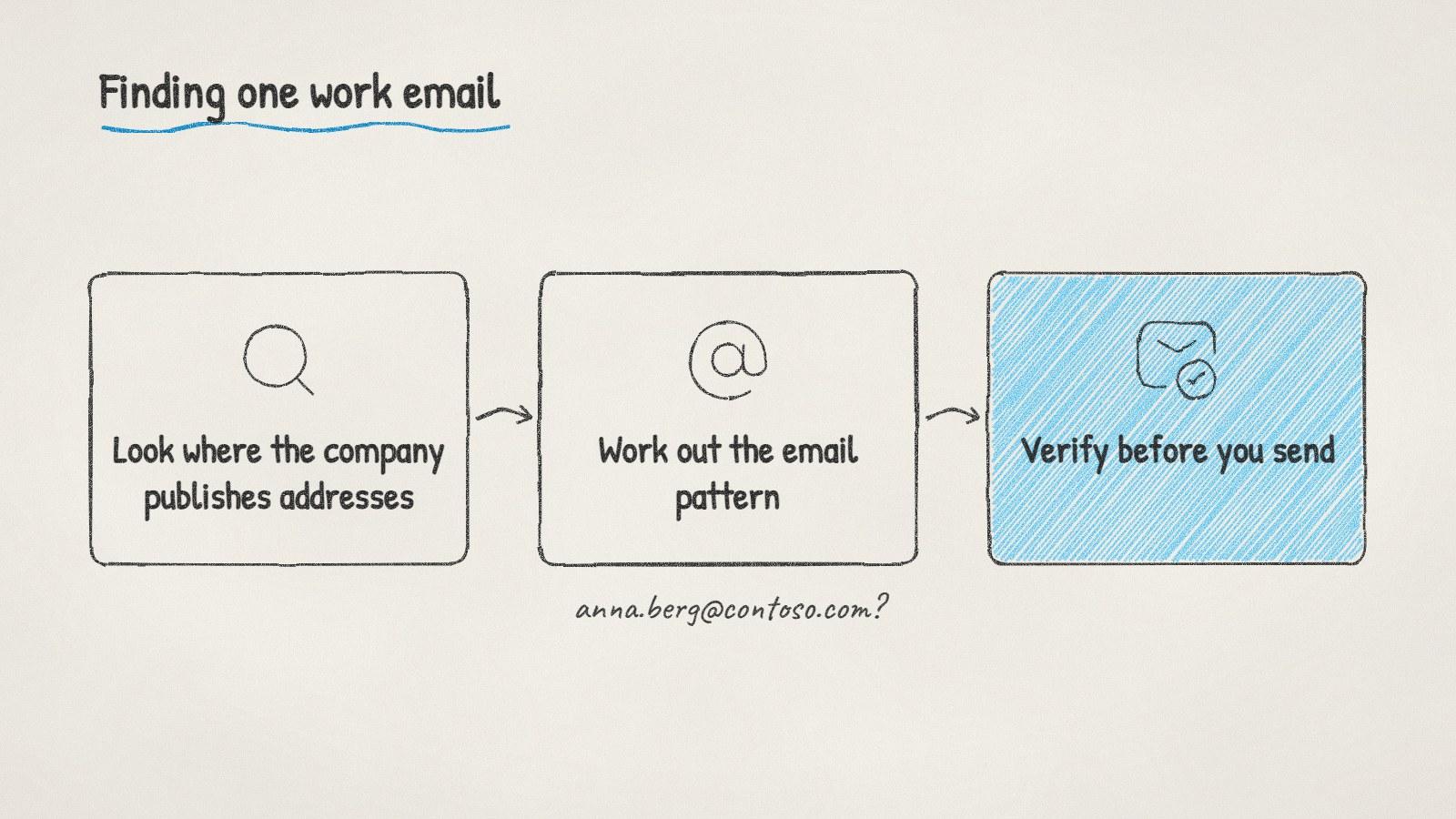
The three steps, in order. A guessed address isn't ready until it's verified.
Step 3: Verify before you send
A guessed address that looks right can still be wrong, and every bounce counts against your sending reputation. Verification checks the address without sending anything: it confirms the domain accepts mail, then asks the receiving server whether that specific mailbox exists.
You'll get one of these results:
Result | What it means | What to do |
|---|---|---|
Valid | The mailbox exists | Send |
Invalid | It doesn't exist | Try the next pattern |
Catch-all | The domain accepts every address, so this one can't be confirmed | Send carefully, or find a second source |
Unknown | The server didn't answer in time | Check again later |
The free email verifier runs these checks on a few addresses at a time.
The catch-all problem
Some companies configure their mail servers to accept mail for any address at their domain. For those, verification can't tell you whether anna.berg@ is real, because the server says yes to anything, including addresses that don't exist.
For a catch-all domain, look for a second source: a published address that confirms the pattern, or a colleague's address in a press release. If you can't find one, send to the likeliest pattern on its own rather than trying several. Emailing five guesses means four bounces later.
When there's no email to find
Some people just don't have a findable work address. In that case:
Send to a shared inbox (info@ or sales@) and ask to be pointed to the right person. At small companies, the owner often reads it.
Ask someone you already know at the company for an introduction.
Call the main number and ask for the person's email.
A note on the rules
A work email address that names a person is still personal data in the EU and UK, so you need a lawful basis for using it, usually legitimate interest, and you should be able to say where you found it. In the US, CAN-SPAM applies to commercial email, including an opt-out and a postal address. The UK ICO's guidance covers business email in the UK, where sole traders count as individuals.
Doing it with ManyPI
Disclosure: ManyPI is our product.
In ManyPI you can search a database of over 600 million contacts by title, company and location, pick the people you want, and the agent finds their work emails. Every address is checked against the receiving mail server before a campaign can use it, and catch-all results are marked so you know which ones are unconfirmed. If you already have a list of names, import it and the agent fills in the emails. The lead database page shows how search and email finding fit together.
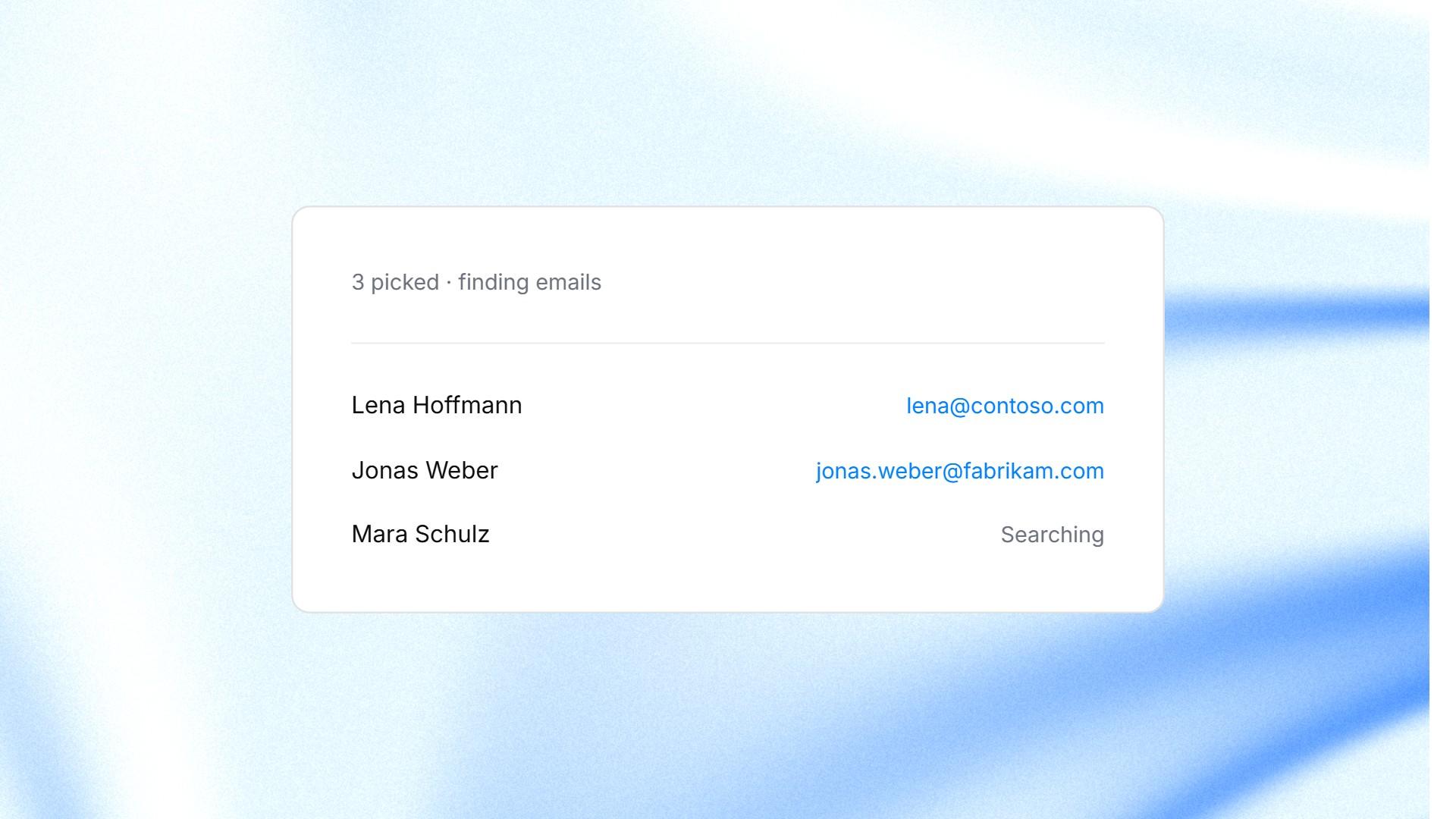
Picking people from a search in ManyPI and finding their work emails.
Finding one address by hand takes a few minutes, which is fine for one person. For a whole list, the checking matters more than the finding. Never send to a batch of guessed addresses without verifying them first.
Written by
Ole Mai
Founder / ManyPI