

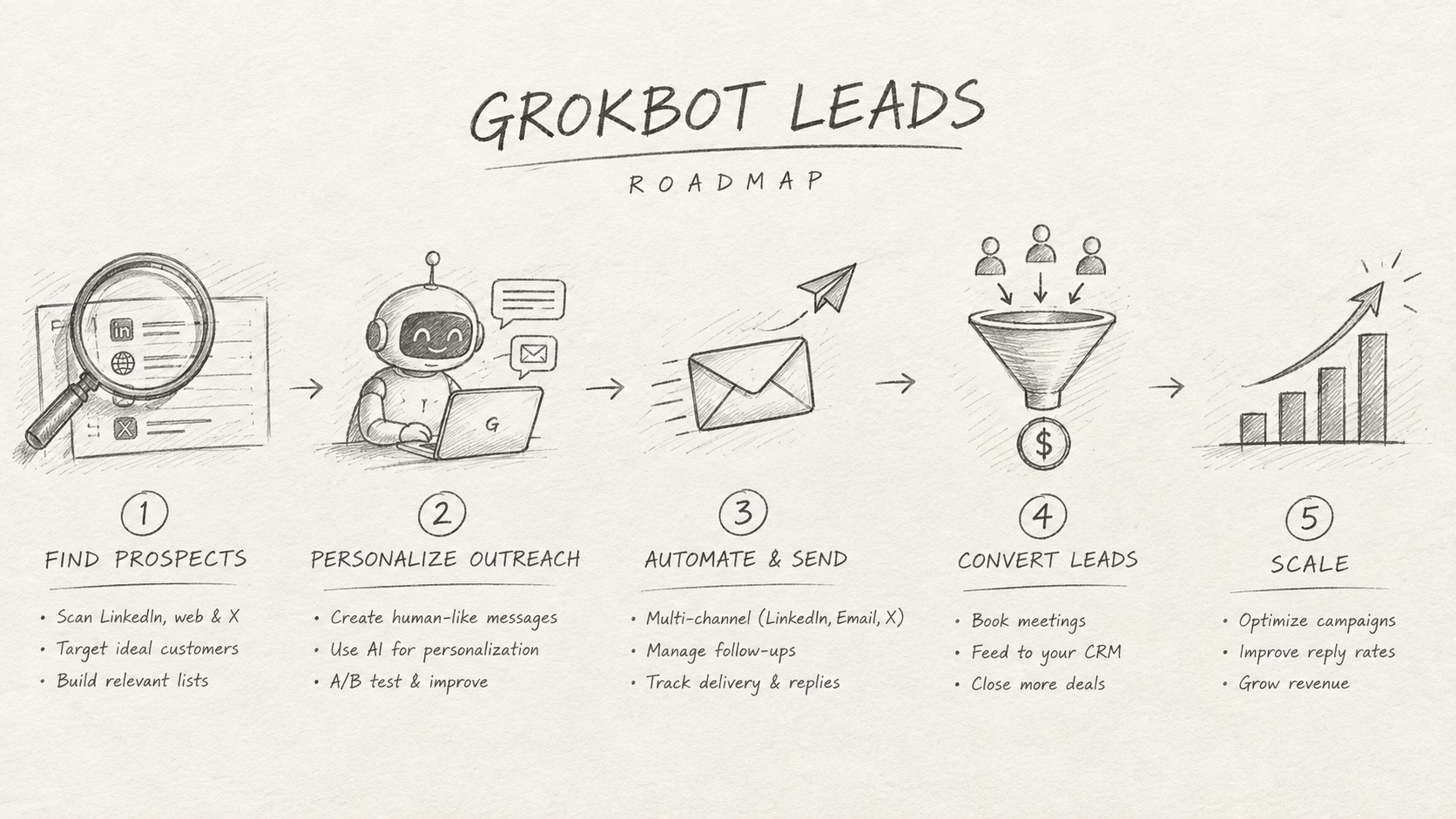
TL;DR
Grok Bot can research companies, but it has no lead database. Connect ManyPI's MCP server (https://mcp.manypi.com/mcp) and Grok Bot can find leads with contacts, save them in ManyPI and draft the outreach. Sending stays in ManyPI.
Grok Bot is good at the legwork around prospecting. It can open a company's website, read its blog and pricing page, and tell you why that company might care about what you sell. What it doesn't have is a lead database. Ask it for 50 agencies with a decision maker and a work email for each, and it goes looking one site at a time.
That's the part ManyPI's MCP server covers. Connect it, and Grok Bot can ask ManyPI to find leads that match a plain-language description, get the contacts back, and save them in your ManyPI workspace, where you can review them and turn them into a campaign.
The short version
Ask Grok Bot to add the MCP server at
https://mcp.manypi.com/mcp. In the Grok app, add it under grok.com/connectors instead.Sign in to ManyPI in the browser window that opens, and allow access.
Ask for leads in plain language: who, where, how many, and that you need emails.
Review the leads in ManyPI, then let Grok draft the outreach. Sending happens from ManyPI.
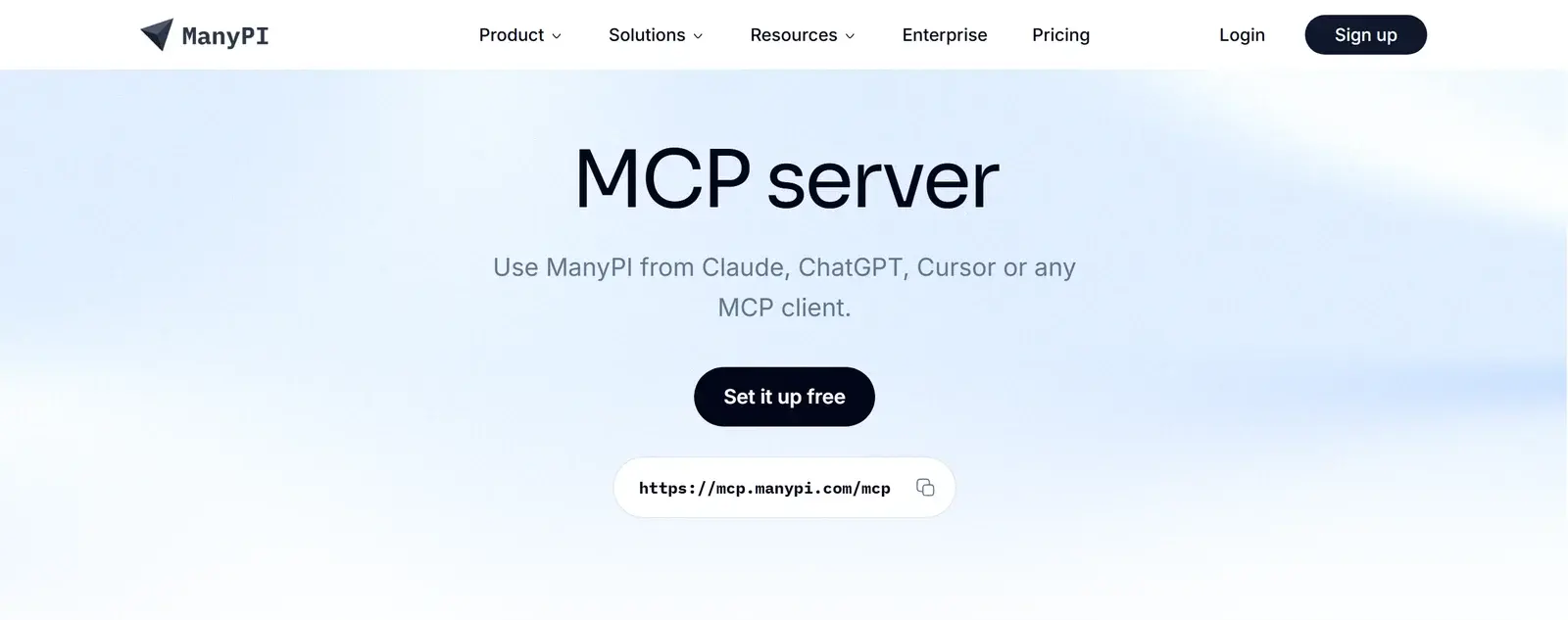
ManyPI's MCP server page, with the server URL https://mcp.manypi.com/mcp
How do you connect ManyPI to Grok Bot?
Grok Bot's built-in connectors live under Connect apps in the sidebar. ManyPI isn't one of them, so you add it as a custom MCP server, and you do that by asking the Bot in chat:
Add the MCP server at https://mcp.manypi.com/mcp and connect it. It signs in with OAuth.
Grok Bot connects custom servers through OAuth only, and the server has to be reachable on the public internet. ManyPI's server is both, so there's no API key to paste. A browser window opens on ManyPI. Sign in, check what Grok Bot is asking for, and allow it. You can revoke the connection at any time in ManyPI under Settings, then Connected apps.
Once it's connected, type @ in a chat to attach ManyPI to a task.
Two things can get in the way. On a Cursor Teams or Enterprise plan, Grok Bot follows your team's connector policy, so an admin may have to allow the server first. And xAI's Grok Bot docs don't cover custom MCP servers yet, so the wording of this step may change. If it doesn't work for you, the Grok app route below does the same job.
Grok Bot comes with paid individual Cursor plans and Cursor Teams, or with a linked SuperGrok, SuperGrok Plus or SuperGrok Heavy subscription. The Grok Bot plans page has the details.
Can you use the Grok app instead?
Yes. In Grok on the web, custom connectors are documented by xAI:
Open grok.com/connectors.
Click New Connector and choose Custom.
Paste
https://mcp.manypi.com/mcpand sign in to ManyPI when asked.
Grok then finds ManyPI's tools by itself. xAI says connectors are open to all Grok users. On Grok Business and Enterprise, an admin sets them up in the console first.
[IMAGE: grok.com, New Connector, Custom, with the ManyPI server URL filled in]
[IMAGE: the ManyPI sign-in and consent screen Grok opens]
How do you ask Grok for leads?
The prompts that work name the buyer, the place, the company size, how many leads you want, and what you need for each one. For example:
Use ManyPI to find 25 e-commerce agencies in Germany with 5 to 50 employees. I need one decision maker and a work email for each. Save them in ManyPI, then show me a table with company, website, contact, role and email.
Behind that prompt, Grok calls ManyPI's generate_leads tool. The search runs inside ManyPI, so it can take a few minutes, and Grok can check on it with get_agent_run. When it's done, the leads are in your ManyPI workspace, and search_leads brings them back into the chat.
[IMAGE: Grok calling ManyPI's tools and showing the leads it found]
A vague prompt gets a vague list. "Marketing agencies" could be anything. "Shopify agencies in Berlin and Munich that build stores for fashion brands" gives the search something real to match.
Start with 10 leads, not 500. You'll see the quality before you spend credits on a big list, and you can tighten the description if the first batch is off.
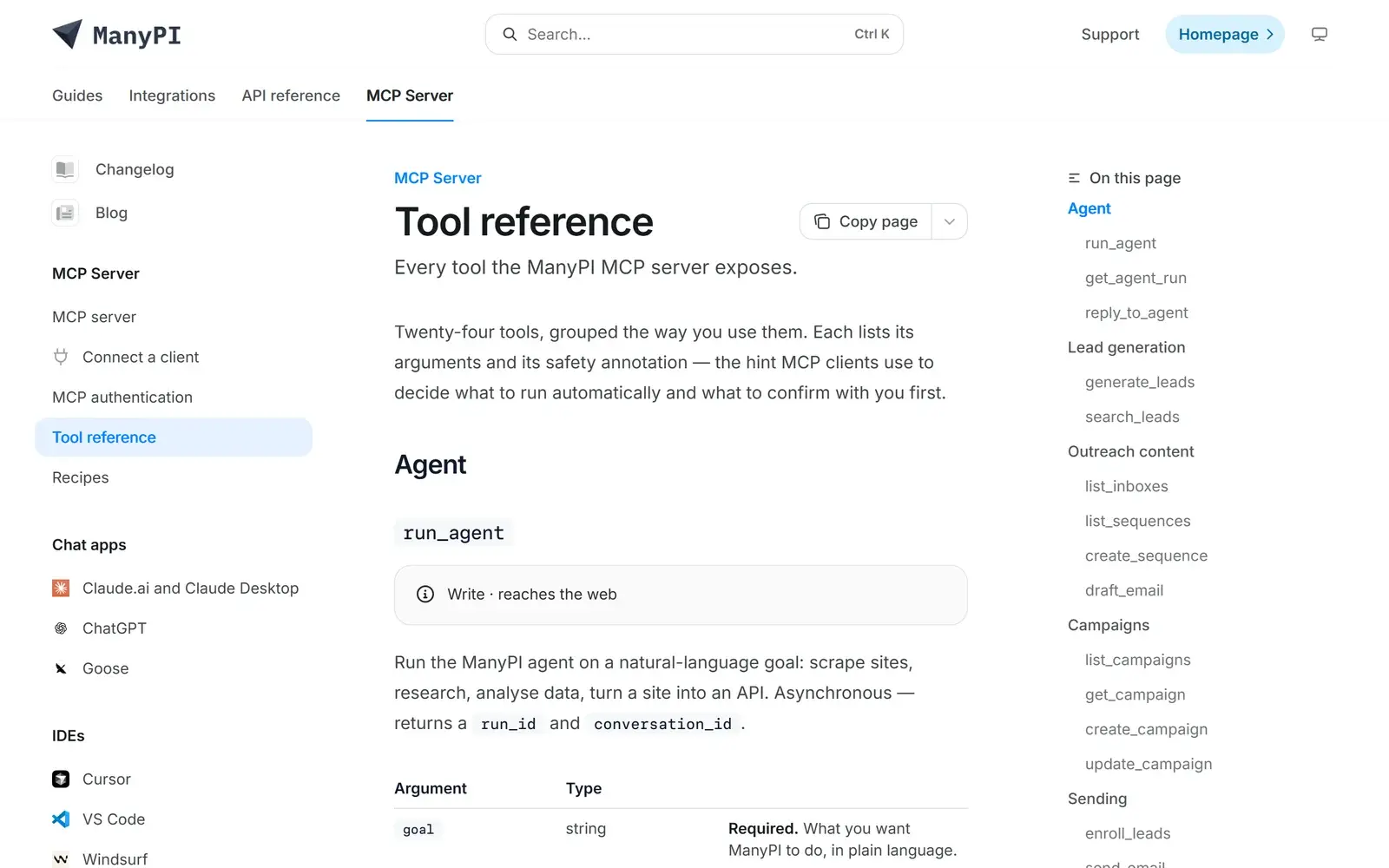
The ManyPI MCP tool reference, with generate_leads and search_leads under Lead generation
Let Grok Bot do the research
This is where Grok Bot earns its place. ManyPI found the leads. Grok Bot has a browser and time. Ask it to read each company's site before you write a word:
For the first 10 leads, read their website and recent posts. Give me one specific, true thing about each company that would make a good first line, with the page you found it on.
Asking for the source page matters. It lets you check each claim in a few seconds instead of trusting it.
When a run like this gives you something you'd actually use, save it as a skill, and turn it into a routine if you want a fresh list every week. xAI's own advice for sales Bots is to have the routine stop at a review list. We'd say the same.
Turn the list into a campaign
ManyPI's tools go past finding leads. Grok can write a sequence with draft_email or create_sequence, set up a campaign with create_campaign, and check how it's doing later with outreach_stats. The tool reference lists all of them.
Sending is the step to keep in your own hands. enroll_leads and send_email need a paid ManyPI plan, and we'd still read the sequence and the lead list in ManyPI before anything goes out. Grok Bot can ask for your approval before it acts, so keep enrolling and sending behind that approval, or do the last step in ManyPI yourself.
What does it cost?
Lead searches started from Grok use your ManyPI credits and plan limits, the same as a search started in ManyPI. On the free plan you can find leads and draft emails within its limits. Sending needs a paid plan, and pricing has the numbers. Grok Bot's own usage counts against the weekly allowance on your Grok or Cursor plan.
If ManyPI's tools don't show up
No tools listed: the sign-in didn't finish or has expired. Remove the connector and add it again.
"Disabled by team admin": your Cursor team's policy blocks the server. An admin can allow it.
A permission error on one tool: the connection doesn't have that permission. Reconnect and allow it.
outreach_locked: sending needs a paid ManyPI plan.
Building with the xAI API instead
If you call Grok from your own code, xAI's API takes ManyPI as a remote MCP tool. Add an mcp tool with server_url set to https://mcp.manypi.com/mcp, server_label set to manypi, and authorization set to a ManyPI API key. Create the key under API Access in ManyPI and give it read and agents to find leads. Setup for every other client is in the MCP docs.
Written by
Ole Mai
Founder / ManyPI