


TL;DR
Point a printed QR code at a page you can change, built for someone holding a phone. The code itself can't be edited once it's printed, so the page behind it has to do the updating.
Build a page for your QR codePoint your QR code at a landing page you control and can edit, made for one thing: the person who just scanned it on their phone. That matters because a QR code stores a fixed address. Once it's printed on flyers or a shop window, you can't change where it goes. You can only change what's at that address.
So the rule for flyers, trade show booths, packaging and shop windows is the same: pick an address you'll keep for years, and make the page behind it easy to update.
Why the QR code should point at a page you can change
A printed code outlives most of the plans around it. The offer ends, or the website gets rebuilt. If the code points straight at a page that later moves or disappears, every printed copy leads to an error page, and nobody tells you.
You have four ways to keep that from happening:
Option | Can you change where people land? | Watch out for |
|---|---|---|
A page on your own website that you promise never to move | Yes, by editing that page | Site redesigns often change addresses |
A redirect on your own domain, like yourshop.com/scan | Yes, by changing the redirect | Someone has to remember it exists |
A landing page tool whose QR code follows the page | Yes, the code keeps pointing at the page | Check what happens to the address if you stop paying |
A dynamic QR service that redirects for you | Yes, in their dashboard | If the service closes or you cancel, codes can stop working |
The common thread: the address inside the code should belong to something you control for as long as the print is out there.
What the page should do for someone who just scanned
The person scanning is standing somewhere, phone in one hand, often in a hurry. Build for that moment:
Match the print. Use the same headline and offer as the flyer or sign, so people know they're in the right place.
Ask for one thing. Join the list or book a slot. Pick one and make it the only big button.
Keep the form short. One question per screen works well on a phone, and an email address is often enough to start.
Load fast on mobile data. Big photos and video slow a page down most on the connection your visitors are likely using.
Owners ask about QR codes on menus and flyers in r/smallbusiness, and marketers compare where codes should point in r/marketing.
What to offer, by where the code is printed
Where the code is | What the page can offer | A form to start from |
|---|---|---|
Flyers and posters | The offer on the flyer, with a signup to claim it | A coffee club signup or other lead magnet form |
Trade show booths | Book a meeting or get the follow-up material | An event or booth signup form |
Packaging | Register the product or reorder | A product registration form |
Shop windows | Something useful when you're closed, like a waitlist or pre-orders | A walk-in waitlist |
All of these are among our 143 form templates. For booths, the page is only half the job. Our guide to booking meetings before a trade show covers filling the calendar before you arrive.
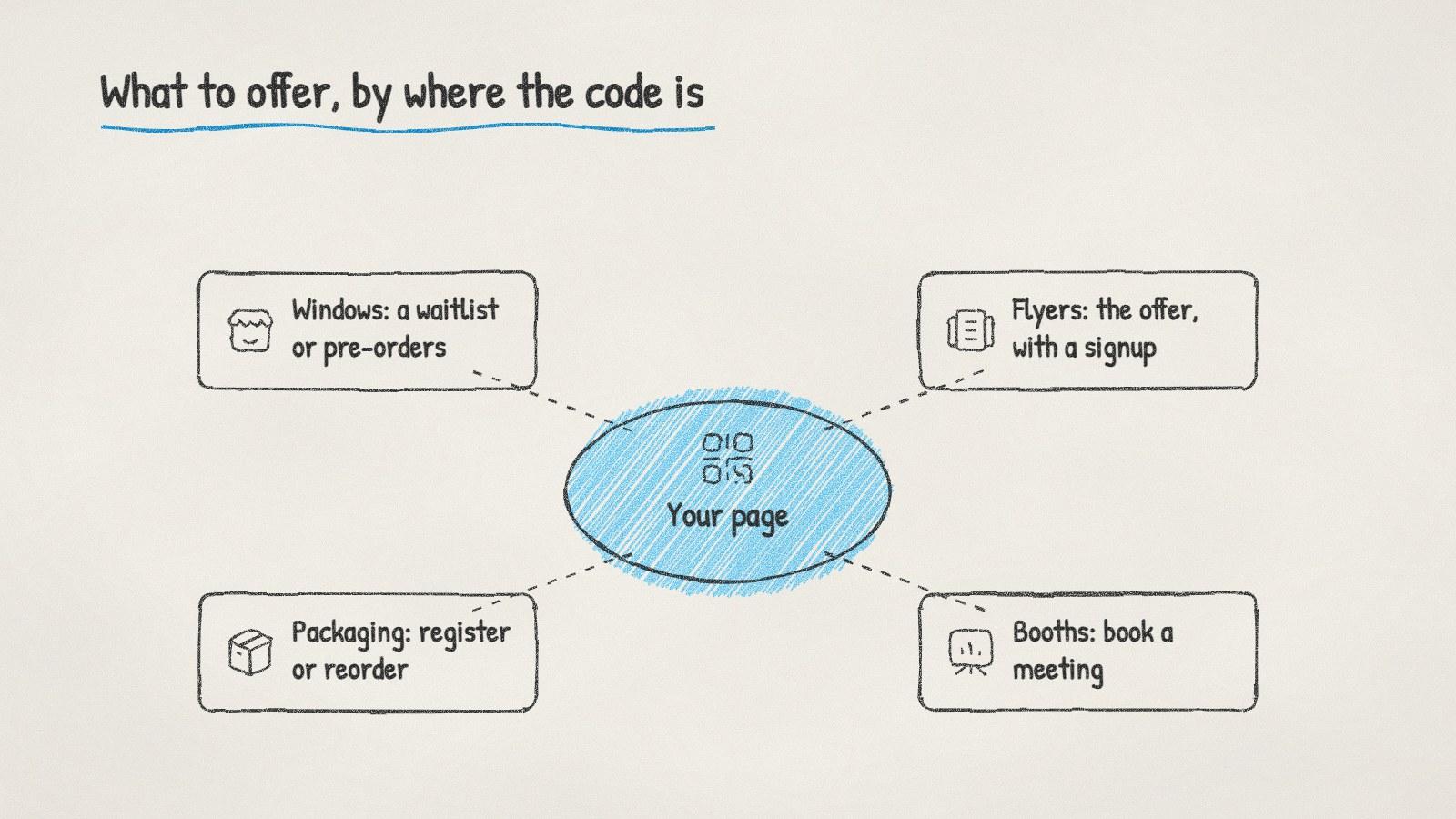
Where QR codes get printed and what the page behind each one should offer.
Printing the code so it scans
Leave the margin. Denso Wave, which invented the QR code, says on qrcode.com that a QR code needs a four-module-wide blank margin on all sides. Don't crop it or crowd it with design.
Test the real print. Scan a proof from the distance people will actually stand, on more than one phone.
Check codes in public places. The FTC has warned about scammers covering real QR codes with their own, for example on parking meters. If your code is on a window or a table, look at it now and then.
Print the address too, in small text under the code, for people who'd rather type it.
Doing it with ManyPI
Disclosure: ManyPI is our product.
ManyPI's landing pages come with a QR code that follows the page, so a code you print once keeps pointing at that page even if its address changes. You describe the page in a sentence and AI writes it in your brand's look, or you start from a ready-made page for one of 17 kinds of business, such as coffee shops and bakeries. Then you click to change any text and put one of your forms on it. Every response lands as a lead in the list you choose.
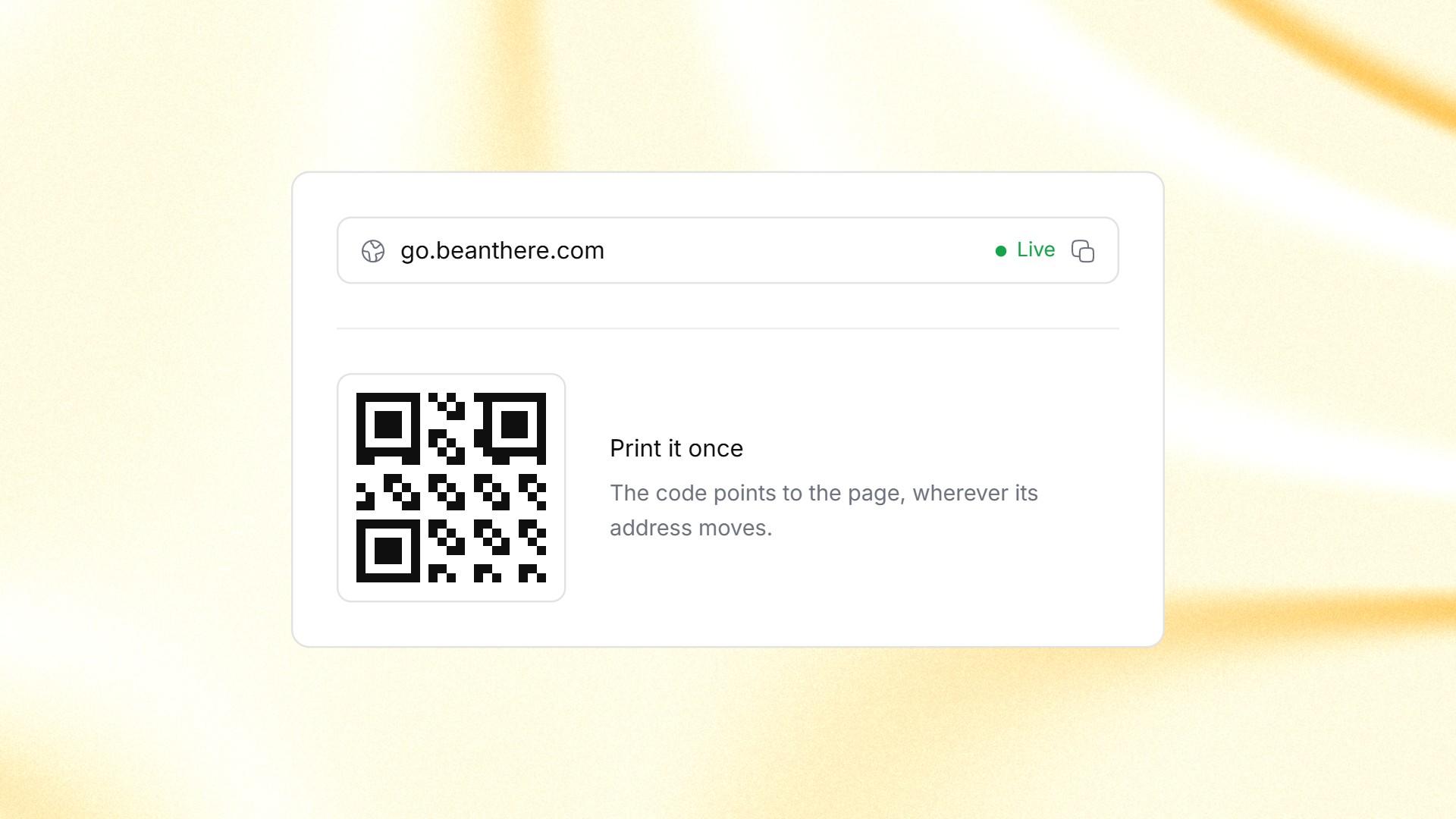
A live landing page on its own address in ManyPI, with a QR code that keeps pointing at it.
Pages publish on a ManyPI address on any plan, with a small "Made with ManyPI" line on the free plan, or on your own domain on paid plans, which start at $25 a seat a month. Free forms take 3 live forms and 10 responses a month, which is enough to test a flyer but not a busy shop window.
Before you send anything to the printer, scan the proof and fill in the form yourself. It's the cheapest moment to find a typo in the address.
Written by
Bastian W.
Content Manager / ManyPI