


TL;DR
Before a local business site goes live, check twelve things: the client's own domain, redirects from the old site, the same name, address and phone everywhere, a page per service, titles, LocalBusiness structured data, tap-to-call, mobile speed and a submitted sitemap.
Build a client siteA new website for a local business is ready for search when it lives on the client's own domain, redirects every old URL, shows the same name, address and phone number as their Google Business Profile, has a page for each main service, and tells Google what the business is with LocalBusiness structured data. Then you submit the sitemap and check it on a phone. The checklist below covers each step, with where to do it.
Agencies ask about launches like this in r/localseo and r/bigseo, often after a redesign has gone wrong.
The checklist
# | Check | Where you do it |
|---|---|---|
1 | The site lives on the client's own domain | Domain settings and DNS |
2 | Every old URL redirects to its new page | Redirects in the site settings |
3 | Name, address and phone match the Google profile exactly | Footer, contact page, structured data |
4 | One page per main service | Pages |
5 | Service-area pages only where there's something real to say | Pages |
6 | A unique title and description on every page | Each page's search settings |
7 | LocalBusiness structured data | Custom code in the head |
8 | The phone number can be tapped to call | The number's link |
9 | Fast and readable on a phone | Phone layout, then PageSpeed Insights |
10 | Reviews shown honestly | The page itself |
11 | A link to the Google profile, and the site on the profile | Footer, and the client's profile |
12 | Sitemap submitted, test pages hidden | Search Console, page settings |
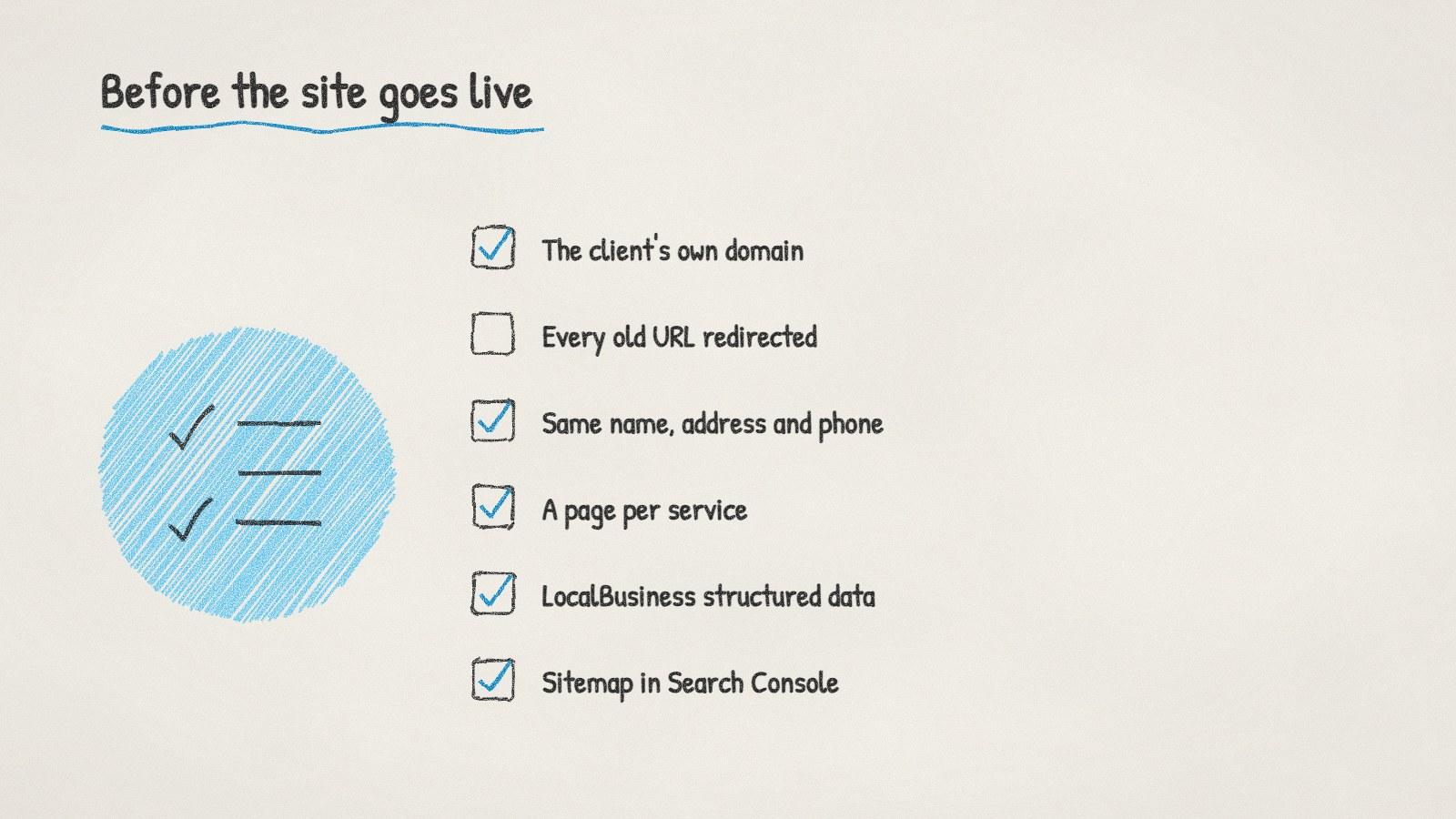
The local SEO checks before a client site goes live.
1 and 2. The domain and the redirects
Search engines index the address the site lives on, so a site on a builder's shared subdomain competes with nothing. Connect the client's own domain before launch, with and without www.
If you're replacing an old site, list every URL it had (the old sitemap, or a crawl) and redirect each one to the closest new page. A redesign that drops old URLs throws away whatever those pages had earned. It's one of the usual reasons a new site does worse than the one it replaced.
3. Name, address and phone, the same everywhere
Copy the business name, address and phone number from the client's Google Business Profile, character for character, into the footer and the contact page. Google's help page on improving local ranking asks for complete, accurate business information, and a site that disagrees with the profile undermines both.
4 and 5. Service pages, and service-area pages done carefully
A plumber with one homepage listing six services has one page trying to rank for six searches. Give each main service its own page, with what it costs or how it's priced, how long it takes, the area covered and a way to ask for a quote.
Service-area pages are where sites get into trouble. A page per town with the same text and a swapped place name is what Google's spam policies describe as doorway abuse. Only add a town page when there's something specific to say: jobs done there, local conditions, a team based there. Otherwise one "Areas we cover" page with a list is the honest version.
6. Titles and descriptions
Each page gets its own title (around 60 characters) with the service and the town, like "Emergency Plumber in Dayton, OH | [Business]". The description is the line people read in the results: what you do, where, and why to call.
7. LocalBusiness structured data
Structured data tells Google, in a format it can read, what the business is, where it is and when it's open. It goes in the page head as a `<script type="application/ld+json">` block. Google's LocalBusiness documentation has a full example to copy and lists the required and recommended properties. The ones a small local business needs:
Property | What goes in it | Example |
|---|---|---|
`@type` | The most specific schema.org type that fits | `Plumber`, `Dentist`, `HairSalon` |
`name` | The name exactly as on the Google profile | [Business name] |
`address` | A PostalAddress: street, town, region, postcode, country | [Street], [Town], [State] [ZIP], US |
`telephone` | The main number, with country code | [+1-555-000-0000] |
`url` | The site's home page | https://[domain] |
`openingHoursSpecification` | Days and hours, matching the profile | Monday to Friday, 08:00 to 17:00 |
Leave out star ratings you collected yourself. Google's review snippet guidelines don't show stars for reviews a local business publishes about itself. Test the result with Google's Rich Results Test.
8 and 9. Tap-to-call, and the phone layout
For most local businesses, the call is the sale. Link the number as `tel:+15550000000` so it dials on a tap, in the header and on every service page. Then open the site on a real phone and run it through PageSpeed Insights. Big photos straight from a camera are a common reason a local site is slow.
10. Reviews, shown honestly
Quote real reviews with the reviewer's first name and where they left it, and only ones the client has the right to show. Don't edit them into something they didn't say. In the US, the FTC's rule on fake reviews covers fake and misrepresented testimonials.
11 and 12. Connect it all up
Put the new URL in the client's Google Business Profile, link the profile from the site's footer, and submit the sitemap in Google Search Console. Hide thank-you pages, drafts and test pages from search, so the index only holds pages worth finding.
Doing it with ManyPI Sites
Disclosure: ManyPI is our product.
ManyPI Sites covers most of the checklist in the editor:
Domains: each site can bring two domains (root and www), with the certificate issued automatically. The shared ManyPI address is never indexed, only the client's own domain.
Redirects: up to 200 per site, in the site settings.
Service pages: the Agent lays out a page per main service when you describe the business, and templates for trades come with Services page sets and a service-areas section.
Search settings: a title, description and social image per page, a canonical address, and "Hide from search engines" for pages that shouldn't be found.
Sitemap and robots.txt: generated for every page, CMS item and language.
Structured data: not automatic. Paste your JSON-LD block into the site's custom code (paid plans).
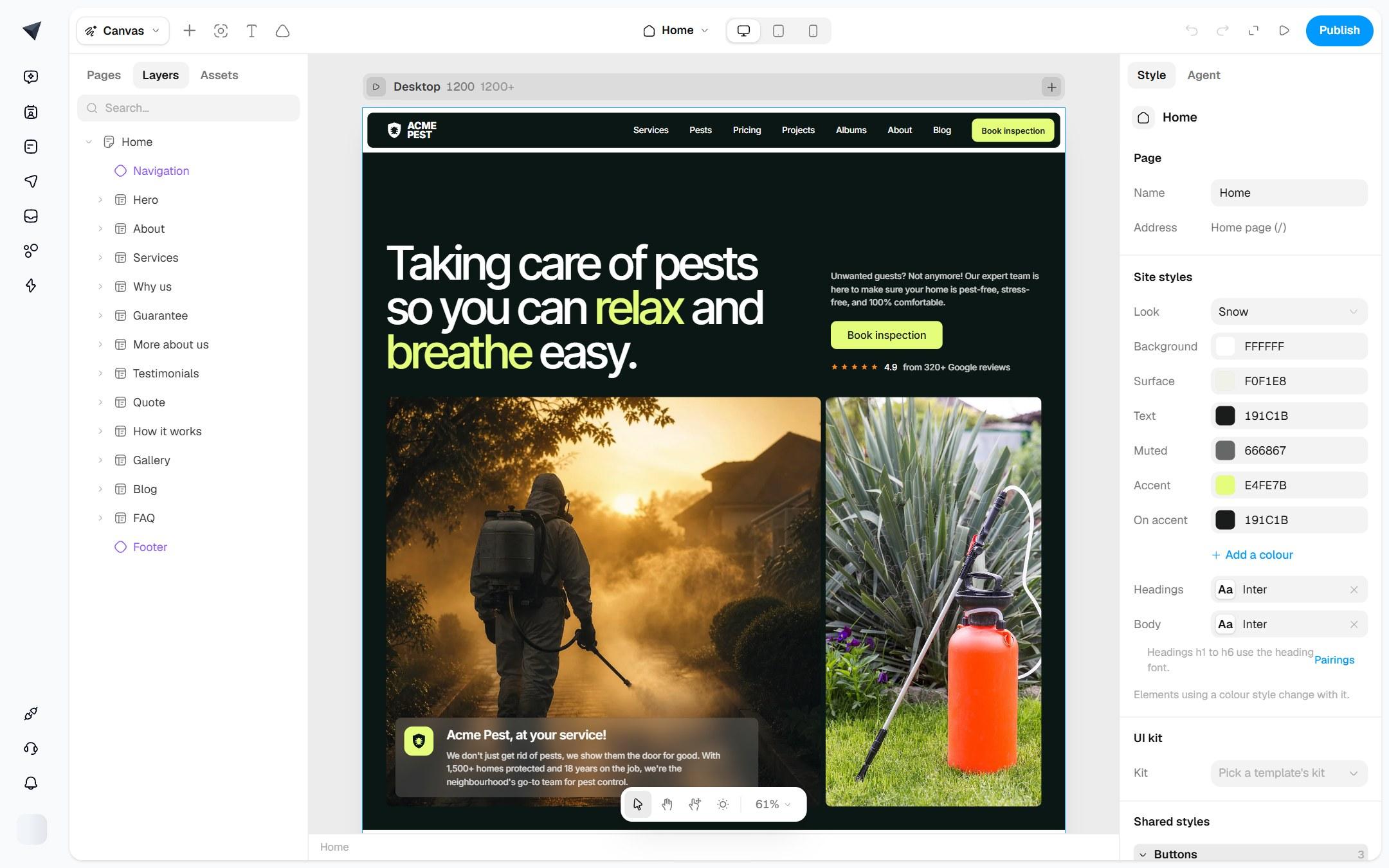
A pest control template open in the ManyPI Sites editor, with its sections listed on the left and the site styles on the right. Sample content.
Rebuilding an existing site is quicker too: paste the client's current domain and the Agent reads up to 40 of its pages, copies the logo and photos, and picks up the address and opening hours where the old site lists them in structured data. To find sites worth rebuilding, see our guide to finding local businesses with outdated websites. Building and previewing are free; a site goes live from $15 a month on a site plan. See the website builder.
If you only have time for one item, make it the redirects. They're the hardest thing to fix once the old site is gone.
Written by
Bastian W.
Content Manager / ManyPI