


TL;DR
School districts publish almost everything you need. NCES lists every US public district, district sites name their staff, and board minutes show what they buy. Find the role that owns your category and pitch while next year's budget is being planned.
Find district contacts with ManyPISelling to K-12 school districts has a reputation for being slow, and the buying cycle often is. Finding who to talk to isn't. Public school districts publish an unusual amount about themselves: who works there, what the board approved last month, what's out for bid, and what the budget priorities are.
If you sell edtech, curriculum, training or services to schools, start with the federal list of districts and each district's own website, especially its staff directory and board minutes. Then time your outreach to when next year's budget is being decided.
Where district information lives
Source | What it gives you | Notes |
|---|---|---|
NCES public district search | Every US public school district, with address, phone, enrolment and number of schools | Free, from the National Center for Education Statistics |
District staff directories | Names, titles and often email addresses | Usually under "departments" or "staff directory" on the district site |
Board meeting agendas and minutes | Approved purchases, contracts up for renewal, stated priorities | Public, and the most useful sales research you can do |
Procurement pages | Open bids and requests for proposals | Shows formal buying processes and deadlines |
State education department directories | Superintendents and district contacts statewide | Format varies by state |
The NCES district search lets you filter districts by state, distance from a ZIP code, district type, and ranges of enrolment and number of schools. That's how you build a list of districts the right size for your product before looking for a single name.
Who decides what
Districts split decisions by category. Pitching a classroom app to the business office, or a finance tool to the curriculum director, wastes everyone's time.
Role | What they usually own |
|---|---|
Superintendent | District-wide initiatives and anything strategic or politically visible |
Assistant superintendent or director of curriculum and instruction | Instructional materials, curriculum, teacher professional development |
Director of technology or CTO | Software, devices, networks, and student data privacy reviews |
Special education director | Special education services and tools |
Business manager or CFO | Budgets, contracts and operational purchases |
Principals | Purchases for their own school, often below a spending threshold |
For most edtech products, you'll need both an instructional champion and sign-off from technology. The technology director often checks student data privacy before anything gets approved.
Read the board minutes first
Board minutes are public sales research that most vendors skip. Within a few meetings you can usually see:
Contracts being renewed, and when they come up again.
Purchases approved in your category, and from whom.
Priorities the board keeps returning to, like attendance, reading scores or staffing.
New hires in the roles you sell to.
An email that mentions something from last month's board meeting reads nothing like one that could have gone to any district.
Work with the budget calendar
Many US districts run a July-to-June fiscal year, so next year's budget gets shaped in the winter and spring before it starts. Products that will be used in the autumn are often decided in the spring. Late summer is the worst time to start a conversation, because everyone is getting ready for the first day of school.
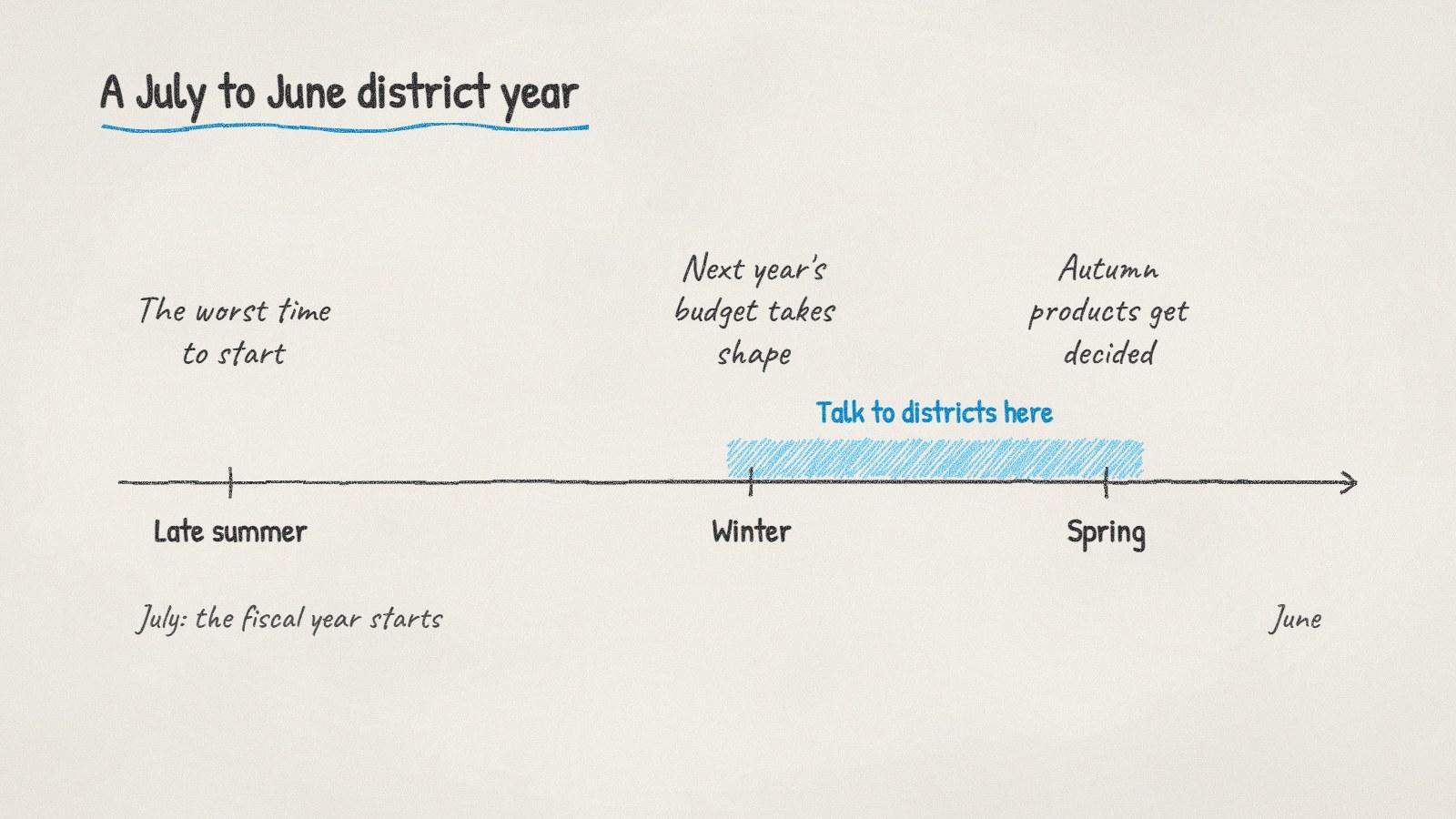
For districts on a July to June fiscal year, winter and spring are when next year's purchases get shaped.
Make it easy to buy once someone says yes:
Student data privacy. Many states have student privacy laws, and districts often ask vendors to sign a data privacy agreement. Have yours ready.
Purchasing cooperatives and existing contracts. If your product is available through a cooperative purchasing contract a district already uses, it can skip a separate bidding process.
Pricing below thresholds. Purchases under a district's or state's bid threshold can often be approved faster, sometimes at school level. Thresholds vary, so check each district's procurement page.
What to write
District inboxes are full and their spam filters are strict. Keep emails short, plain text, and specific to the district:
Hi [Name], I read in the [month] board minutes that [district] is focusing on [priority they discussed]. We work with districts on [what you do], and [one proof point you can back up, such as a district of similar size that will act as a reference]. Our data privacy agreement is ready, and we're available through [cooperative contract, if true]. Would a 20-minute call before you plan next year's budget be useful?
Doing it with ManyPI
Disclosure: ManyPI is our product.
You can describe the districts and roles you want, for example "public school districts in Texas with 5,000 to 20,000 students, with the director of technology's email", and the agent reads district websites and staff directories live, recording where each contact came from. Every email is checked against the receiving mail server before a campaign can use it. That matters with district domains, where a bounce or two can get you filtered. Sequences go out from your own inbox at a pace you set and stop when someone replies.
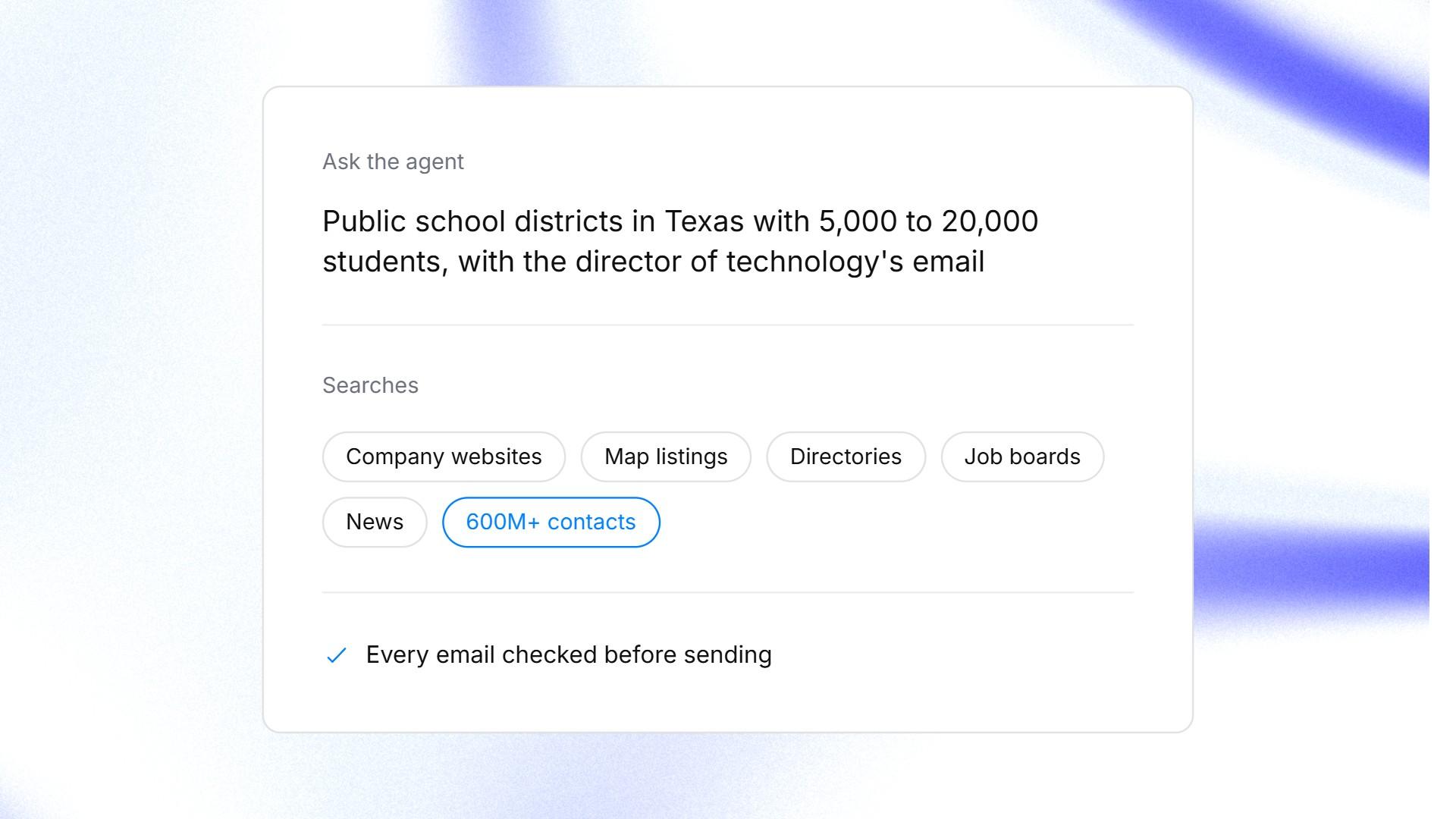
A school district search typed into the ManyPI agent.
The lead generation page shows how it fits together. Keep volume low with districts. A few well-researched emails a day to the right roles will do far better than a large send to every staff address on a directory page.
Written by
Ole Mai
Founder / ManyPI