


TL;DR
The Typeform alternatives that come up on Reddit, in r/SaaS and r/nocode, for lead capture. ManyPI is first because every response becomes a lead in your list. Google Forms, Microsoft Forms, your website builder's form and your CRM's forms follow.
Build a lead formTypeform is the name most people think of for forms that ask one question at a time. When people look for an alternative, it's usually for ordinary reasons: they'd like a different pricing model, or they want the form to live in the same tool as their leads and follow-up emails. These are the five options we found on Reddit, in r/SaaS, r/nocode, r/smallbusiness and r/Entrepreneur, judged on one job: capturing leads you'll actually contact.
The quick list
# | Option | Best for | Cost | Watch out for |
|---|---|---|---|---|
1 | Lead forms where every response becomes a lead you can email | Free plan, then from $25 a seat a month | The free plan takes 10 responses a month | |
2 | Google Forms | Quick forms for a team that lives in Google Sheets | Free with a Google account | Responses land in a sheet, so follow-up is manual |
3 | Microsoft Forms | Teams on Microsoft 365 | Free with a Microsoft account | Free personal accounts cap each form at 200 responses |
4 | Your website builder's own form | A contact form on the site you already have | Included in your site plan | Usually one page of fields, delivered to an inbox |
5 | Your CRM's built-in forms | Sending contacts straight into the CRM you use | Depends on the CRM plan | Features vary a lot by plan |
1. ManyPI
ManyPI's forms ask one question at a time, on a hosted link you share or embedded on your site with one snippet. The snippet works inline, as a popup, a slider or a side tab. What sets it apart for lead capture is where the answers go: every response becomes a lead in the list you pick, deduplicated, with the page it came from.
Logic is built in. You can branch and hide questions, score answers, set up more than one ending, and send your best leads straight to a booking link. The forms set no cookies and need no cookie banner. If you'd rather not start from a blank page, there are 143 form templates for specific kinds of business, from demo requests to quote forms.
Because the leads are already in ManyPI, the follow-up can happen there too. Campaigns send from your own Gmail, Outlook or SMTP inboxes, with follow-ups that stop when someone replies. Sending needs a paid plan.
Know the limits before you build. The free plan gives you 3 live forms and 10 responses a month, and the small "Made with ManyPI" credit stays on. Starter is $25 a seat a month, or $21 billed yearly. It raises that to 25 live forms and 2,500 responses a month, removes the credit and adds one custom domain.
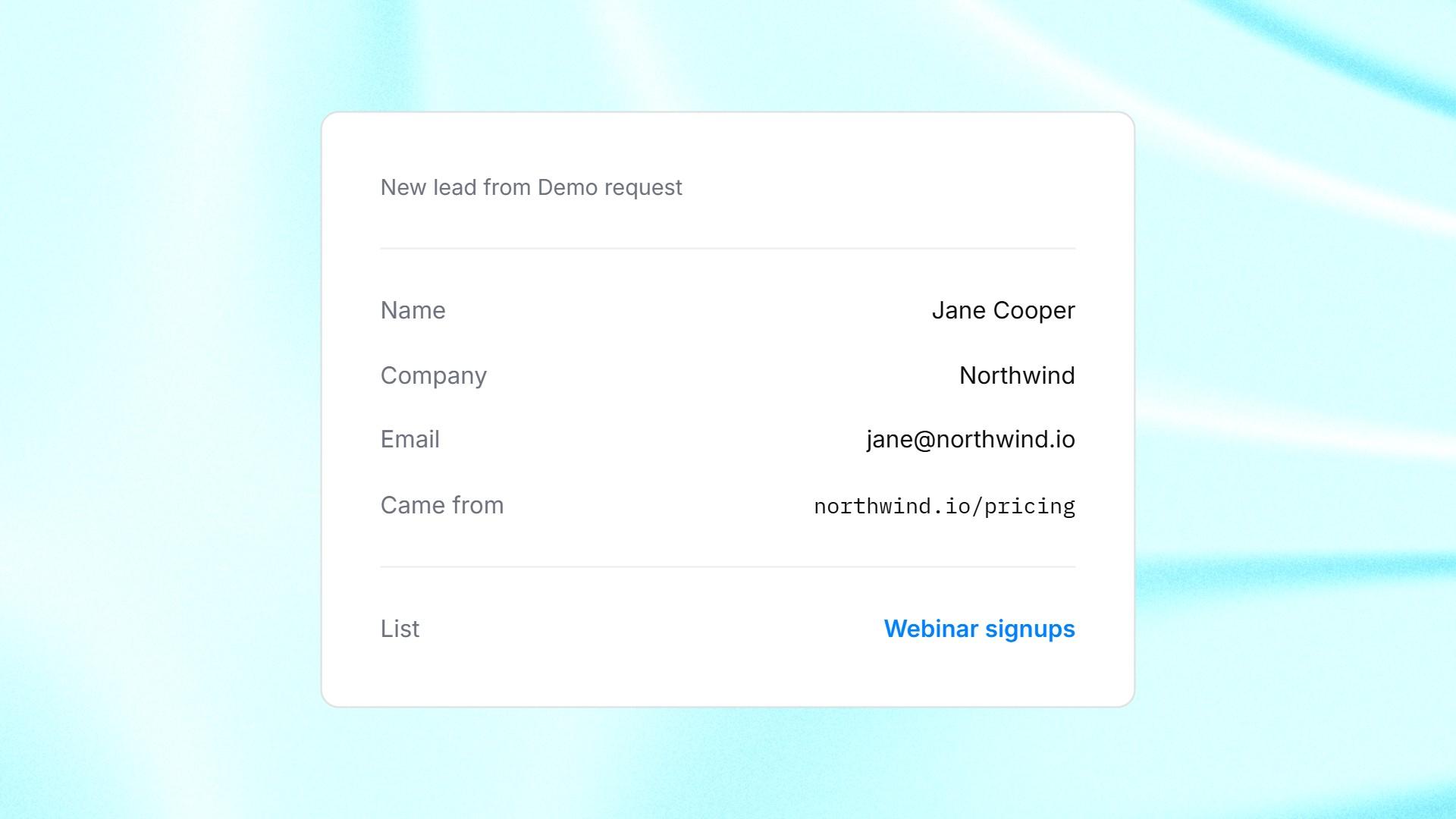
A form response saved as a lead in a ManyPI list, with the page it came from.
2. Google Forms
Google Forms is free with a Google account, and it's the first free option that comes up in Reddit discussions about forms. You can send responses to a linked Google Sheet, and embed the form on your site by copying its HTML.
It can branch, too. Google's help page on showing questions based on answers explains how to send people to a section based on what they picked, which works for multiple choice and dropdown questions. Questions are grouped into sections rather than shown one per screen.
For lead capture, the gap is what happens next. A row in a spreadsheet isn't a lead in a campaign. Someone has to copy it over and write to them, and if that takes two days, the lead has gone cold.
3. Microsoft Forms
Microsoft Forms is the same idea for people on Microsoft 365, and it's free with a personal Microsoft account. It supports branching logic, so people only see the questions that apply to them.
Check the limits for your account type. Microsoft's limits page puts free personal accounts at up to 200 responses per form, paid personal accounts at 1,000, and most work and school accounts at up to 5,000,000. Like Google Forms, it's built for surveys and quizzes first, so moving a response into a sales follow-up is a job you do by hand.
4. Your website builder's own form
Almost every website builder has a form block. It's already paid for and it matches your site. For a plain "get in touch" form on a small business site, that's often enough.
These forms are usually one page of fields, and submissions arrive as an email notification or a list in the builder's dashboard. There's rarely any logic or a booking link at the end. If the form is your main source of leads, check where the entries go and how quickly someone sees them.
5. Your CRM's built-in forms
If you already run a CRM, look at its forms before adding another tool. HubSpot's forms tool creates contacts from submissions, and Zoho CRM's webforms can hand new records to the right person with assignment rules. The lead lands where your pipeline already is.
What you get depends on the CRM and the plan. Some offer multi-step forms, others a single block of fields. Check your plan's form limits and embed options before you rebuild everything there. If you're still choosing a CRM, our list of simple CRMs for cold outreach covers the lighter options.
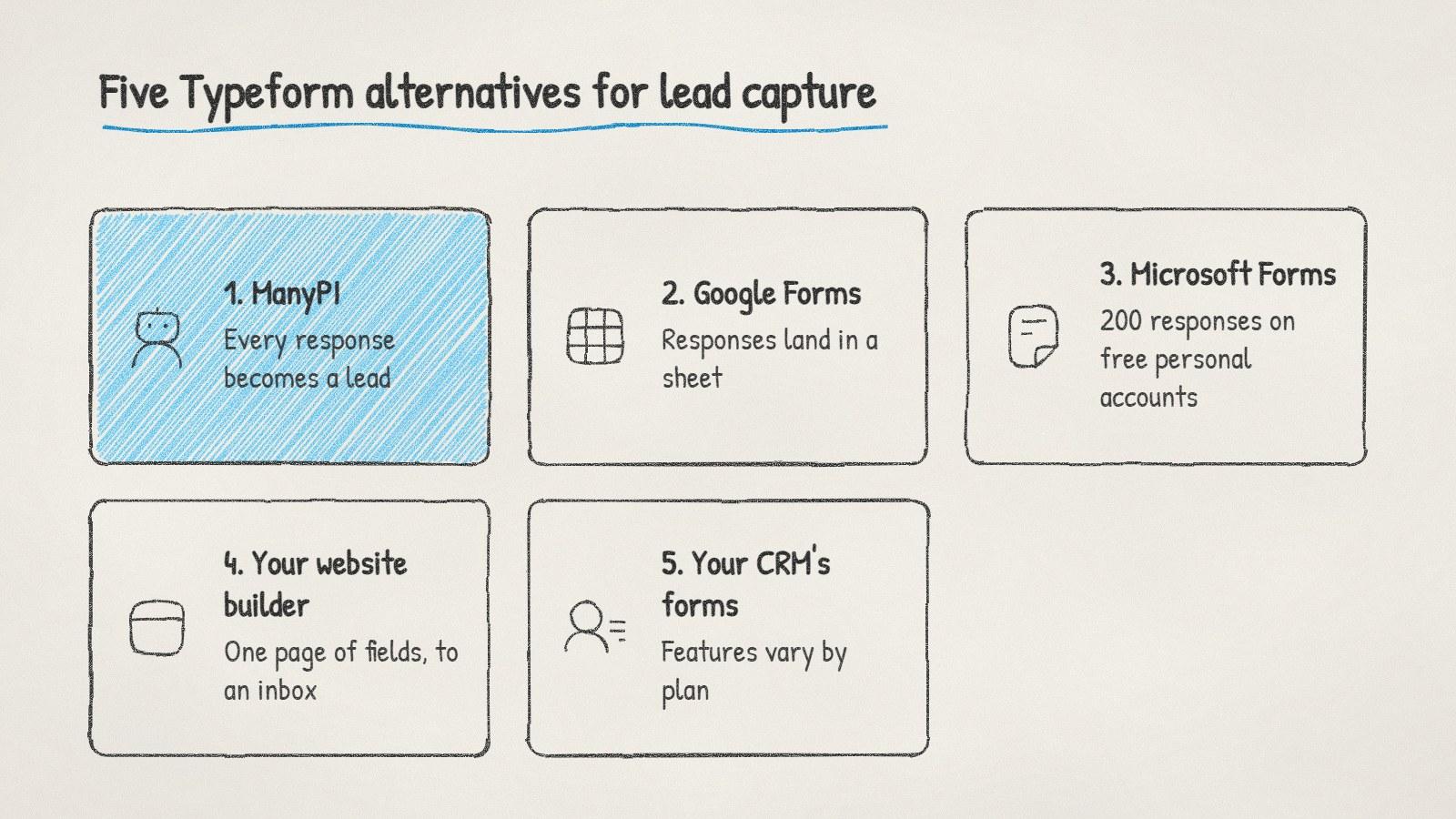
Five Typeform alternatives for lead capture, and the catch with each.
How to choose between them
You want responses to become leads you'll email. Pick a form that writes to a lead list, so nothing waits in a spreadsheet. That's the case ManyPI is built for.
You need a free form today and expect few responses. Google Forms or Microsoft Forms, plus a daily habit of checking the sheet.
You only need a contact form on your site. Use the one your website builder already has.
Your team already works in a CRM. Try its forms first, and add a tool only when they can't do what you need.
Where to read more on Reddit
Subreddit | What it's about | What to search there |
|---|---|---|
r/SaaS | Founders building and selling software | form builder, lead capture form |
r/nocode | Building tools and sites without code | Typeform alternative, conditional logic |
r/smallbusiness | Owners running small businesses | website contact form, leads from form |
r/Entrepreneur | Starting and growing a business | lead form, landing page form |
Whichever you pick, test it the way a visitor would before it goes live. Fill it in on your phone, then check where the response lands and how long it takes someone on your team to see it.
Written by
Bastian W.
Content Manager / ManyPI