


TL;DR
The Webflow alternatives for agencies we found on Reddit, in r/agency and r/webflow. ManyPI Sites is first, with a brand per client, every client site on one invoice and preview links with access codes. WordPress multisite, Cloudflare Pages, Google Sites and Canva follow.
Run client sites in ManyPIFor an agency, the designer is half the job. The other half is admin: a site plan per client, whose card pays it, how a client signs off a draft, and what the client can touch once they're logged in. These are the Webflow alternatives for agencies we found on Reddit, in r/agency and r/webflow, compared on that admin side as much as on design.
The quick list
# | Option | Best for | Cost | Watch out for |
|---|---|---|---|---|
1 | Agencies running many client sites, with leads and outreach in the same account | Free to build and preview; each site from $15 a month, on one invoice | Client roles and per-client brands start on Pro | |
2 | WordPress multisite | Agencies with a developer who can host and maintain it | Free software, plus hosting | One install means one update touches every client |
3 | Static sites built with AI on Cloudflare Pages | Clients who never edit their own site | Free plan, you pay for domains | Every change comes back to you |
4 | Google Sites | Tiny clients on a tight budget | Free with the client's Google account | Limited design |
5 | A Canva site the client edits | Clients who already design in Canva | Free on my.canva.site; own domain on Canva Pro | The Canva footer stays on the free plan |
1. ManyPI Sites
ManyPI treats your workspace as the agency and each client as a brand. A brand holds that client's pages, forms, sending inboxes and campaigns, so switching brand switches what you're working on. Pro covers 3 brands and Business is unlimited, one per client.
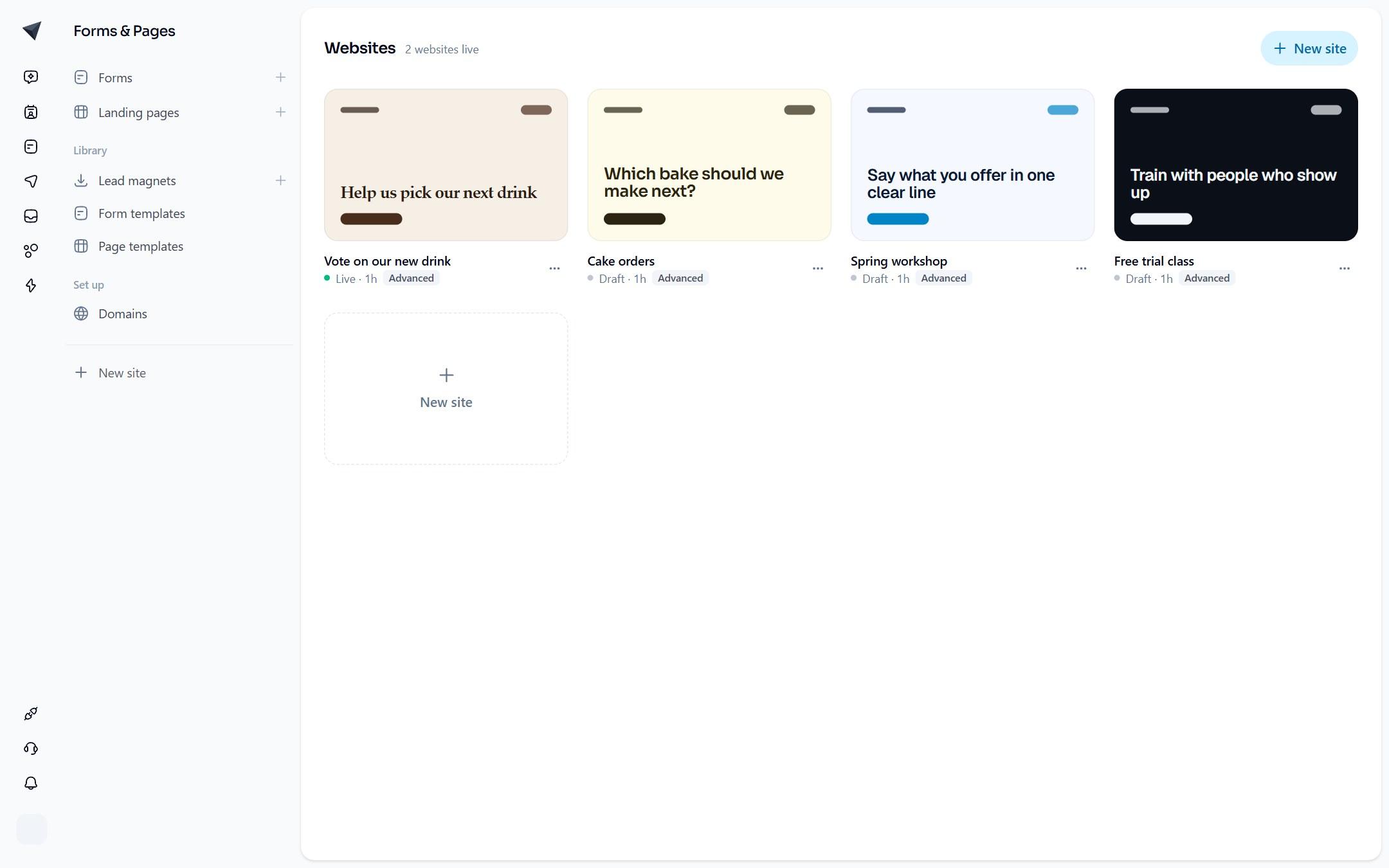
Forms & Pages, then Websites in ManyPI: one card per site with its status. Sample sites.
Billing is the part agencies notice first. Every client site has its own plan, from Basic at $15 a month up to Scale at $79, and all of them sit on the workspace's one Sites subscription, so you get one invoice and bill clients however you like. Business, at $150 a seat a month, includes 10 sites at Basic, and a per-brand usage report you can download as a CSV for invoicing.
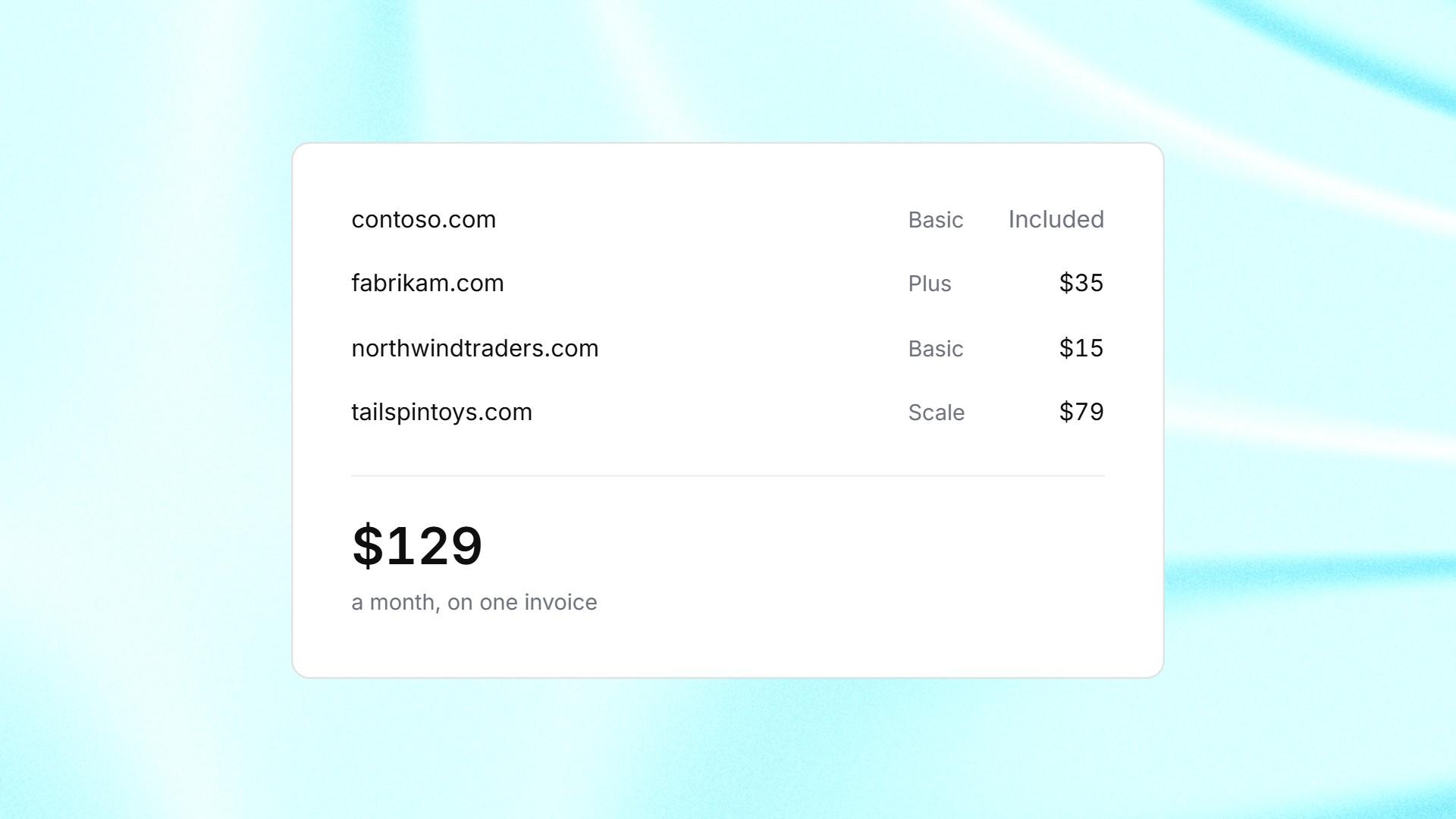
Four client sites on their own domains, one included in the workspace plan and three paid sites billed on one invoice.
Approvals happen through preview links. Each link shows the draft behind a six-digit access code and expires after 7 days, 30 days or never. A new code ends access for anyone holding the old one. When the client is ready to log in, the Client role is a free seat that sees their sites, leads and campaigns without changing anything. Client editor, a paid seat, can edit their own sites and CRM and never sees another client. If a client leaves and wants their site, Business can export it as code.
The rest of the account is built for winning those clients. Check websites scores how outdated a saved lead's site is, at no cost, which is how you find businesses with outdated websites worth pitching. Campaigns then email the owner from your own inbox. Sending needs a paid plan. The free account lets you build and preview a first client site.
2. WordPress multisite
WordPress can run many sites from one install. The handbook's guide to creating a network walks through enabling it, and every site then appears under a Network Admin menu.
It's cheap on paper, since the software is free and one hosting plan carries every client. The risk is the shared install. A plugin update or an outage reaches every client at once, and moving one client out later takes real work. It suits agencies with a developer on staff who treats hosting as a service they sell.
3. Static sites built with AI on Cloudflare Pages
For clients who'll never log in, a static site is hard to beat on cost. An AI chat writes the HTML, and Cloudflare Pages hosts it on the Free plan, with 500 builds a month and up to 100 custom domains per project.
Every edit routes through you. Some agencies like that, because changes are billable. Clients who want to fix a typo on a Sunday night won't.
4. Google Sites
For a tiny client, a site in their own Google account is an easy handoff. It's free, and they can connect their domain from the settings.
You give up design control and a CMS, so keep it for clients who need opening hours and a map more than a brand.
5. A Canva site the client edits
Some clients already make their own posts and flyers in Canva. Designing their site there means they can keep it up to date without you. Canva's help page on free publishing allows up to five sites on my.canva.site for Free users, with a footer that stays, and custom domains need Pro or Teams.
It works for a single page. Anything with collections or forms that feed a follow-up belongs somewhere else.
What to check before you move client sites
The editor matters less than these four, and they're the ones that hurt when they're wrong:
Who owns the bill. Per-site plans on your card are easy to resell. Make sure you can stop paying for one client without touching the others.
How a client approves. A preview link with a code beats sending screenshots, and it shows the real phone layout.
What a client can change. A view-only seat for reporting and an edit seat for the client who wants control.
How a client leaves. Agree up front what they take with them: the domain and the content, or a full export.
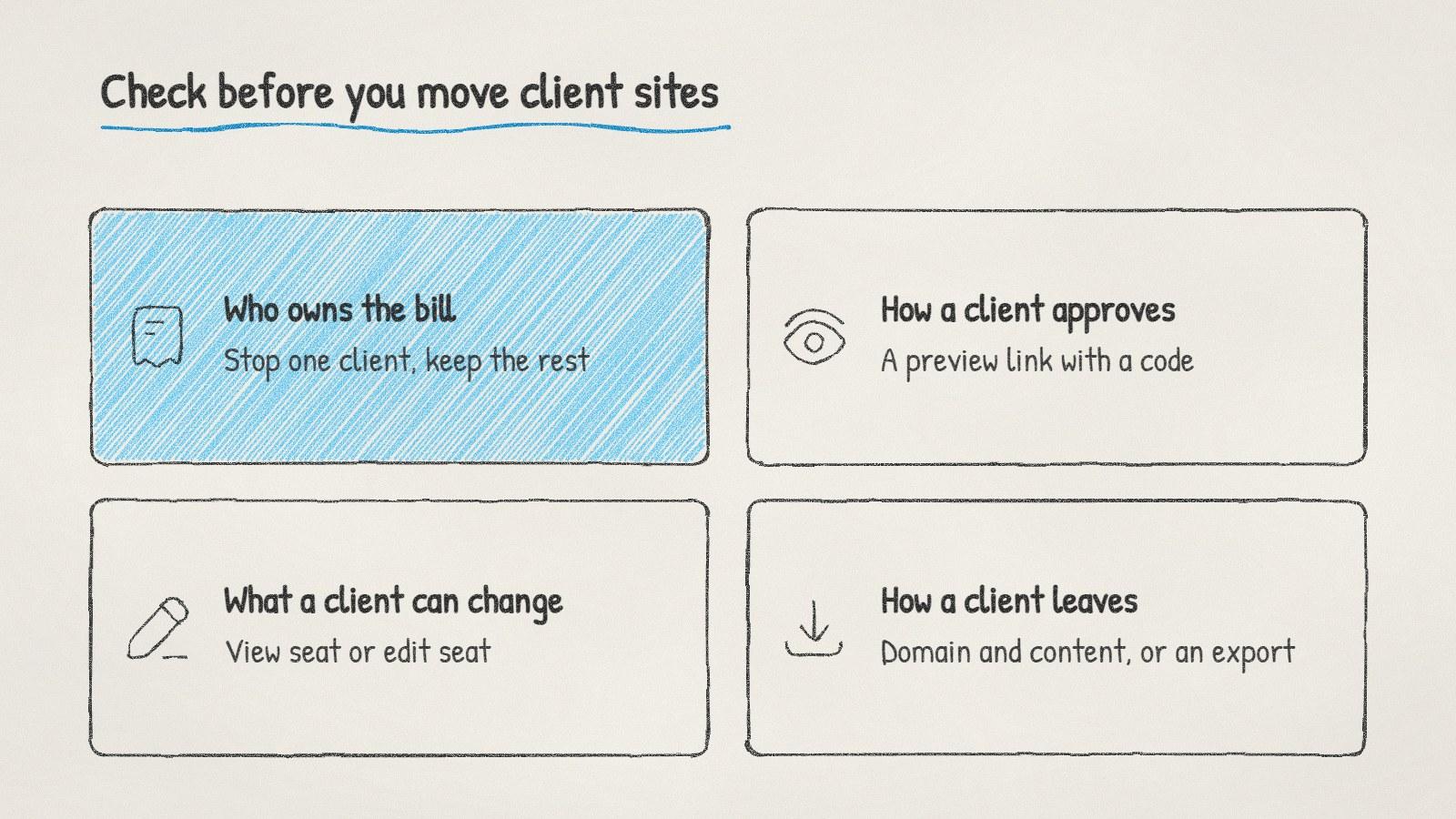
Four things to check before moving client sites to a new builder.
If you're still pricing the work itself, our guide on how much to charge for a website covers packages and care plans.
Where to read more on Reddit
Subreddit | What it's about | What to search there |
|---|---|---|
r/agency | Running and growing an agency | website builder for clients, client billing |
r/webflow | Webflow designers and developers | client sites, moving off Webflow, site plans |
Move one client first, ideally the smallest. You'll learn where your own process breaks before it matters for the client who pays the most.
Written by
Bastian W.
Content Manager / ManyPI