

Native integrations are connected under Integrations in the app's sidebar. ManyPI checks the key or login when you connect, before anything moves.
- 1Open Integrations in the sidebar and pick the tool.
- 2Paste its API key or token, or sign in where the tool offers it.
- 3For a CRM, send leads from Leads, Export, Send to …, or let positive replies and booked meetings go there on their own on a paid plan.
Finding an integration
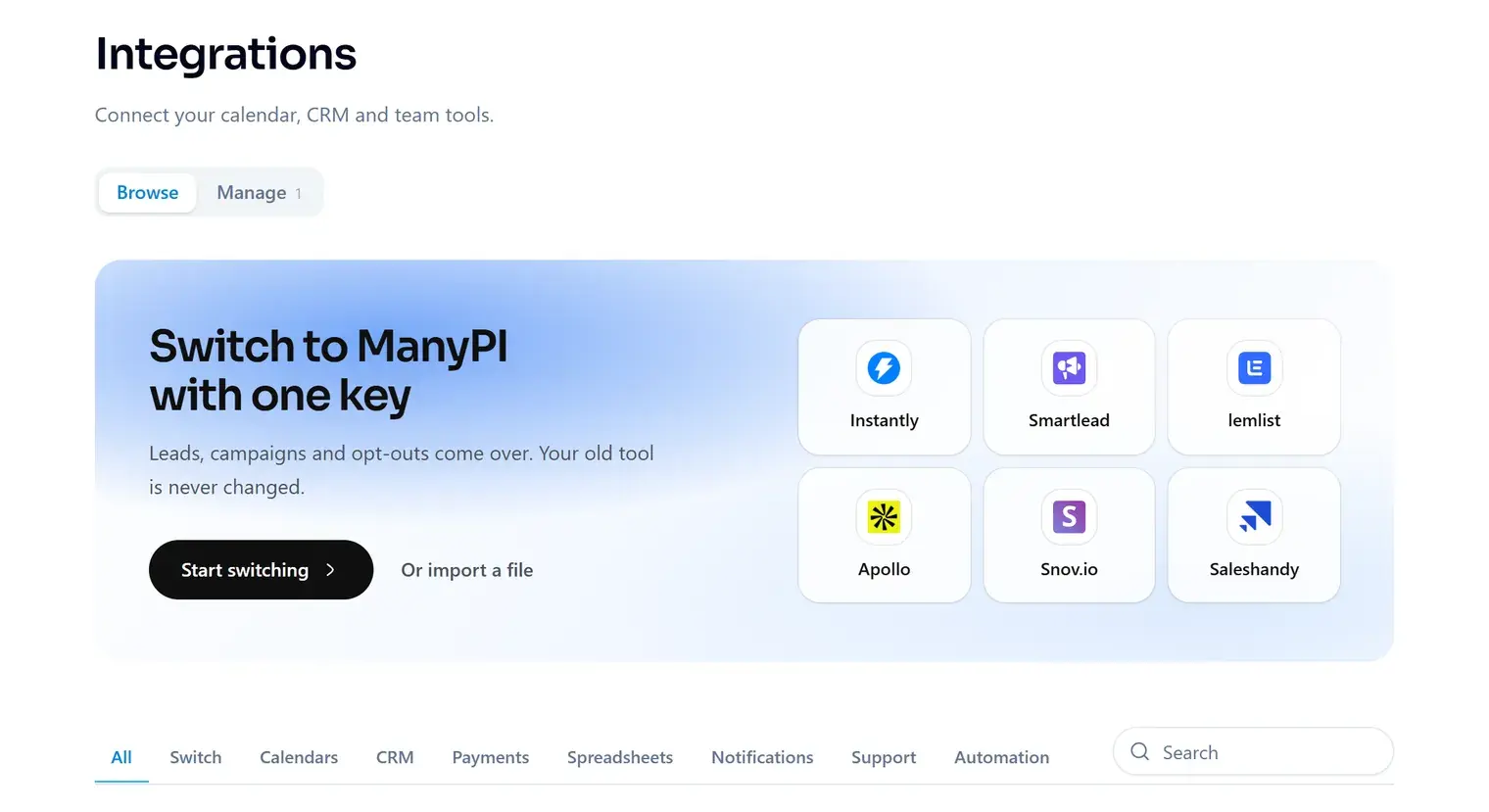
Browse lists everything ManyPI connects to, grouped by what it is for, with a search box. Manage lists what this workspace has already connected, with its status.
What's built in
HubSpot, Pipedrive, Attio and Close for contacts and notes; Calendly and Cal.com for bookings; Slack, Microsoft Teams, Discord and Google Chat for alerts on a paid plan; Zendesk, Intercom and Freshdesk to import contacts or keep customers off your campaigns.
Tools without a native integration work through the MCP server (see [[mcp-server]]) or the REST API. The integrations page shows the route for each one.
Did this answer your question?
More in Automation & integrations