



ManyPI + Freshdesk
Import your Freshdesk contacts as leads, or as existing customers so they never get cold email. ManyPI only reads from Freshdesk.
ManyPI + FreshdeskImport your Freshdesk contacts as leads.
Or import them as existing customers, which puts them on your do-not-contact list so no campaign ever emails them.
Read-only: nothing in Freshdesk is changed.
How to set it up
3 steps.
In Freshdesk, click your profile picture, open Profile settings and copy the key under Your API Key.
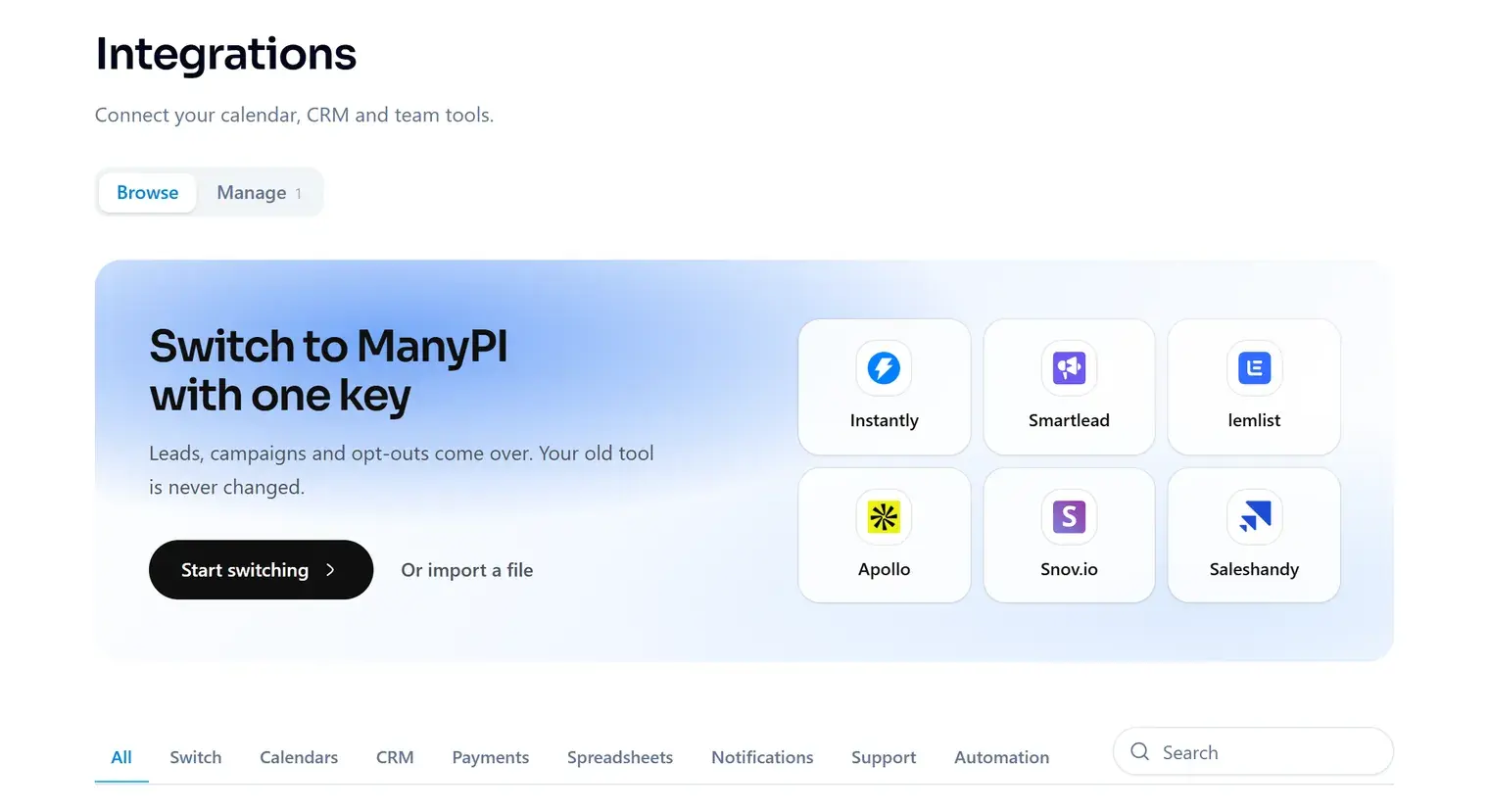
In ManyPI, open Integrations in the sidebar and pick Freshdesk.
Import them as leads, or as existing customers to keep them out of every campaign.