


TL;DR
Cold email software with unlimited email accounts lets you add inboxes without the software bill growing. Each inbox still has a safe daily volume and a monthly fee, and each domain has a reputation to protect.
Connect your inboxesIf you send cold email from more than a handful of inboxes, look for software that lets you connect unlimited email accounts at a flat price. Tools that charge per connected inbox get expensive fast, because safe cold email means spreading volume across many inboxes, each sending a modest amount a day. "Unlimited" only covers how many inboxes you can connect, though. Every inbox still has a daily volume it can safely send and a monthly fee from Google or Microsoft. And every domain's reputation rides on what its inboxes send.
Why per-inbox pricing adds up
Most cold email tools charge in one of two ways: per connected inbox, or a flat price per seat with inboxes included. The difference only shows once you scale.
A common rule of thumb is to keep each inbox at around 30 cold emails a day, so the number of inboxes you need grows in a straight line with your target:
New cold emails a day | Inboxes at about 30 each |
|---|---|
100 | 4 |
300 | 10 |
600 | 20 |
1,200 | 40 |
On per-inbox pricing, every row multiplies the software bill. On unlimited inboxes, the software price stays where it is and only the mailbox fees grow. Run your own numbers through our free cold email volume calculator.
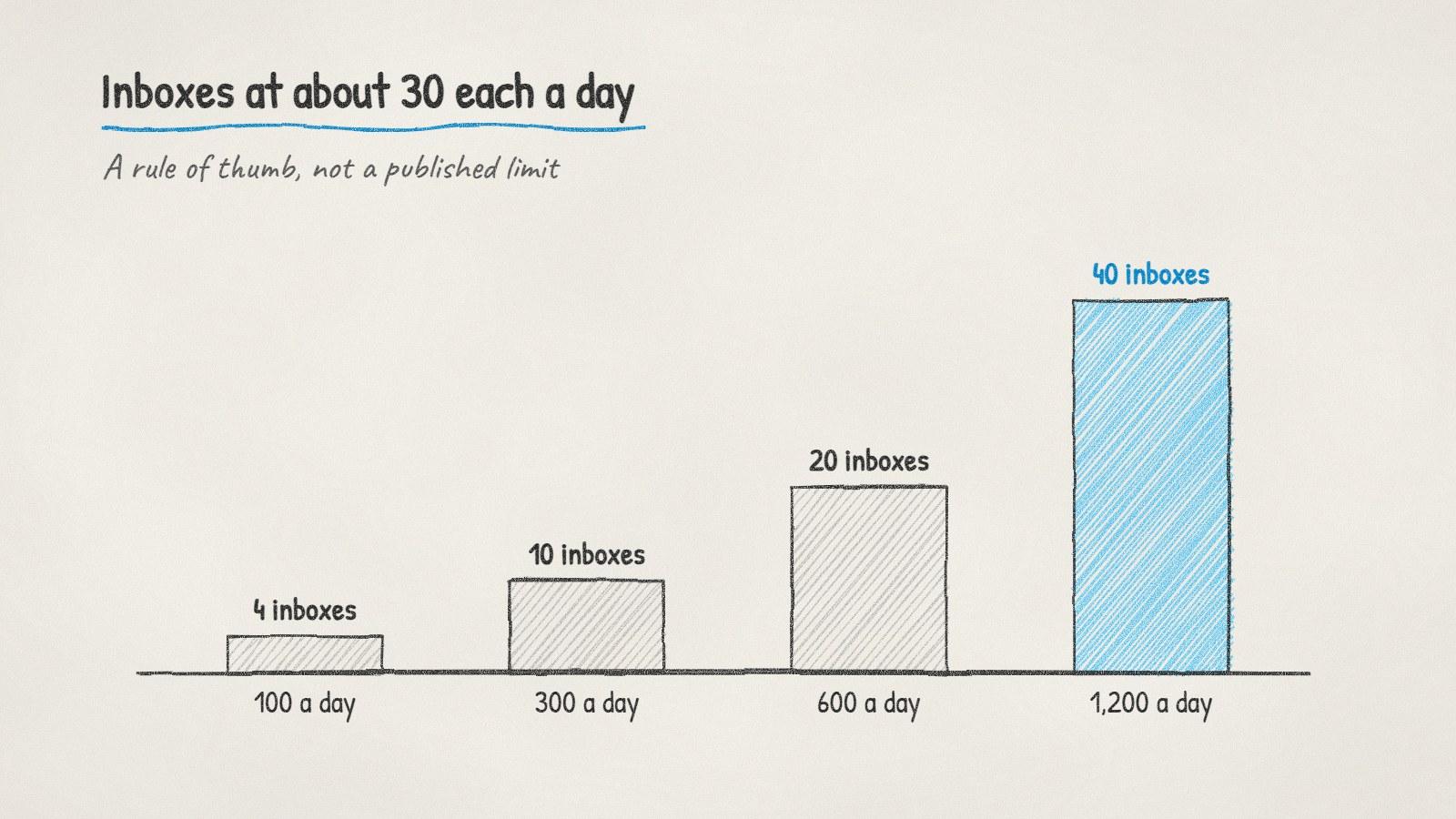
Inboxes needed at about 30 cold emails each a day. A rule of thumb, not a published limit.
What unlimited email accounts don't change
Connecting more inboxes raises your ceiling. It doesn't remove the limits that sit underneath each one.
Limit | Where it comes from | What it means for you |
|---|---|---|
Safe daily volume per inbox | Deliverability practice, usually 20 to 50 a day | More inboxes, not more per inbox |
Google Workspace sending limits | Google's published limits: 2,000 messages and 3,000 external recipients a day per user | Far above cold email volumes, so rarely the real cap |
Microsoft 365 limits | Exchange Online limits: 10,000 recipients a day per mailbox, and a tenant-wide cap on external recipients that depends on your licence count | Adding mailboxes in one tenant doesn't raise the tenant cap forever |
Spam complaints | Google's sender guidelines: keep the spam rate below 0.10% and never reach 0.30% | Complaints hit the domain, however many inboxes share it |
Domain reputation | Mailbox providers judge each sending domain | Spread inboxes across a few secondary domains |
Mailbox fees | Each inbox is a paid user with Google or Microsoft | Unlimited in the tool still costs per mailbox |
The last row is the one people forget. Forty inboxes on a tool with unlimited accounts still means forty mailboxes on your Google or Microsoft bill, plus the domains they sit on.
New inboxes start small
A freshly created inbox can't send its full share on day one. Raise its volume over a few weeks, starting with a handful of emails a day. Our guide on how long to warm up a new domain has a schedule.
This changes the maths for a new setup. If you need 300 emails a day by next month, you need the inboxes and domains in place now, sending small amounts while they ramp.
What to check before you buy
"Unlimited" means different things on different pricing pages. Ask these before you commit:
What's capped instead? A tool with unlimited inboxes may cap emails sent per month or contacts stored instead. Find the number that will actually stop you.
Does it spread sends across inboxes? Look for automatic rotation, so one inbox doesn't carry a whole campaign.
Can it pause one inbox? When one inbox starts bouncing, it should stop on its own while the others keep sending.
Where do replies land? With 20 inboxes, you need every reply in one place, not 20 tabs.
This comes up all the time in r/coldemail and r/sales, usually from someone whose software bill doubled when they added a second domain.
Doing it with ManyPI
Disclosure: ManyPI is our product.
On every paid ManyPI plan you can connect as many Gmail and Outlook inboxes as you like, or any other mailbox over SMTP. Each one ramps its daily volume up gradually, capped at 60 sends a day. Follow-ups go out in the same thread and stop when someone replies, and replies from every inbox are read inside ManyPI. If one inbox starts bouncing, bounce protection pauses it.
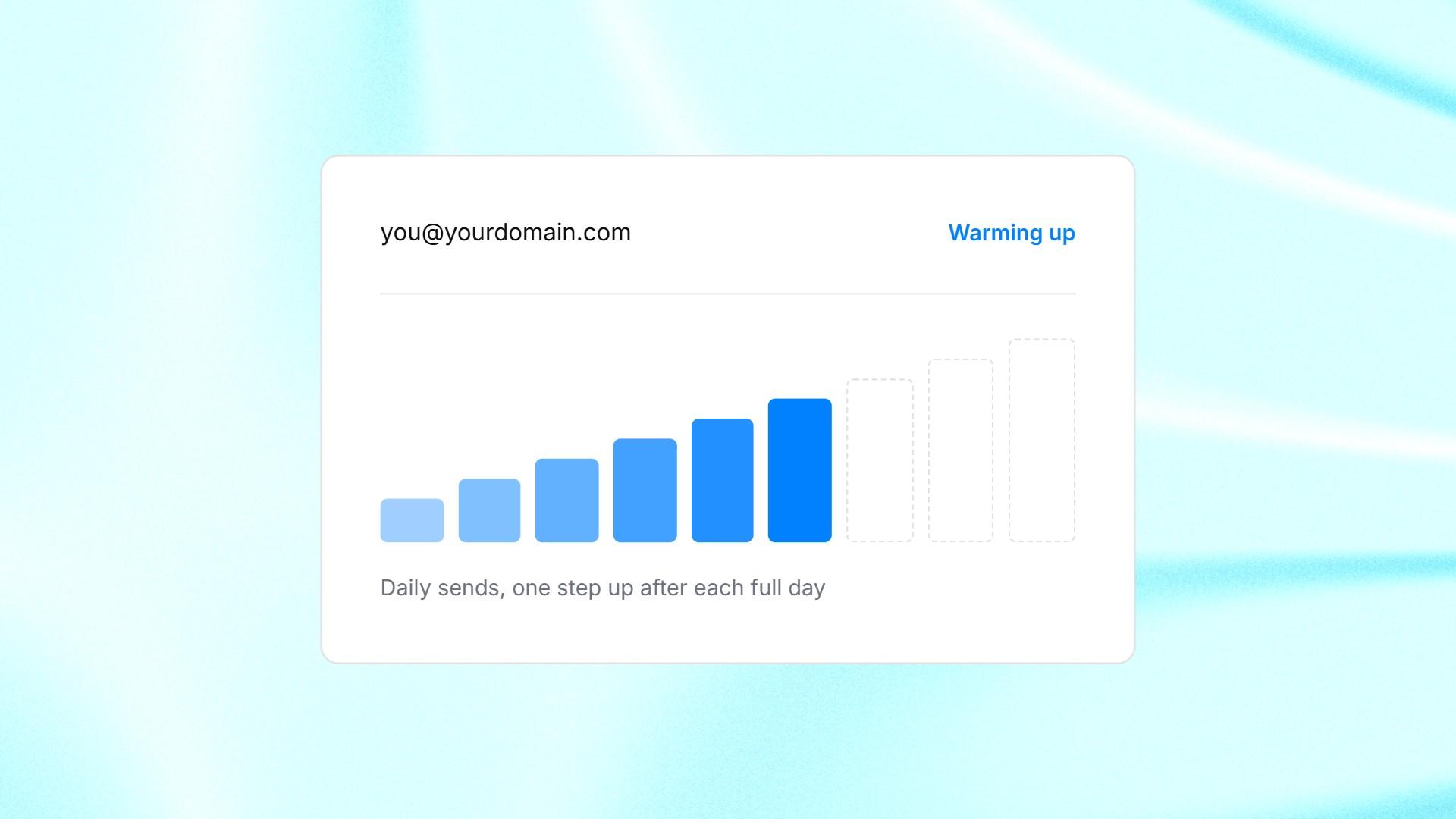
A connected inbox in ManyPI raising its daily volume step by step.
What's capped is emails a month. Starter includes 10,000 a seat for $25 a seat a month, and Pro includes 100,000 for $50. The cold email outreach page shows how campaigns run across several inboxes.
Where this stops applying: if you send fewer than about 100 new emails a day, three or four inboxes will do, and per-inbox pricing won't hurt much yet. Pick on the other features.
Written by
Bastian W.
Content Manager / ManyPI