


TL;DR
Buy one tool for leads and cold email if a small team finds and emails its own leads and wants no exports in between. Buy two when you already have a data contract or a sending setup you've tuned.
Find and email leads in one placeIf one or two people find the leads and also send the emails, buy one tool that does both. Every lead then goes from search to inbox without an export, and replies sit next to the lead that sent them. Two tools make sense when each half has its own needs: a data contract your company already pays for, a lead source an all-in-one doesn't cover, a sending setup across many domains that you don't want to rebuild, or separate teams for finding and sending. The deciding question is how many handoffs sit between finding a lead and emailing it, and who does them.
One tool or two: how to decide
Your situation | One tool | Two tools |
|---|---|---|
A founder or small team doing everything | Better fit | Extra work for no gain |
Leads change weekly and go straight into campaigns | Better fit | Every new batch means an export and an import |
A separate research team builds lists for sales | Either works | Fine, if the handoff is clean |
Your company already pays for a data contract | Only if it can import that data | Often the practical choice |
You need a niche source, such as a registry or a scraper | Only if it can import it | Fine |
You run many domains through a sending setup you trust | Possible, if it connects the same inboxes | Often easier to keep what works |
If most of your answers land in the first column, the second tool is a cost you don't need yet.
What a two-tool stack costs beyond the subscription
The second bill is the obvious cost. These are the ones that show up later:
The export and import. Each new list means a file out of one tool and into the other, with columns to map.
Verification in between. If the lead tool doesn't check emails, someone has to run a verifier before the import, every time.
Suppression in two places. Someone who unsubscribes or asks not to be contacted in the sending tool can come back in the next export unless the lead tool knows about it.
Two versions of the lead. Replies and status live in the sending tool, while the company data stays in the lead tool.
None of these is a reason on its own to avoid a stack. Together, they're the real cost of a stack for a small team.
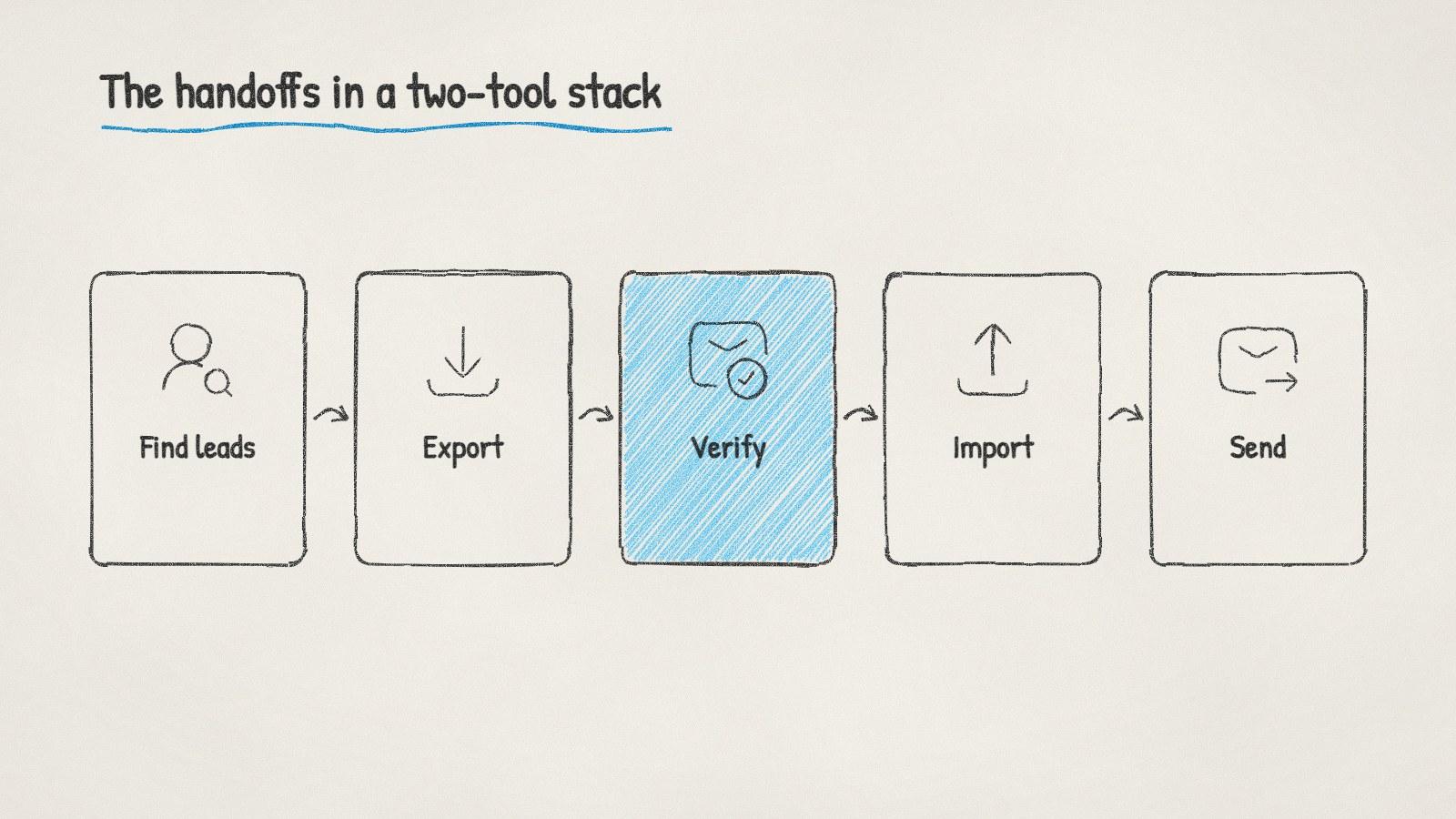
Every handoff in a two-tool stack is a step someone has to remember.
When two tools are the better choice
You already pay for data. If your company has a data contract, keep it, and check that your sending tool imports from it cleanly.
Your source is unusual. Government registries, trade show lists, association directories or your own scraper often need their own tool, at least for the finding.
Sending is someone's job. A team that manages dozens of domains and inboxes may not want to move them.
Finding and sending belong to different teams. Then the handoff exists anyway, and two tools can match how people already work.
Whether to run a stack or one tool is a regular debate in r/sales and r/b2bmarketing, and the right answer usually depends on team size more than features.
What to check in a tool that does both
An all-in-one is only better if each half holds up on its own. Before you buy, check these:
Can it import what you already have? Your current leads, and lists from other sources later.
Does it check emails before sending? On every address, not only at import.
Is it one record from search to reply? You should see where a lead came from next to what they said back.
Can you get your data out? A tool that does both should still let you export, or push contacts to a CRM.
Doing it with ManyPI
Disclosure: ManyPI is our product.
ManyPI does both halves in one place. The agent finds leads from a one-sentence description, searching the live web plus a database of 600M+ contacts, and Map Search finds the businesses inside an area you draw, using OpenStreetMap data. Every email is checked against the receiving mail server before a campaign can use it. Campaigns send from your own inboxes, with follow-ups in the same thread that stop on reply, and replies are read inside ManyPI.
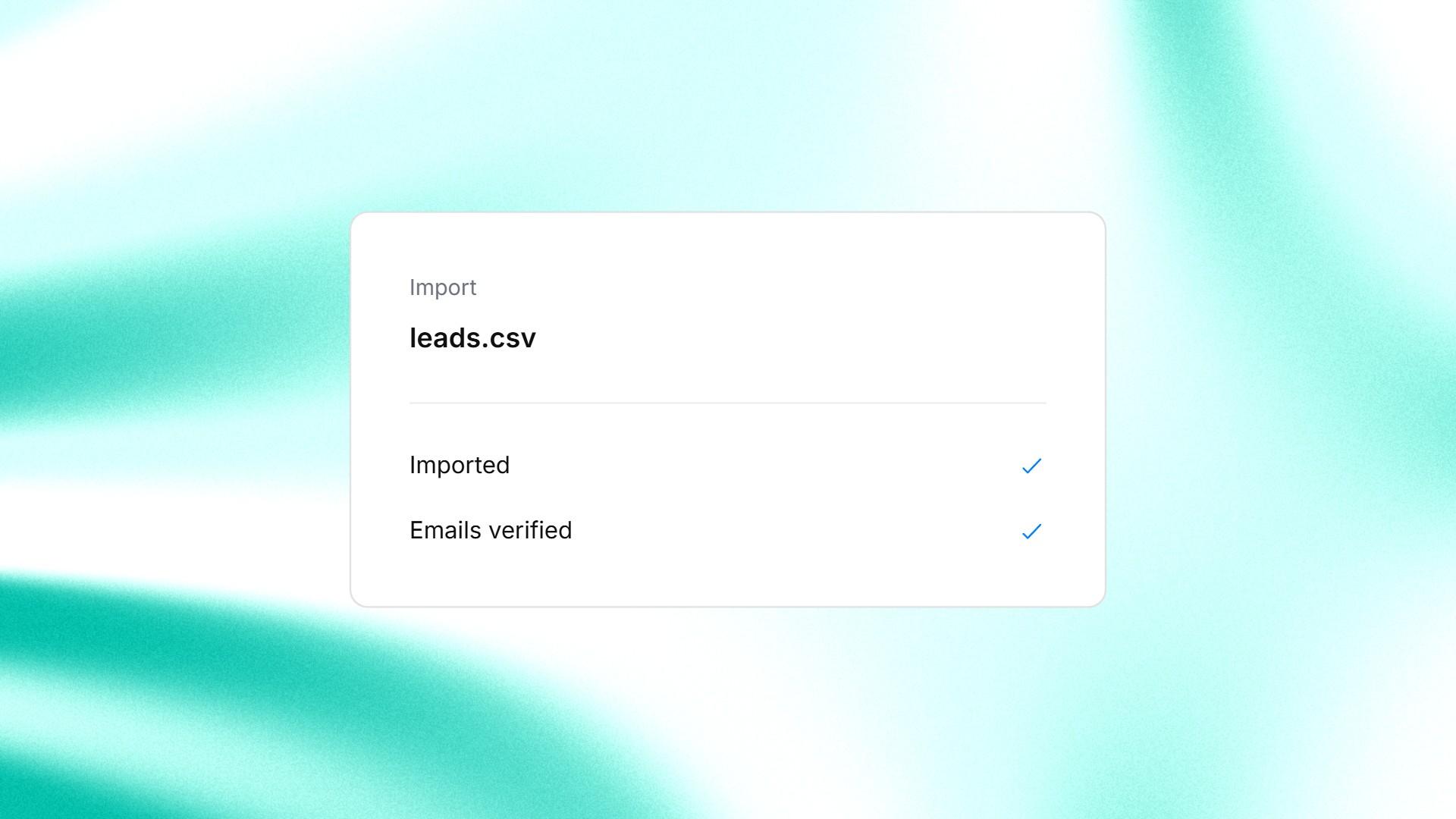
A lead list imported into ManyPI, with emails verified before anything is sent.
If you already have lists, you can import them from a CSV or from several common lead and outreach tools. The built-in CRM keeps deals and tasks, and pushes contacts and notes to HubSpot, Pipedrive, Attio and Close if your team works there. The lead generation page shows the whole flow, and if you're moving lists across, our post on cleaning up a bounce rate that's too high covers what to do when an old list misbehaves.
Where this stops applying: if your sending setup runs dozens of domains and works well, don't move it just to save one subscription. Try the all-in-one on a new segment first and compare.
Written by
Bastian W.
Content Manager / ManyPI