


TL;DR
When people on Reddit's r/sales ask how to fill in missing emails and company details on a lead list, five options keep coming up. ManyPI is first on our list because it enriches a whole CSV with checked emails and company data. Spreadsheet research, LinkedIn, Crunchbase and OpenCorporates follow.
Enrich your lead listMost lead lists arrive half finished. A trade show export with names and no emails, or a spreadsheet from a partner with nothing but domains. Lead enrichment fills in the gaps. When people on Reddit ask how to do it, five options come up again and again, from a tool that does a whole file to looking each company up by hand. ManyPI is first because it does the file and checks every email it adds. These are the enrichment tools we found on Reddit, mostly in r/sales and r/RevOps.
The quick list
# | Tool | What it fills in | Cost | Watch out for |
|---|---|---|---|---|
1 | Emails, decision makers, company details and buying signals | Free plan, then from $25 a seat a month | Work emails only | |
2 | Spreadsheet plus manual research | Anything you can find | Free, but slow | Hours per hundred rows |
3 | Names and titles | Free to search | No emails, limited free searches | |
4 | Crunchbase | Funding rounds and founders | Free profiles, paid for more | Strongest on startups |
5 | OpenCorporates | Registration details and officers | Free to search | No contact details |
1. ManyPI
Import a CSV and ManyPI fills in what's missing. Give it a list of company domains and it finds the decision maker for the role you want, with a work email. Give it names and companies and it finds the emails. It adds company details like industry and size, and reads each company's recent job posts and news so you have a reason to write.
Every email it adds is checked against the receiving mail server before a campaign can use it, so the enriched list is safe to send to. From there, campaigns run from your own inbox, and contacts can be pushed to HubSpot, Pipedrive, Attio or Close.
To try it on one company, our free company enrichment lookup turns a domain into a full record. The free plan includes 50 leads and 50 email checks a month with no card. The CRM enrichment page shows how a file gets enriched.
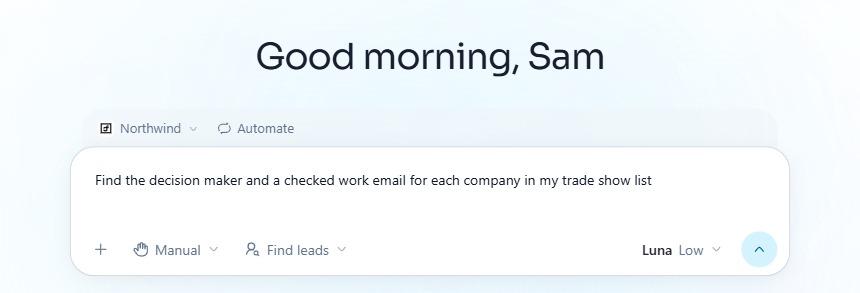
Enriching a trade show list, asked of the ManyPI agent in plain English.
2. Spreadsheet plus manual research
The default for small lists. Open the company's website, find the team page, look up the person, guess and check the email, fill in the row. For 30 high-value accounts it's fine, and the research often turns up details that make a better first email.
For 500 rows it's a week of work. And manual research is inconsistent: different people fill in different fields in different ways, which makes the list hard to filter later.
3. LinkedIn
LinkedIn is the most common source for names, titles and rough company size. If your list has companies but no people, a search by company and title usually finds the right person.
It won't give you emails, and LinkedIn limits how much a free account can search each month. It's a lookup tool, not a way to enrich a whole list.
4. Crunchbase
Crunchbase is the go-to for startup data: funding rounds, investors, founders and headcount ranges. If you sell to venture-backed companies, it adds context like "raised a Series A in March" that shapes your timing.
Free profiles show the basics, and deeper data and exports are on paid plans. It's thin on traditional small businesses that never raised money. For US companies, the SEC's Form D filings are a free alternative for funding data, covered in our guide to finding recently funded startups.
5. OpenCorporates
OpenCorporates collects company registration data from registries around the world. Search a company and you'll often find its legal name, registration number, status and officers.
It's useful for checking a company is real and active, and for finding a director's name at a small private company. It doesn't have emails or phone numbers, and nothing beyond what the registry holds.
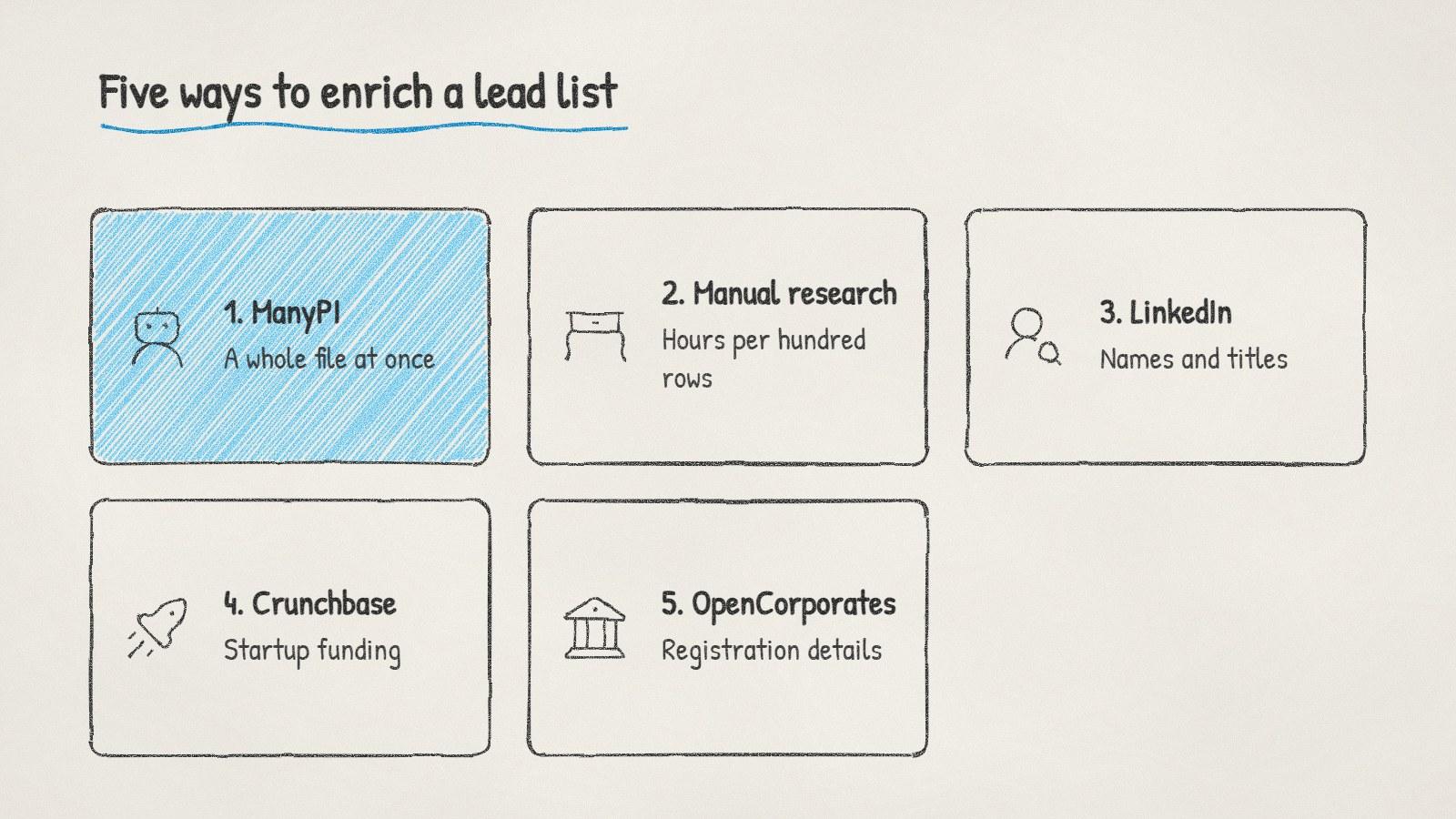
Five ways to enrich a lead list, from one company at a time to a whole file.
Before you enrich anything
Clean the list first. Remove duplicates and dead domains before you pay to enrich them. Our free lead list cleaner collapses duplicates and flags role and disposable addresses.
Decide which fields you'll use. Enriching 40 fields you'll never filter on wastes time and credits. The right person's email and one buying signal are usually enough to send.
Check every email, even ones you already had. Lists go stale as people change jobs. An address that worked last year can bounce today.
If your list came from a trade show or a webinar, enrich it within a week. People remember meeting you for a few days, and an email that references the event lands better than one that arrives a month later.
Written by
Bastian W.
Content Manager / ManyPI