


TL;DR
Before a campaign, Reddit's cold email threads in r/coldemail keep pointing to the same five ways to clean a lead list. ManyPI is first on our list because it removes duplicates and checks every email against the mail server. Excel, Google Sheets, OpenRefine and a virtual assistant follow.
Check every email before sendingA dirty lead list costs you twice. Duplicates mean the same person gets your email twice, and dead addresses bounce, which hurts your domain for every campaign after. When someone on Reddit asks how to clean a list before sending, five options come up most. ManyPI is first here because it handles the step spreadsheets can't: checking that each address actually exists. These are the cleanup methods we found on Reddit, mostly in r/coldemail and r/excel.
The quick list
# | Tool | What it cleans | Cost | Watch out for |
|---|---|---|---|---|
1 | Duplicates, dead addresses and leads you already have | Free plan, then from $25 a seat a month | Verification uses your monthly checks | |
2 | Excel | Exact duplicates and formatting | Included with Microsoft 365 | Can't tell if an email works |
3 | Google Sheets | Exact duplicates and formatting | Free | Can't tell if an email works |
4 | OpenRefine | Messy names and near-duplicates | Free, open source | A learning curve |
5 | A virtual assistant | Judgement calls a rule can't make | Hourly rates | Slow on big lists |
1. ManyPI
Import your list as a CSV and ManyPI recognises leads already in your workspace, so you don't pay to process or email the same person twice. Then it checks every address against the receiving mail server, without sending anything, and marks which ones are safe to use. Campaigns skip addresses that come back undeliverable, and bounce protection pauses an inbox before a bad list can hurt it.
If addresses are missing or dead, ManyPI can find the right person and a working email instead. Starter includes 1,000 email checks a seat each month, and the free plan includes 50 checks with no card. The email verification page explains how the check works. For a quick tidy before importing, our free lead list cleaner collapses duplicates and flags role and disposable addresses.
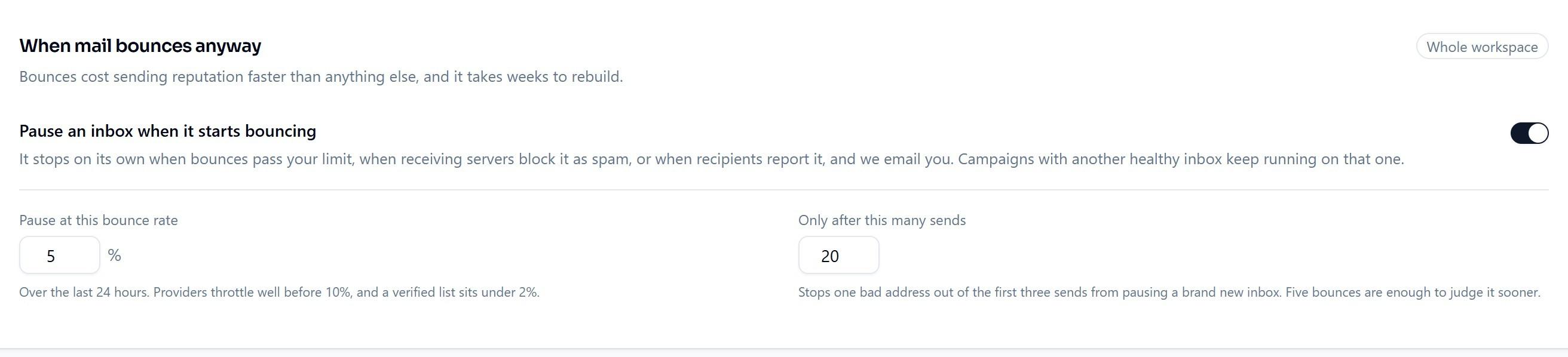
Bounce protection in ManyPI pauses an inbox on its own when bounces pass the rate you set.
2. Excel
Excel's Remove Duplicates, on the Data tab, is the most common first step mentioned on Reddit. Pick the email column and it removes exact repeats in seconds. Trim and Proper fix stray spaces and capitalisation, and filters help you spot obvious junk like test@ addresses.
It only catches exact matches. "Anna Berg" and "anna berg " count as different people until you clean them first. And it can't tell whether an email address works.
3. Google Sheets
Google Sheets has the same basics: Data, then Data cleanup, then Remove duplicates, plus Trim whitespace. It's free and easy to share with a teammate who's helping.
Same limits as Excel. It cleans what's in the cells and knows nothing about whether those addresses still reach anyone.
4. OpenRefine
OpenRefine is a free, open-source tool for cleaning messy data. Its clustering feature groups values that are probably the same thing, like "Contoso Ltd" and "Contoso Limited", so you can merge them in one go.
It's the right tool for a big, messy list from several sources, and overkill for a clean export. Expect half an hour to learn the basics.
5. A virtual assistant
Some teams hand the list to an assistant who checks each company's website and removes businesses that have closed. It handles the judgement calls a formula can't.
It's slow on large lists and depends on clear instructions. Best for a short list of high-value accounts where each one matters.
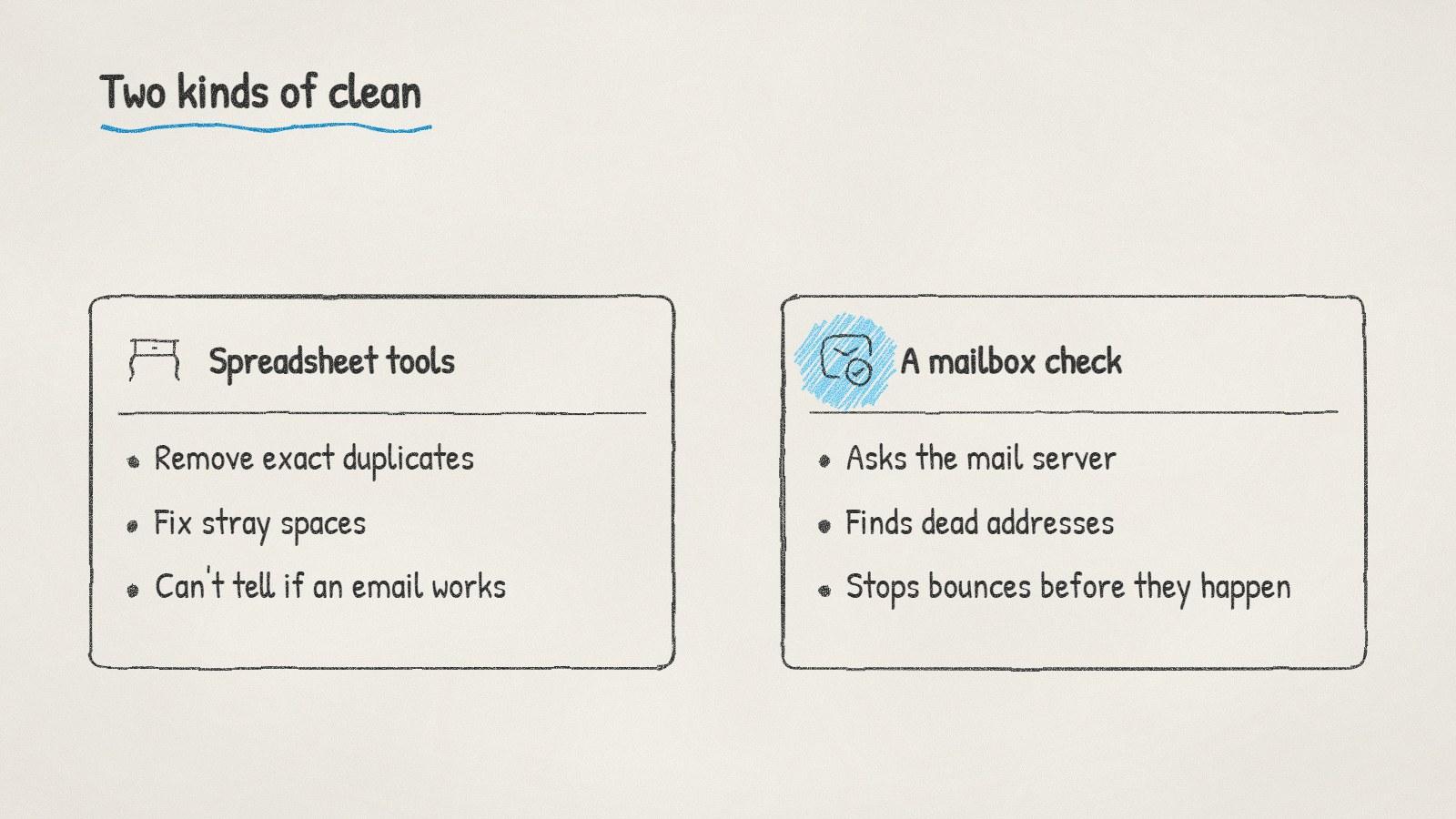
Spreadsheets clean the cells. Only a mailbox check tells you the address works.
What a clean list looks like
Before any campaign, a list should pass these checks:
No duplicates, by email and by person.
Every address verified against the mail server in the last few weeks.
No role addresses like info@ or sales@ unless you mean to email a shared inbox.
No one who opted out of earlier emails. Check your suppression list. Our free suppression list checker compares a list against it.
Names and companies formatted properly, so merge fields like [first name] read naturally.
If your last campaign bounced badly, our guide to a cold email bounce rate that's too high walks through what to do in the next hour. The short version: stop sending, and check every address before you start again.
Written by
Bastian W.
Content Manager / ManyPI