



ManyPI + Cal.com
Connect Cal.com and every booking lands on the lead and pauses their sequence, so nobody gets a follow-up after saying yes. Your booking link works as {{booking_link}} in every email.
ManyPI + Cal.comWhen a lead books, their campaigns pause, so the next follow-up never goes out.
The booking shows up on the lead, and people who book without being a lead yet can be added as leads.
Your booking link works as {{booking_link}} in every email.
Bookings arrive by webhook the moment they're made.
How to set it up
3 steps.
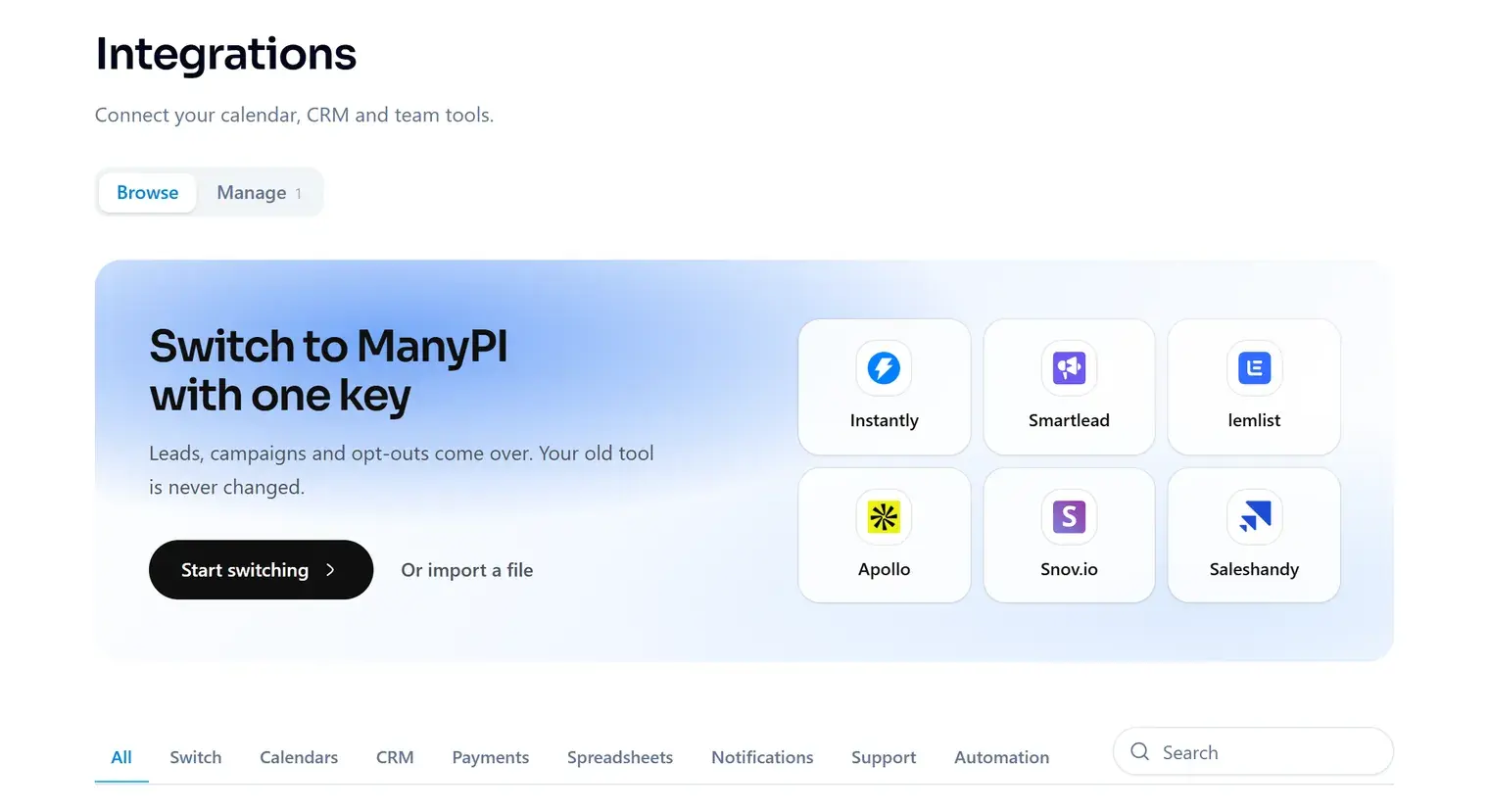
In ManyPI, open Integrations in the sidebar and pick Cal.com.
In Cal.com, open Settings, then Developer, then API Keys, and create a new key.
Add {{booking_link}} to a sequence step and each email carries your booking link.