



ManyPI + Whereby
Connect Whereby and every meeting you book with a lead from ManyPI gets its own Whereby room in the invitation. Leads join from the browser, with nothing to install.
ManyPI + WherebyEach meeting you book gets its own Whereby room in the invitation.
Leads join from the browser, with nothing to install.
The agent can create a room when a lead asks to talk.
How to set it up
3 steps.
Sign in to your Whereby Embedded dashboard, open the API section and generate a key.
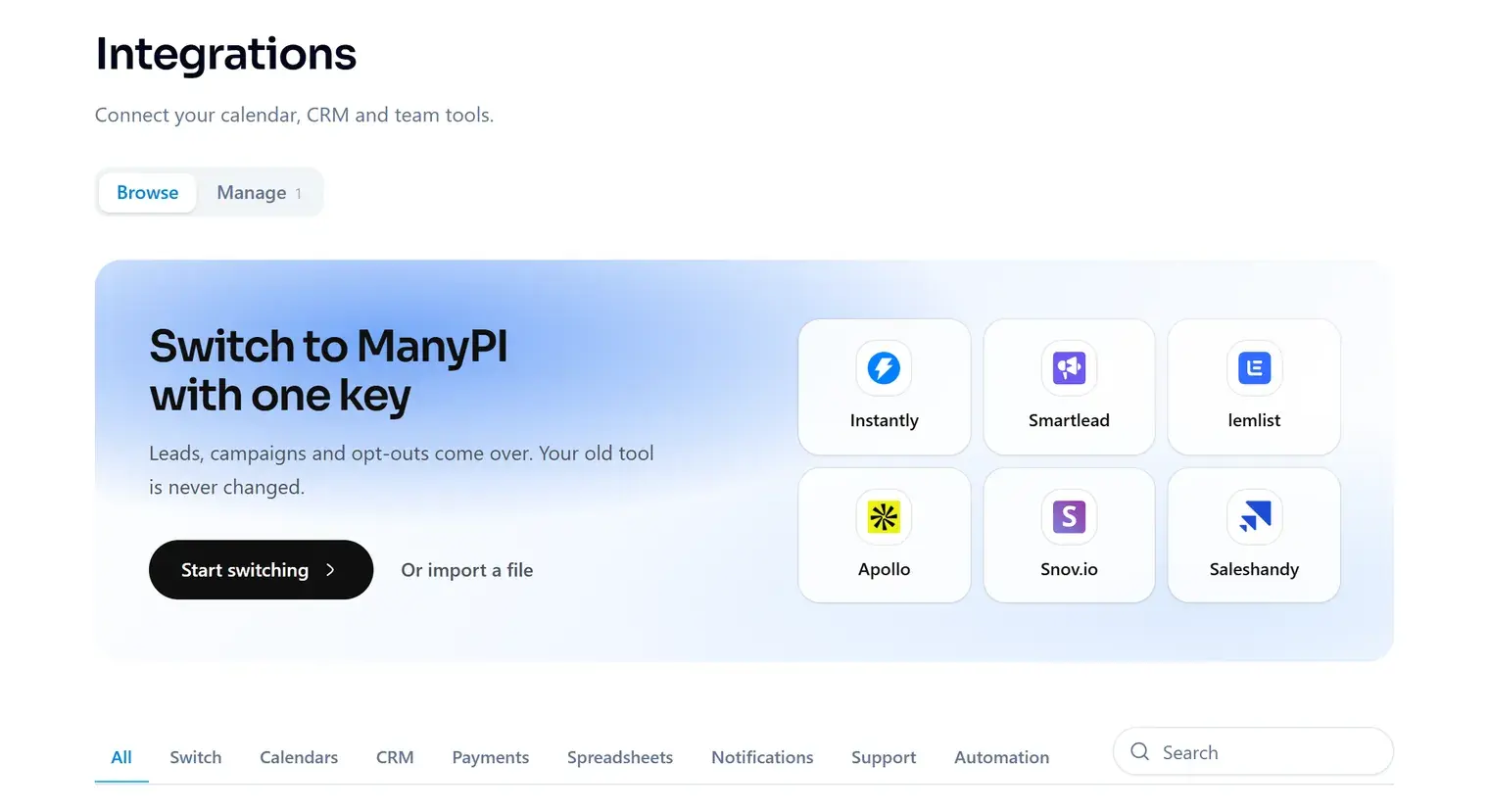
In ManyPI, open Integrations in the sidebar and pick Whereby.
Paste the key and save. The next meeting you book gets a room.