



ManyPI + Gemini CLI
Gemini CLI connects to ManyPI's MCP server over HTTP with your API key, so you can ask for leads and campaigns from the terminal.
ManyPI + Gemini CLIAsk Gemini CLI to find leads, write a sequence or build a campaign, and it runs in your ManyPI workspace.
ManyPI's MCP tools include search_leads, generate_leads, create_campaign, enroll_leads and outreach_stats.
Antigravity, Google's agentic IDE, connects to the same server.
How to set it up
4 steps.
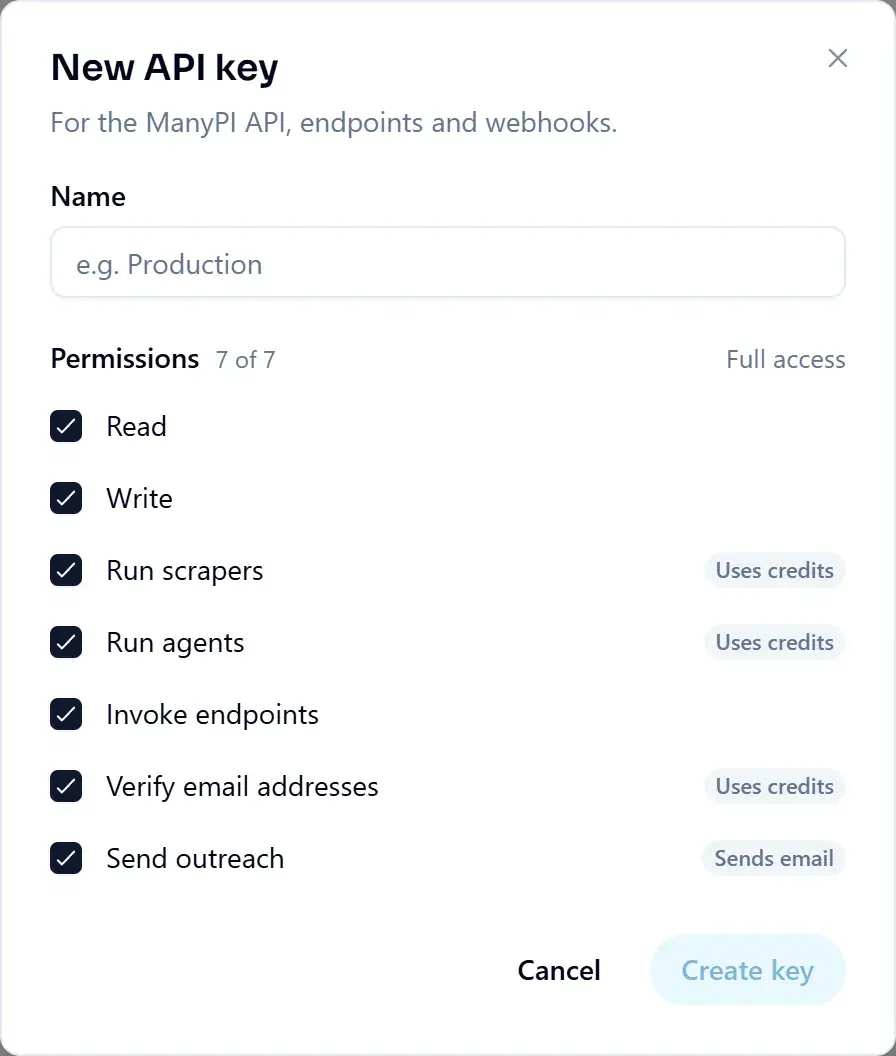
In ManyPI, open API keys under Developers and create a key with only the scopes it needs.
In ~/.gemini/settings.json, add manypi under mcpServers with httpUrl set to https://mcp.manypi.com/mcp and an Authorization header of Bearer and your key.
Run gemini mcp add --transport http manypi https://mcp.manypi.com/mcp --header "Authorization: Bearer mpi_your_api_key".
Start gemini and run /mcp. manypi should show as connected with its tools.
Questions
Based on Gemini CLI: MCP servers, checked 16 October 2026. Gemini is a trademark of its owner.