



ManyPI + Grok
xAI's API can call ManyPI's MCP server as a remote MCP tool, so Grok can find leads and build campaigns in your ManyPI workspace.
ManyPI + GrokAdd ManyPI to an xAI API request as a remote MCP tool and Grok can call its tools. xAI connects to the server for you.
ManyPI's MCP tools include search_leads, generate_leads, create_campaign, enroll_leads and outreach_stats.
In the Grok app, xAI's custom connectors add an MCP server by its URL.
How to set it up
4 steps.
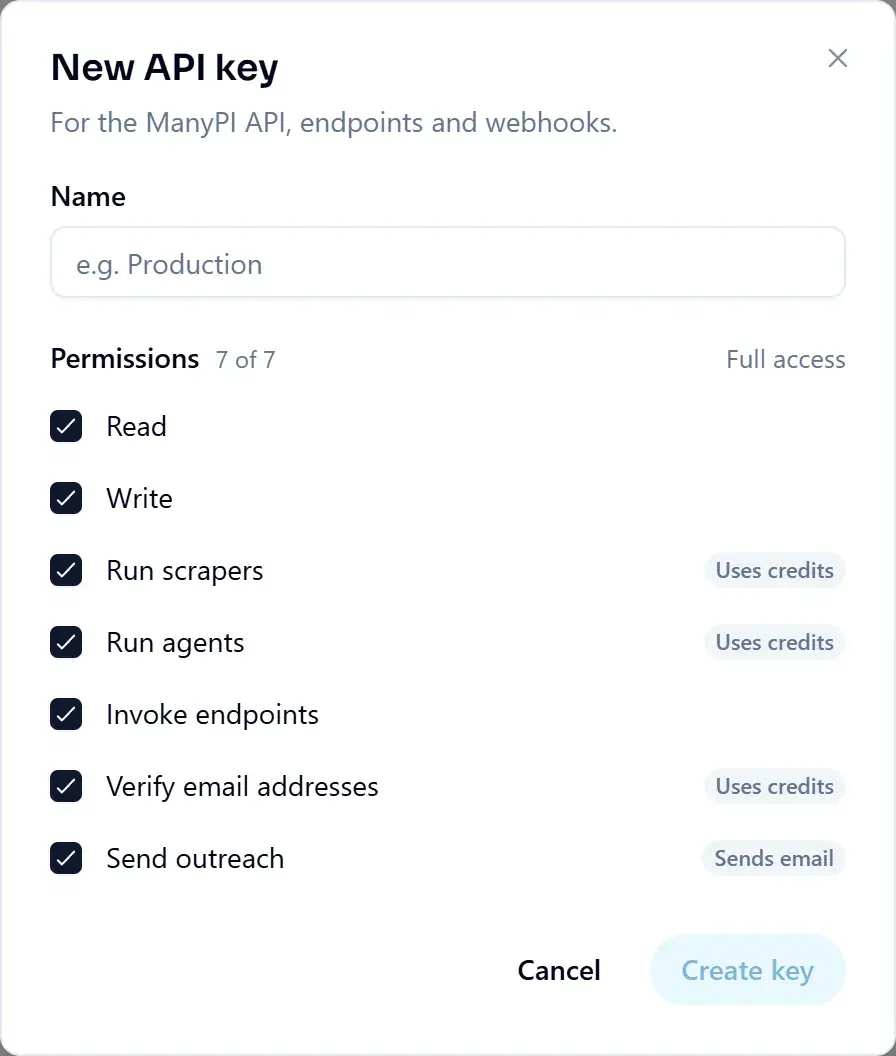
In ManyPI, open API keys under Developers and create a key with only the scopes it needs.
In your request's tools, add an mcp tool with server_url https://mcp.manypi.com/mcp, server_label manypi, and an Authorization header of Bearer and your key.
Ask for what you want in plain language, such as a list of leads or a campaign draft.
Open grok.com/connectors, click New Connector, choose Custom, paste the server URL and complete the sign-in.
Questions
Also see: OpenAIAnthropicGemini
Based on xAI: remote MCP tools, checked 16 October 2026. Grok is a trademark of its owner.