


TL;DR
Agencies need cold email software that keeps each client apart, with their own domains, inboxes, leads and replies, and pricing that doesn't jump with every inbox. Check client separation first, then inbox pricing and reporting.
See ManyPI for agenciesIf you run cold email for several clients, the software has to keep each client separate, with their own sending domains and inboxes, and their own leads and replies. After that, look at how the price grows when you add a client, because agencies run far more inboxes than a single company does, and per-inbox pricing turns every new client into a bigger software bill. Reporting comes third. Clients judge you on what you send them each week, so the numbers need to come out of the tool without an afternoon in a spreadsheet.
What agencies need from cold email software
Need | Why it matters | What to check |
|---|---|---|
A separate space per client | Leads, templates and replies never mix between clients | Can you switch clients without seeing the others' data? |
Each client's own domains and inboxes | One client's reputation never rides on another's | Are inboxes tied to a client, not shared across the account? |
Inbox pricing that scales | Ten clients with four inboxes each is 40 inboxes | Is it per inbox, per seat or per client? |
Protection per inbox | One client's bad list shouldn't pause everyone | Does a bouncing inbox stop on its own while others keep sending? |
Replies sorted by client | Hot replies need to reach the right person fast | Can each client's replies be read and handed over separately? |
Seats for your team | Account managers need access, not shared logins | How many seats, and what do they cost? |
A handoff to the client's CRM | Clients want the leads in their own system | Which CRMs does it push to? |
The first two rows are the ones you can't fix later. Moving a client's campaigns out of a shared setup once they're live is far harder than starting separated.
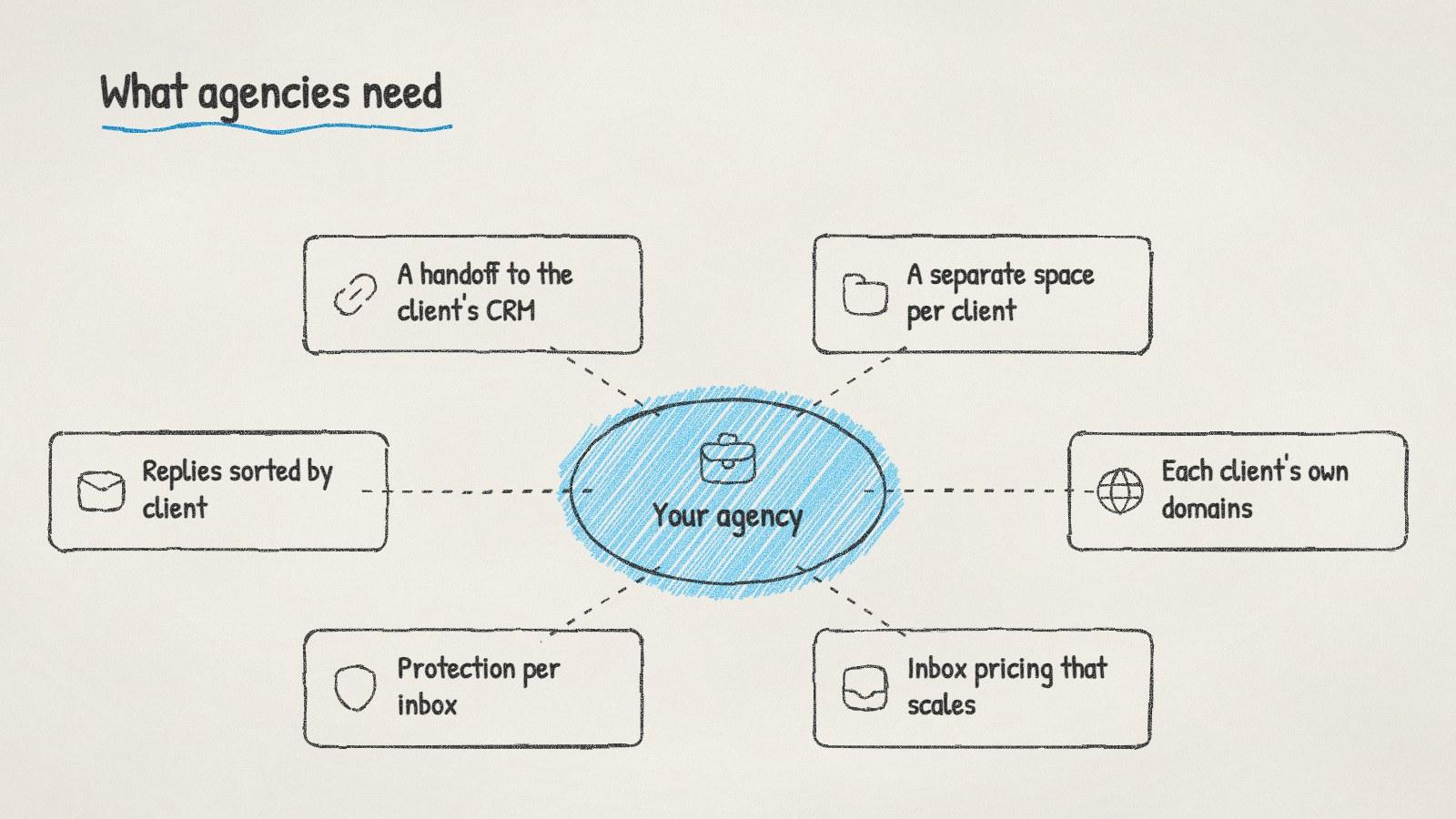
What agencies need from cold email software, in one picture.
How cold email tools charge agencies
Most tools in this category charge in one of four ways, and each one grows differently as your client list does:
Pricing model | What happens when you add a client |
|---|---|
Per connected inbox | The bill grows with every inbox the client needs |
Per seat, inboxes included | The bill grows only if you add people |
Per client or workspace | The bill grows with every client, whatever their size |
A tier with a set number of clients | The bill jumps a tier when you pass the limit |
Per-seat pricing with unlimited inboxes usually suits agencies that run many small clients with a small team. Per-client pricing can suit agencies with a few large clients. Do the sum for your next three clients, not your first.
Set up every client the same way
A repeatable setup makes clients easier to take on and easier to hand back:
Buy secondary domains for the client's brand. Never send a client's campaign from your agency's domain or from another client's.
Publish SPF, DKIM and DMARC before the first send. Our guide to setting up a domain for cold email has the records. Google's sender guidelines explain what Gmail checks.
Ramp new inboxes slowly. A few emails a day at first, raised over a few weeks.
Verify every list the client gives you. Client spreadsheets are often old.
Agree who answers replies. Write down who handles interested replies and how fast.
Check the law where the client sends. Cold email rules differ by country. Our B2B cold email laws by country post is a starting point, not legal advice, and the client is usually the sender of record.
Reporting clients actually read
Keep the weekly report short and the same every week: emails sent, replies, interested replies and meetings booked, with one line on what you're changing. Clients read trends. Pull the numbers per client from the tool, and if it can't split them cleanly, that's a sign the setup isn't separated enough.
Agency owners compare setups like this in r/agency and r/coldemail.
Doing it with ManyPI
Disclosure: ManyPI is our product.
In ManyPI, each client is a brand: a company you sell, with its own site, inboxes, leads and campaigns. Starter includes one brand and Pro includes three. On Business, brands are unlimited, one per client, at $150 a seat a month. You can connect as many inboxes as you like on every paid plan, each ramping its daily volume gradually up to 60 sends a day, and bounce protection pauses a single inbox without stopping the rest. Every email is checked against the receiving mail server before a campaign can use it.
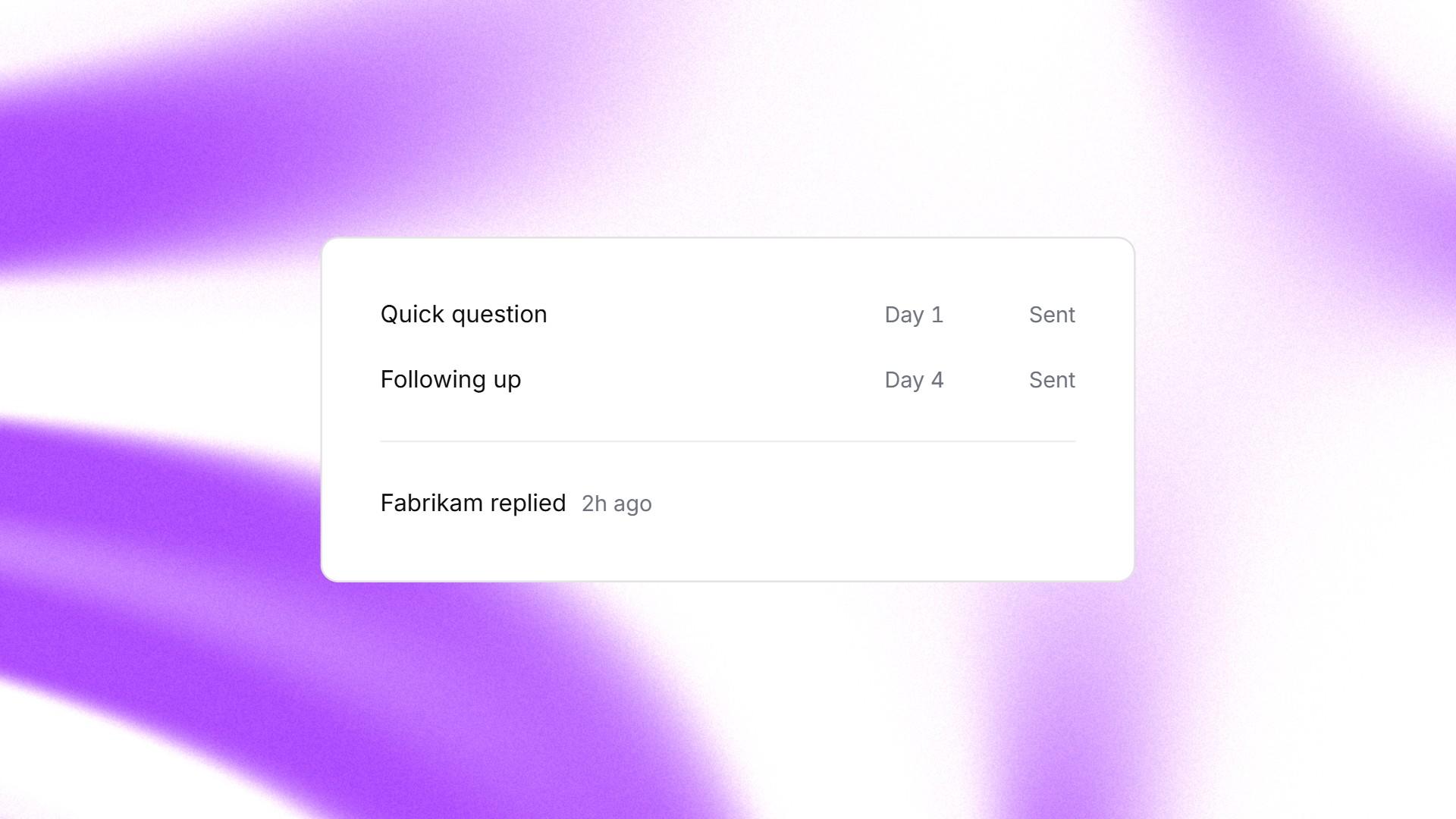
A two-step sequence in ManyPI, with a reply from the lead.
Follow-ups go in the same thread and stop on reply, and replies are read inside ManyPI. The built-in CRM pushes contacts and notes to HubSpot, Pipedrive, Attio and Close, so a client can keep working leads in their own system. The agencies page shows how brands work in practice.
The trap to avoid is starting a new client on a shared domain "just for the first month". Their reputation and yours get tied together on day one, and separating them later costs more than doing it right at the start.
Written by
Bastian W.
Content Manager / ManyPI