


TL;DR
How to send more cold emails a day without landing in spam, as found on Reddit in r/coldemail and r/Emailmarketing. Spread volume across more inboxes, each capped and ramped slowly, on secondary domains, with every address checked first.
Send cold email at scaleIf you want to send more cold emails a day, push more inboxes a little rather than one inbox a lot. That's the short answer to the question everyone asks once a campaign starts working. These are the ways to scale volume we found on Reddit, in r/coldemail and r/Emailmarketing. ManyPI is first because it caps and ramps every inbox for you and spreads a campaign across them. The other five are habits that help any setup stay out of spam, whichever tool you send with.
The quick list
# | Option | Best for | Cost | Watch out for |
|---|---|---|---|---|
1 | Many inboxes, each capped and ramped, in one campaign | Free plan, then from $25 a seat a month | Sending needs a paid plan | |
2 | More inboxes | Raising volume without pushing any one inbox | A mailbox licence each | Every inbox needs its own setup |
3 | Secondary domains | Keeping your main domain's reputation safe | A domain a year each | Lookalike domains still need real records |
4 | Slow ramps | New inboxes and domains | Free, but takes weeks | Patience when a campaign is ready to go |
5 | Verification before every send | Keeping bounces near zero | Usually per address | Old lists decay quietly |
6 | Google and Microsoft sender rules | Staying deliverable at any volume | Free | The rules tighten above 5,000 a day |
1. ManyPI
ManyPI is built around the idea above. You connect your own inboxes (Gmail and Outlook directly, anything else over SMTP), and you can connect as many as you like on every paid plan. A campaign can then rotate its sends across them.
Each inbox ramps its daily volume up gradually over a period you pick, from 3 to 60 days, and it's capped at 60 sends a day. That cap is a hard ceiling, so the way to send more is to add inboxes, not to raise one inbox's limit. The ramp is a volume ramp for your own inbox, not a warmup network. Sends are spread through the day rather than leaving in one burst.
Every address is checked against the receiving mail server before a campaign can use it, and bounce protection pauses an inbox that starts bouncing. Follow-ups go in the same thread and stop when someone replies.
On Starter ($25 a seat a month, or $21 billed yearly) each seat gets 10,000 emails and 1,000 validations a month. The free plan lets you find leads and check addresses with no card, and sending starts on a paid plan.
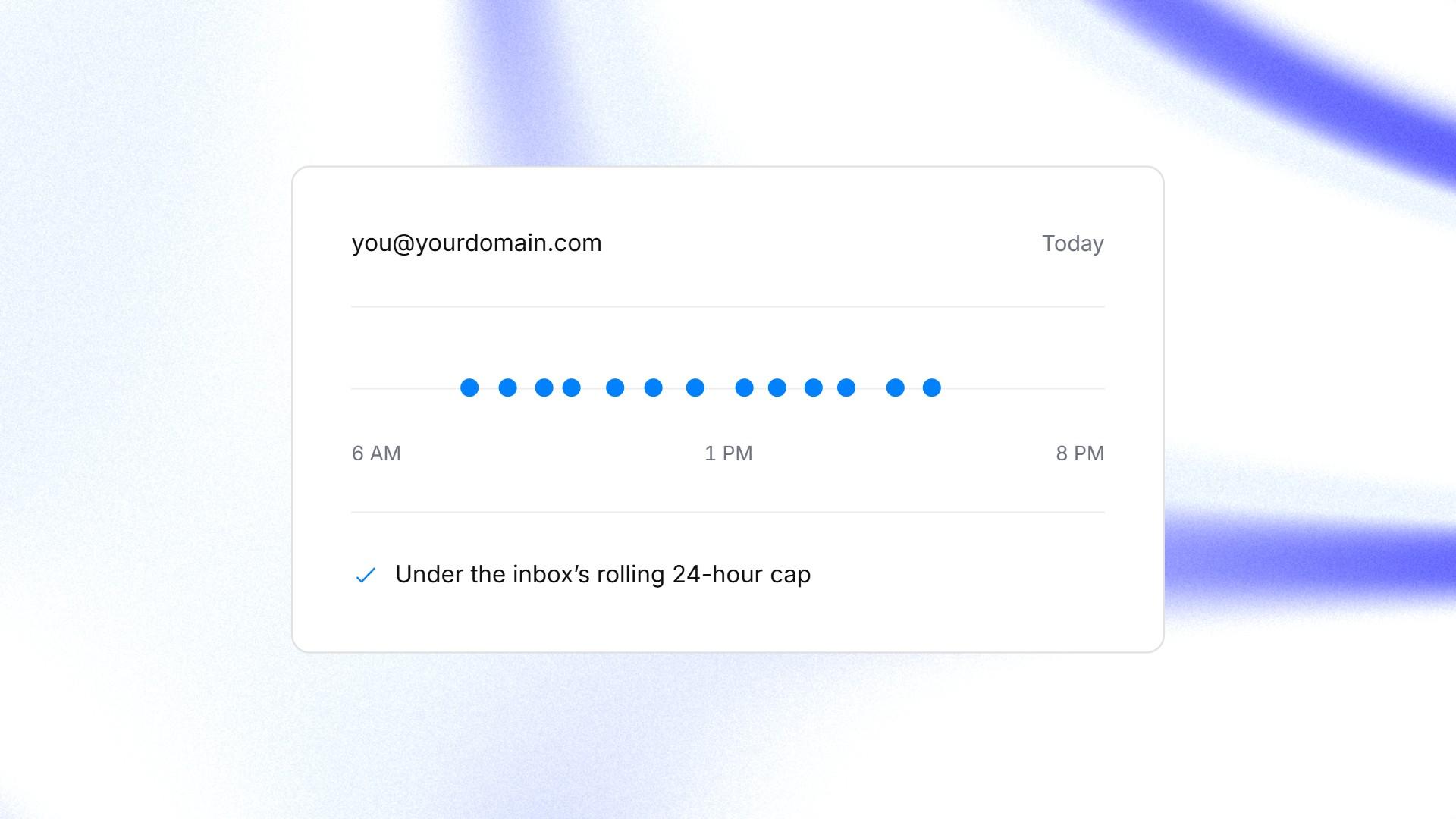
One inbox's sends spread across the working day, under its daily cap.
2. More inboxes
This is the answer that comes up most in Reddit discussions about volume. Ten inboxes sending a modest amount each look far more normal to a receiving server than one inbox sending hundreds. If one inbox has a bad week, the others keep going.
Here's what ManyPI's 60-a-day cap means in practice. These are ceilings for inboxes that have finished their ramp.
Inboxes | Most sends a day | Most sends in a 5-day week |
|---|---|---|
1 | 60 | 300 |
2 | 120 | 600 |
4 | 240 | 1,200 |
8 | 480 | 2,400 |
Our free cold email volume calculator works it out the other way round, from the number of emails you want to send to the inboxes you'll need.
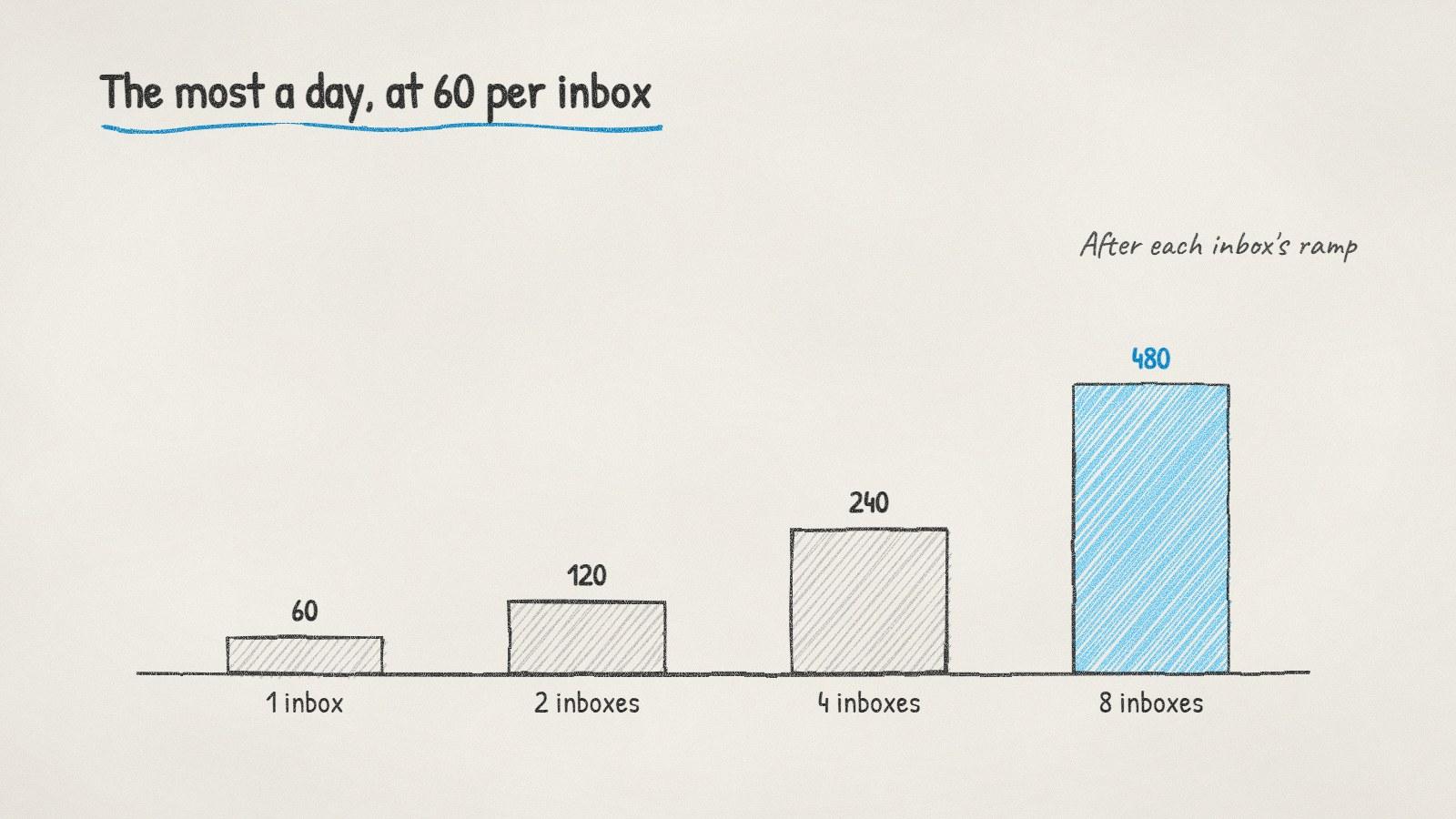
The most a day you can send at 60 per inbox, by number of inboxes.
3. Secondary domains
Most cold emailers send from a separate domain, such as a short variant of their brand, so a deliverability problem never touches the domain their customers and invoices use. Each secondary domain then holds a few inboxes. As a rule of thumb, people keep it to a handful of inboxes per domain rather than dozens.
A secondary domain still needs everything a real one has: its own authentication records, and a website or a redirect to your main site. Our step-by-step guide to setting up a domain for cold email covers each record.
4. Slow ramps
A brand-new inbox with no sending history that suddenly sends 60 emails looks like exactly what it is. Start low and raise the daily number over a few weeks. Raise it only after days that went smoothly, with no bounces and no spam complaints.
How long is long enough depends on the domain's age and history. Our post on how long to warm up a new domain has a schedule you can follow.
5. Verification before every send
Bounces are one of the fastest ways to damage a sending reputation, and they get worse as you scale because every bad address is multiplied by every inbox. Check every address before it goes into a campaign, including ones that worked last year. People change jobs, and companies change their email setup.
6. Google and Microsoft sender rules
Both big mailbox providers publish what they expect from senders, and the bar rises with volume.
Google, all senders. Its email sender guidelines require SPF or DKIM, and ask you to keep the spam rate reported in Postmaster Tools below 0.3%.
Google, over 5,000 a day to Gmail accounts. SPF and DKIM both, plus a DMARC record. Marketing and subscribed messages also need one-click unsubscribe.
Microsoft, over 5,000 a day to Outlook.com consumer addresses. Outlook's requirements ask for passing SPF and DKIM checks. You also need a DMARC record of at least p=none, and since May 2025 mail that doesn't comply goes to Junk.
Your own provider's limits. Google Workspace and Microsoft 365 also cap how much each account can send. Your campaign volume has to fit under those as well.
Where to read more on Reddit
Subreddit | What it's about | What to search there |
|---|---|---|
r/coldemail | Cold email deliverability and copy | inboxes per domain, scaling volume |
r/Emailmarketing | Email marketing of every kind, including deliverability | sender requirements, spam rate |
The trap here is scaling before the first inbox works. If one inbox at 30 a day is getting spam complaints, ten inboxes will just get ten times as many. Fix the list and the message first, then add inboxes one at a time.
Written by
Bastian W.
Content Manager / ManyPI