


TL;DR
Clay alternatives found on Reddit, in r/RevOps and r/coldemail, for people who want research and enrichment done without building anything. ManyPI is first because the agent does the research from one sentence. Search operators, company websites, Google Alerts and a freelance researcher follow.
Compare ManyPI and ClayClay comes up constantly when people talk about lead research and enrichment. The people asking about alternatives usually want the same result with less setup: they'd rather describe the customer they want than design a process to find them. These are the Clay alternatives we found on Reddit, in r/RevOps and r/coldemail. ManyPI is first because its agent takes a sentence and does the research itself. The other four are free methods and a hired option that cover parts of the same work.
The quick list
# | Option | Best for | Cost | Watch out for |
|---|---|---|---|---|
1 | Research and checked emails from one sentence | Free plan, then from $25 a seat a month | Sending needs a paid plan | |
2 | Google search operators | Finding people and pages on company sites | Free | One search at a time |
3 | Company websites | Team pages and news for a personal first line | Free | Slow for more than a few dozen accounts |
4 | Google Alerts | Hearing when a target account is in the news | Free | Noisy, and no contact details |
5 | A freelance researcher | A one-off list researched by hand | Hourly or per-list rates | Quality depends on your brief |
1. ManyPI
The point of enrichment is a list you can act on: the right companies, the right person at each, a working email and a reason to write. ManyPI gets there without you building anything.
You describe the customer in one sentence, for example "Marketing agencies in Chicago that are hiring account managers". The agent searches the live web (company sites, map listings, directories, job boards and news) plus a database of 600M+ contacts, and returns leads with the person you'd email. For local businesses, Map Search lets you draw an area on a map and get the businesses inside it, from OpenStreetMap data. Save the ones you want and ManyPI finds the owner's or manager's email.
Every email is checked against the receiving mail server before a campaign can use it, and extra validations cost $0.005 each. From there, campaigns send from your own inboxes, and contacts can be pushed to HubSpot, Pipedrive, Attio or Close if that's where your team works.
The free plan includes up to 50 leads the agent finds and 50 email validations a month, with no card. Starter is $25 a seat a month, or $21 billed yearly.
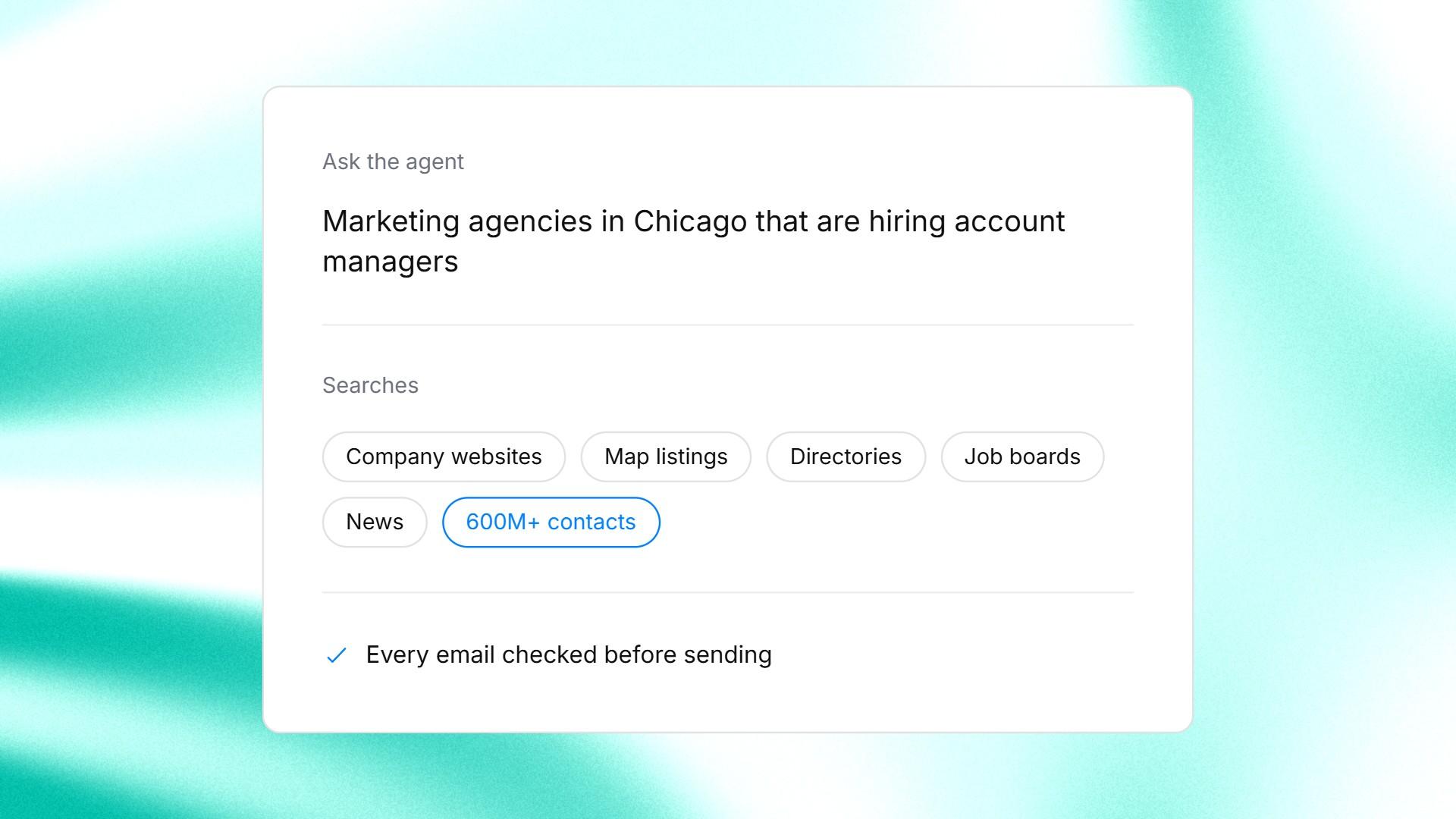
A one-sentence research request typed into the ManyPI agent.
2. Google search operators
A few search operators turn Google into a decent research tool. Google's own guide to refining searches covers the basics: quotes for an exact phrase, a minus sign to drop a word, `site:` to search one domain and `after:` to keep results recent.
`site:example.com "head of marketing"` often finds a person's name on a company's own site, in a team page or a press release. It's precise and free, and it's one company at a time.
3. Company websites
Most of what enrichment adds is sitting on the company's website. The about page tells you what they do and roughly how big they are. The careers and news pages show what they're hiring for and what changed recently.
Reading a site for five minutes gives you better material for a first line than most data fields will. The limit is time: it's fine for your top 30 accounts, and impractical for 500. Our guide to finding companies that use a specific software shows where one of those signals hides.
4. Google Alerts
Google Alerts sends you an email when new results appear for a topic. Set one up for each target account's name, and you'll hear about funding news or a new office without checking by hand.
It's free and takes a minute per company. It also picks up plenty of noise, especially for companies with common names, and it tells you something happened, not who to email about it.
5. A freelance researcher
For a one-off list, some people hire a researcher on a freelance marketplace. Hand them a spreadsheet with the columns you want and a clear description of who counts, and they'll fill it in by hand.
You get human judgement on every row. You also pay for every hour, and the list goes stale from the day it's delivered. Check every email they find before it goes anywhere near a campaign.
Do you need enrichment or a new list?
People often reach for an enrichment tool when the real problem is the list itself. Start from what you have.
What you have | What you need | Fastest route |
|---|---|---|
Company names or domains only | The right person and an email at each | ManyPI's agent, or search operators by hand |
Names and companies, no emails | Work emails, checked | An email finder, see our email finder roundup |
A full list that's a year old | A check on who's still there | Verify every address before sending |
Nothing yet | Companies that fit, with a reason to write | Describe the customer to the agent |
If you already have a file and want to fill in the gaps, our roundup of lead enrichment tools goes deeper on that job.
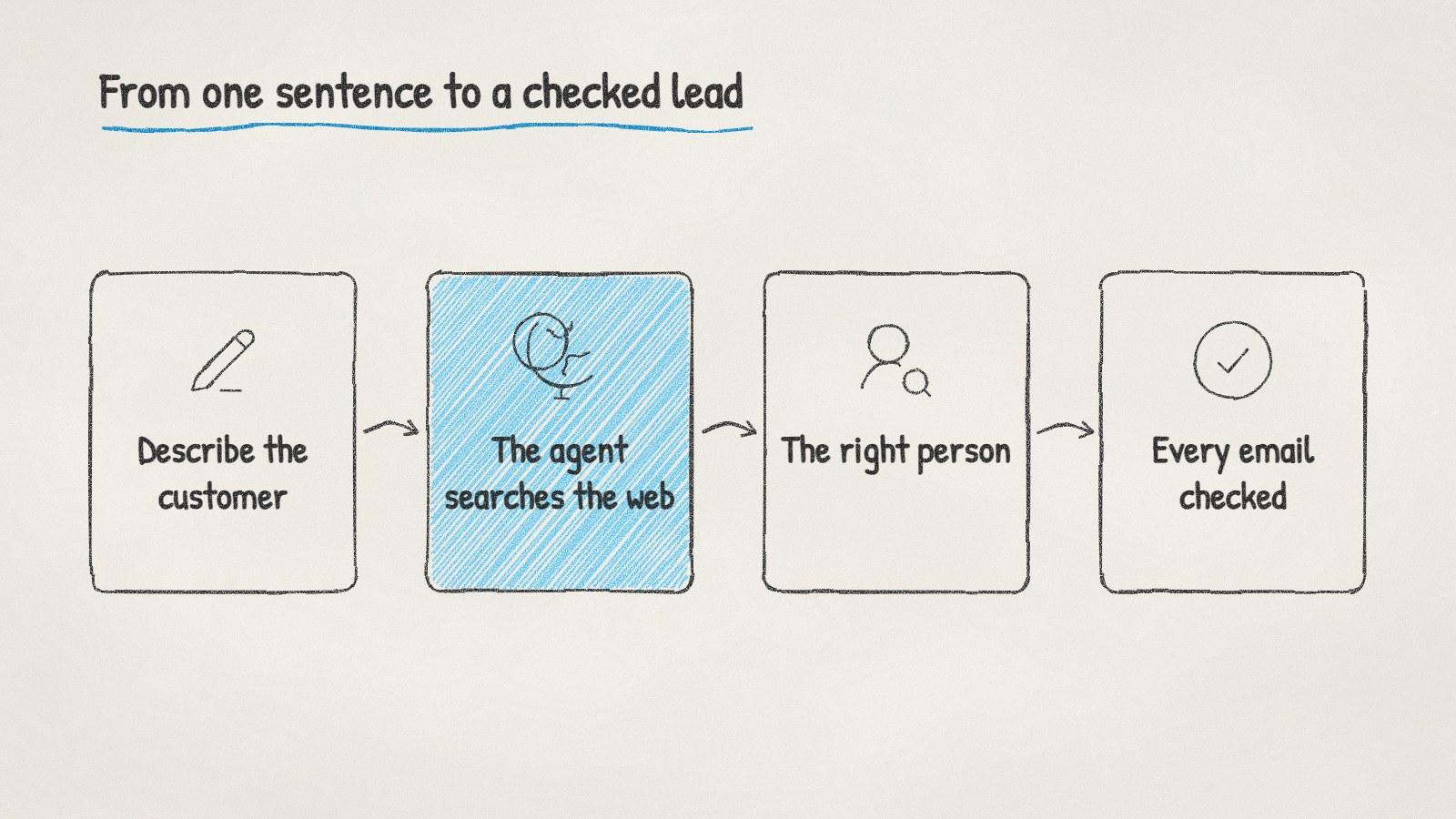
From one sentence to a checked lead, without building a workflow.
Where to read more on Reddit
Subreddit | What it's about | What to search there |
|---|---|---|
r/RevOps | Revenue operations: tools and data | Clay alternative, enrichment without workflows |
r/coldemail | Cold email deliverability and copy | lead research, personalisation at scale |
Before you pay for any research tool, write down the fields you'll actually use in an email or a filter. Most lists only need two: the right person's checked address and a reason to write. Everything past that is data you'll store and never send.
Written by
Bastian W.
Content Manager / ManyPI