


TL;DR
When Reddit asks how to find someone's work email, five methods come up again and again. ManyPI is first on our list because it finds and checks the address in one step. The company website, guessing the pattern, LinkedIn and Google search follow.
Find work emails with ManyPI"How do I find this person's work email?" is one of the most asked questions in Reddit's sales threads. The answers fall into five methods, from a tool that does it for you to a few minutes of detective work on Google. Here they are, with ManyPI first because it finds the address and checks it before you send. These are the email finder methods we found on Reddit, mostly in r/sales and r/LeadGeneration.
The quick list
# | Method | Best for | Cost | Watch out for |
|---|---|---|---|---|
1 | Finding and checking emails for a whole list | Free plan, then from $25 a seat a month | Work emails only | |
2 | The company website | Small companies that publish their team | Free | Often only a generic info@ address |
3 | Guess the pattern and verify | One person at a company you know | Free, with a verifier | Catch-all domains can't be confirmed |
4 | Getting the right name and title | Free to search | No email addresses | |
5 | Google search | Addresses mentioned in press releases and PDFs | Free | Slow, hit and miss |
1. ManyPI
ManyPI finds work emails two ways. Give it names and companies, and it finds the address for each person. Or describe the customer in a sentence and the agent finds the right people and their emails together. It uses a 600M+ database and the live web to find each address.
Then it checks every address against the receiving mail server before a campaign can use it. That step matters, because a guessed address that bounces hurts your domain for every email after it. Starter includes 1,000 email checks a seat each month, and campaigns can send straight from the same list.
For a single address, our free email finder works from a name and a company domain, with a live mailbox check. The free plan includes 50 leads and 50 checks a month with no card. The email verification page explains how each address is checked.
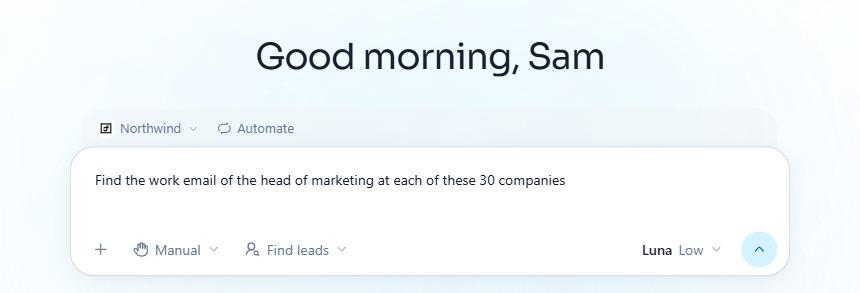
Finding work emails, asked of the ManyPI agent in plain English.
2. The company website
Reddit's first answer is usually "check their website". Small companies often list their team on an About or Team page, sometimes with direct emails. Press pages and the footer are worth a look too.
The limit is that many sites only show info@ or hello@. Those inboxes are read by whoever has time, which is rarely the decision maker. Use the website to learn the email format if a single personal address appears anywhere, then apply it to the person you want.
3. Guess the pattern and verify
Most companies use one format for everyone. The common ones:
Pattern | Example |
|---|---|
first.last | anna.berg@contoso.com |
first | anna@contoso.com |
firstlast | annaberg@contoso.com |
flast | aberg@contoso.com |
first.l | anna.b@contoso.com |
Find one real address at the company and you know the pattern. Then run your guess through an email verifier, which asks the mail server whether the mailbox exists without sending anything.
The catch is catch-all domains, which accept mail for any address. A verifier can't confirm the mailbox there, so a guess that looks valid can still bounce later. Our guide to finding someone's work email covers this method step by step.
4. LinkedIn
LinkedIn comes up on Reddit as the way to get the right person before you look for their email. Search the company and filter people by title to find who runs the department you sell to.
It won't give you the email. LinkedIn gets you a name and a title, and one of the other methods turns that into an address. Treat it as the who, not the how.
A company page on LinkedIn, the usual starting point for finding who works there.
5. Google search
A few search tricks turn up addresses that are published somewhere public. Try the company's domain with an @ in quotes, plus the person's name, or search the company's site for "email" or "contact". Press releases and conference speaker pages often include a direct address.
It's slow and hit and miss. Good for one person you really want to reach, not for a list of 200.
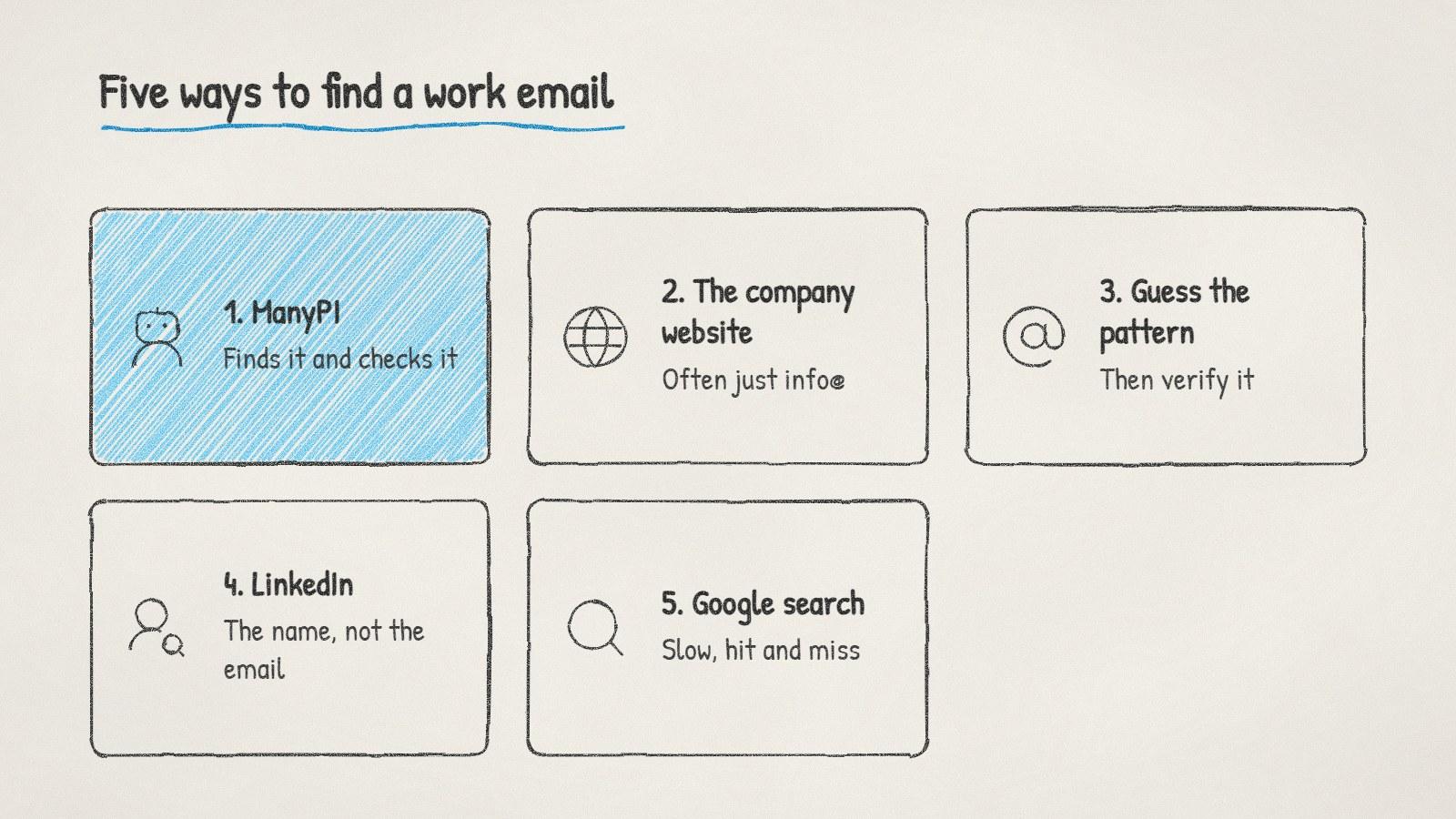
Five ways to find a work email, and the check that makes any of them safe.
Always check before you send
Whichever method finds the address, verify it before it goes into a campaign. Bounces are the fastest way to damage a sending domain, and mailbox providers notice a high bounce rate quickly. Our post on what to do when a cold email bounce rate is too high explains the thresholds.
One more rule from those threads: stick to work addresses for B2B outreach. Personal Gmail or Yahoo addresses are rarely where people want sales email, and in many countries they're treated as personal data with stricter rules. Our overview of B2B cold email laws by country covers where that matters.
When an address won't verify after two tries, stop guessing. Write to the generic inbox, name the person you're trying to reach in the first line, and ask for a forward. It works more often than you'd think.
Written by
Bastian W.
Content Manager / ManyPI