


TL;DR
LinkedIn Sales Navigator alternatives found on Reddit, in r/sales and r/b2bmarketing. ManyPI is first for finding decision makers on the open web with checked emails. LinkedIn's free search, speaker lists, press releases and partner directories follow.
Find decision makersLinkedIn Sales Navigator is LinkedIn's own prospecting product, and plenty of sellers use it every day. People ask about alternatives for ordinary reasons: a different price model, or a preference for reaching buyers by email. These are the Sales Navigator alternatives we found on Reddit, in r/sales, r/salesdevelopment, r/b2bmarketing and r/LinkedInTips. ManyPI is first because it finds the person and a checked work email from the open web, with no LinkedIn account involved. The other four are free sources that name decision makers in public.
The quick list
# | Option | Best for | Cost | Watch out for |
|---|---|---|---|---|
1 | Decision makers with checked work emails | Free plan, then from $25 a seat a month | Sending needs a paid plan | |
2 | LinkedIn's free search | Checking a name and title | Free | No emails, and free searching is limited |
3 | Conference speaker and sponsor lists | Senior people who are active in their industry | Free | Only the people who show up |
4 | Press releases and news | Executives named in recent announcements | Free | Skews to bigger companies |
5 | Partner directories | Agencies and consultants in one ecosystem | Free | Firm names, rarely people |
1. ManyPI
ManyPI doesn't search LinkedIn. It works from the open web and its own data. You describe who you want in a sentence, for example "Heads of finance at UK logistics companies with 50 to 250 staff". The agent searches company sites, map listings, directories, job boards and news, plus a database of 600M+ contacts.
What comes back is the person you'd write to, with a work email. Every email is checked against the receiving mail server before a campaign can use it, so you don't find out about a dead address from a bounce. Campaigns send from your own inboxes, with follow-ups in the same thread that stop when someone replies.
For local businesses, Map Search lets you draw an area and get the businesses inside it, using OpenStreetMap data. Save the ones you want and ManyPI finds the owner's or manager's email.
The free plan includes up to 50 leads the agent finds and 50 email validations a month, with no card. Starter is $25 a seat a month, or $21 billed yearly.
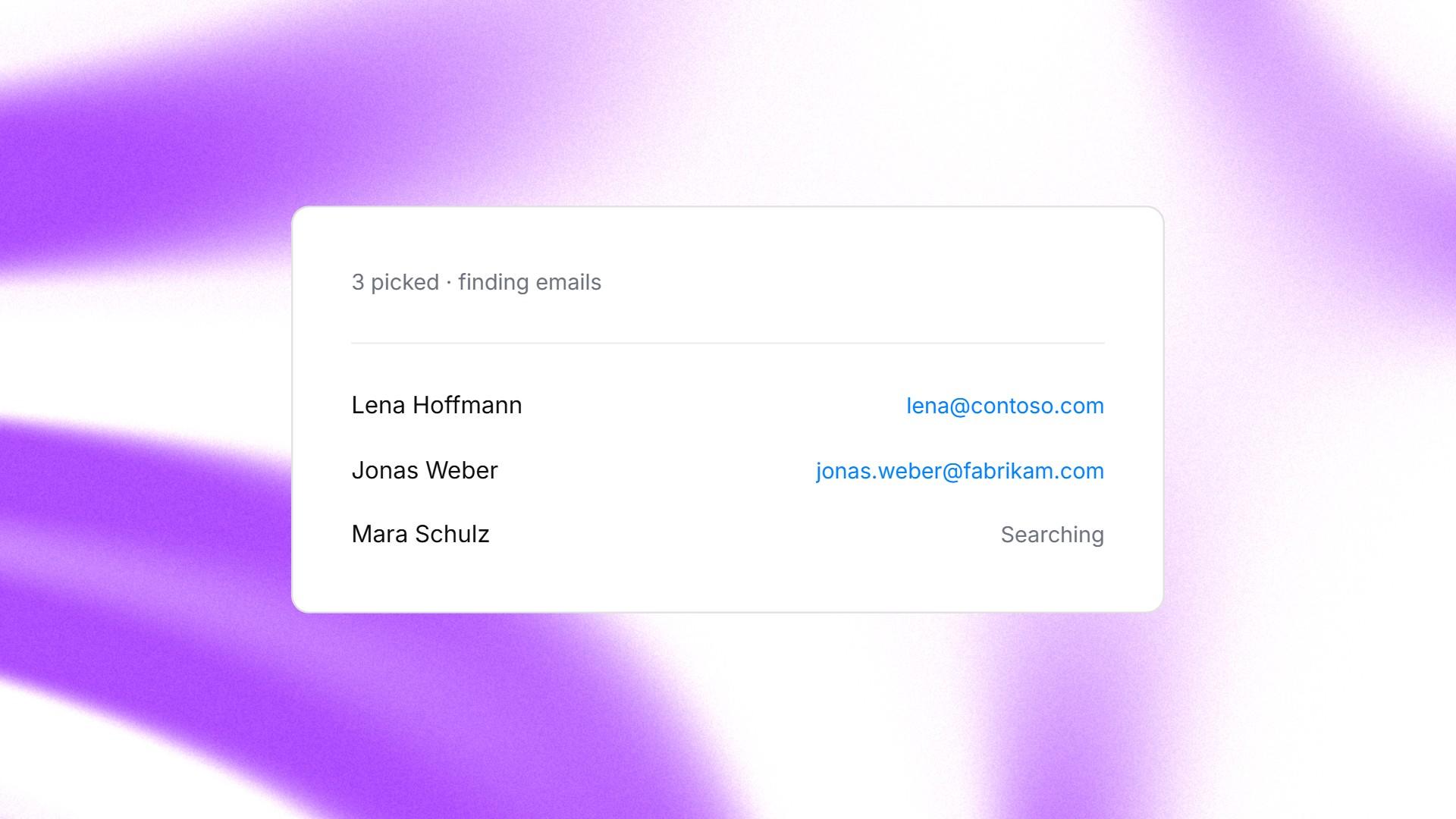
Work emails being found for people picked in ManyPI. Sample names.
2. LinkedIn's free search
A regular LinkedIn account still lets you search people by company and title, and that's enough to confirm who holds a role. It comes up in Reddit discussions as the quick check before you write: is this person still there, and is this still their job?
You won't get email addresses, and LinkedIn limits how much a free account can search. Use it to confirm a name you found elsewhere. Our guide to finding someone's work email covers the next step.
3. Conference speaker and sponsor lists
Every industry event publishes its speakers, and most list their sponsors. Speakers are usually senior and visible in their field. Sponsors are companies with a budget and a reason to meet people.
The list only covers people who show up at events, which leaves out plenty of good buyers. It's strongest for a specific industry where one or two events matter.
4. Press releases and news
Companies name their leaders in announcements, such as a new office or a senior hire. A search on a news site or a company's press page gives you a name and a reason to write in the same paragraph.
It skews to companies big enough to issue press releases. For a small business, the owner is rarely quoted anywhere, and a map or a registry is a better starting point.
5. Partner directories
Many software companies publish a directory of the agencies and consultants that work with their product. If you sell to agencies, a partner directory is a list of firms that already use the tools you build on, sorted by region and speciality.
You'll get firm names and websites, rarely the person. From there, the firm's own team page usually tells you who runs it.
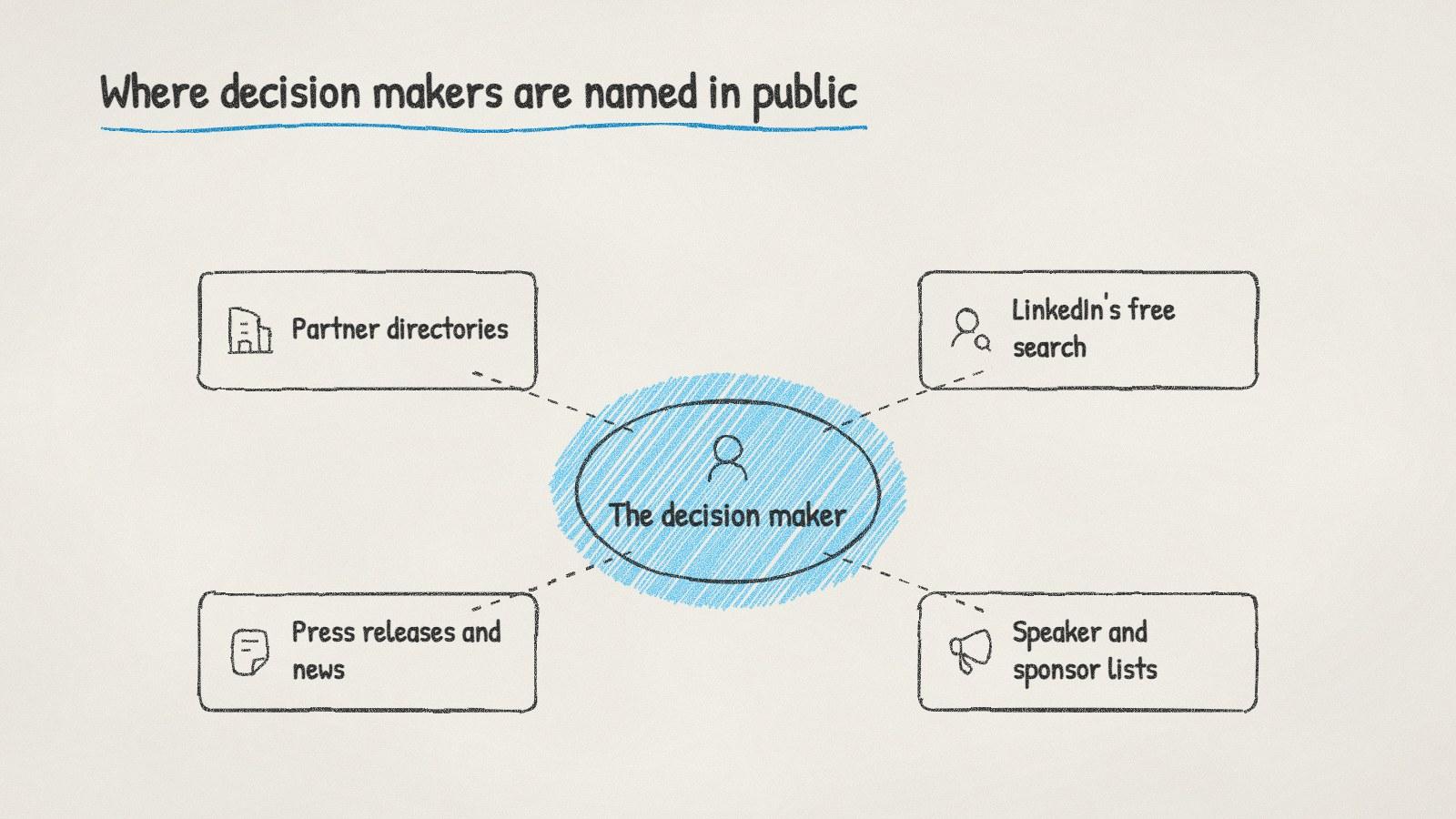
Four free places where decision makers are named in public.
The person first, then the email
Finding a name is half the job. Here's how the two steps split, with the free route and the ManyPI route side by side.
Step | The free route | With ManyPI |
|---|---|---|
Find the company | Event lists and partner directories | Describe it in a sentence |
Find the person | LinkedIn's free search, team pages | Returned with the lead |
Find the email | Guess the pattern, then check it | Found for you |
Check the email | A verification tool | Checked before every campaign |
For more ways to find addresses once you have names, see our email finder roundup.
Where to read more on Reddit
Subreddit | What it's about | What to search there |
|---|---|---|
r/sales | Selling of every kind, from SDRs to founders | Sales Navigator alternative, find decision makers |
r/salesdevelopment | SDRs and BDRs, prospecting and outbound | prospecting without Sales Navigator |
r/b2bmarketing | Marketing to businesses | account lists, decision maker data |
r/LinkedInTips | Getting more out of LinkedIn | free account search limits |
One thing to settle before you start: email and LinkedIn messages are different channels with different rules. If you email people you found anywhere, follow the cold email laws where they are. Our overview of B2B cold email laws by country is a good first check.
Written by
Bastian W.
Content Manager / ManyPI