


TL;DR
Reddit's cold email threads keep coming back to five ways to send. ManyPI is first because it finds the leads, checks every address and runs follow-ups from your own inbox. Gmail mail merge, Word and Outlook, your CRM's email feature and a virtual assistant follow.
Start sending cold emailWhen someone on Reddit asks how to send cold email without a big budget, five answers come up again and again. Use a dedicated tool, run a mail merge from Gmail, use Word with Outlook, send from your CRM, or hire someone to send by hand. Each one works up to a point. Here's how they compare, with ManyPI first because it's the one built for the whole job. These are the cold email tools we found on Reddit, mostly in r/coldemail and r/Emailmarketing.
The quick list
# | Tool | Best for | Cost | Watch out for |
|---|---|---|---|---|
1 | Finding leads and running sequences from your own inboxes | Free plan, then from $25 a seat a month | Sending needs a paid plan | |
2 | Gmail mail merge | A one-off send to a list you already have | Included on eligible Google Workspace plans | No automatic follow-ups |
3 | Word and Outlook mail merge | Teams on Microsoft 365 | Included with Microsoft 365 | Clunky setup, no follow-ups |
4 | Your CRM's email feature | Emailing contacts already in your CRM | Depends on the CRM plan | Usually not built for cold sending |
5 | A virtual assistant | Small, personal batches | Hourly rates | Slow, and hard to scale |
1. ManyPI
The question behind most of those Reddit threads is "how do I send personal-looking emails to a few hundred people, with follow-ups, without landing in spam?" ManyPI handles each part of that. It finds the leads from a one-sentence description, searching a 600M+ database plus the live web. It checks every address against the receiving mail server before a campaign can use it, so bounces don't drag your domain down.
Campaigns send from your own Gmail, Outlook or SMTP inboxes, as many as you want to connect on a paid plan, each one ramping up its daily volume gradually. Follow-ups go out in the same thread and stop the moment someone replies. Replies land next to the campaign that started them, and there's a built-in CRM for the conversations that turn into deals.
The free plan includes 50 leads and 50 email checks a month with no card. Starter is $25 a seat a month, or $21 billed yearly, with 10,000 emails and 1,000 email checks a seat. The cold email outreach page walks through a campaign.

Every connected inbox in ManyPI with its sending allowance and health score. Sample data.
2. Gmail mail merge
On some Google Workspace plans, Gmail has a built-in mail merge that personalises one email for a list of contacts from Google Sheets. It's the most common free answer on Reddit for a one-off send.
Its limits show up fast for cold email. Google caps mail merge at 1,500 recipients a day, and mail merge can't be used for replies or scheduled sends. So there are no automatic follow-ups, and follow-ups are where most cold email replies come from. You also need to find and check every address yourself first.
3. Word and Outlook mail merge
The Microsoft version: write the email in Word, connect an Excel sheet of contacts, and send the merge through Outlook. It's included if your company already pays for Microsoft 365.
It's fine for a newsletter-style send to people who know you. For cold email it has the same problem as Gmail's merge, plus a fiddlier setup. Each follow-up means a new merge, and you have to remove the people who replied by hand.
4. Your CRM's email feature
Many CRMs can send emails to contacts and log them against the record. If your leads already live in a CRM, sending from there keeps everything in one place.
Most CRMs are built for emailing people you already talk to, not for cold outreach at volume. Check the sending limits on your plan, and whether it supports multi-step sequences that stop on reply, before you rely on it.
5. A virtual assistant
Some founders on Reddit hire an assistant to research each prospect and send emails one at a time from the founder's inbox. The emails are as personal as they get, and there's no tool to learn.
It doesn't scale. An assistant might research and send a few dozen good emails a day, and follow-ups depend on someone keeping track in a spreadsheet. It works best on top of a tool, with the assistant handling replies rather than the sending.
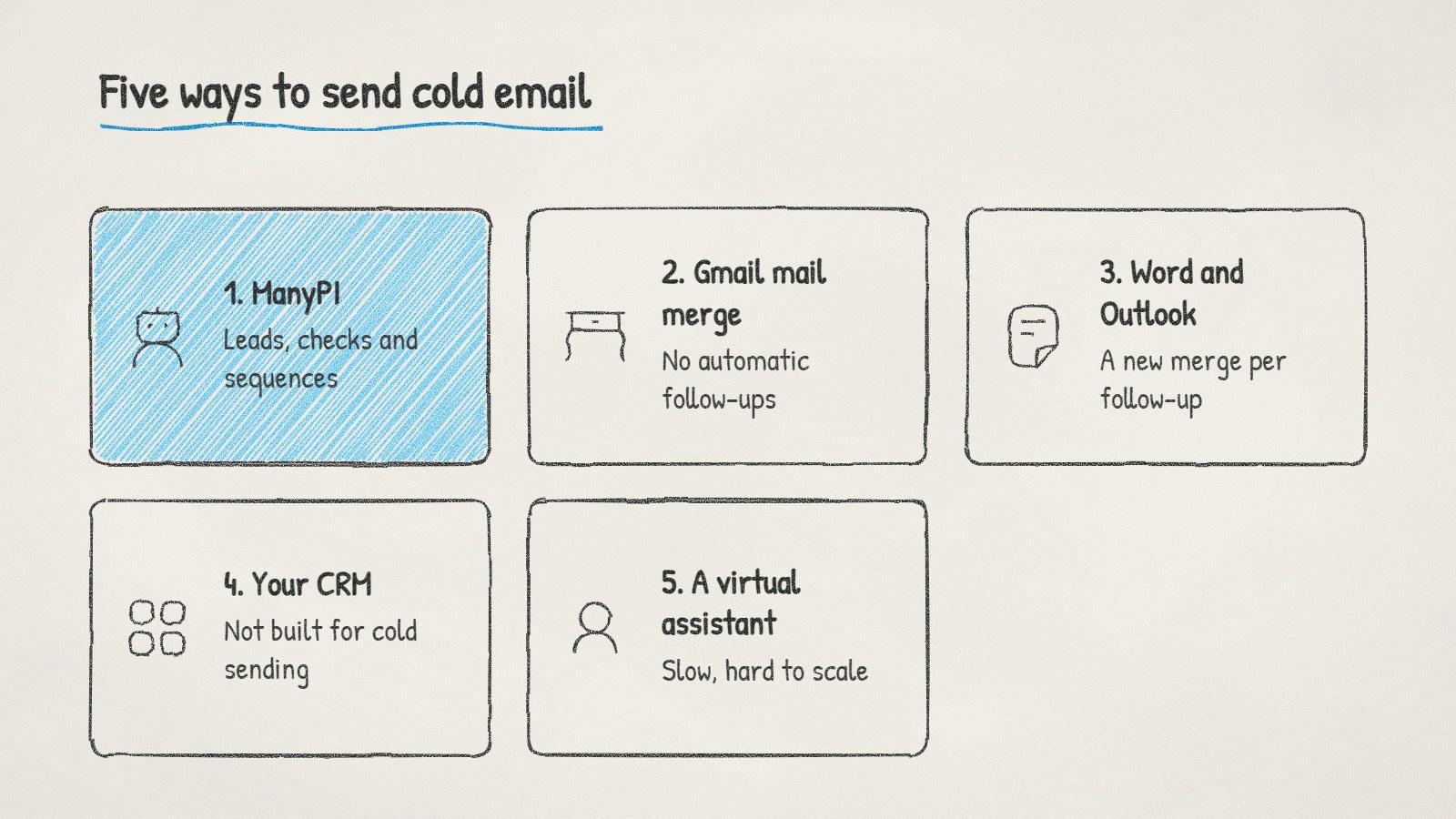
Five ways to send cold email, from a full tool to sending by hand.
Before you send with any of them
The tool matters less than the setup. These apply whichever option you pick:
Use a separate domain or a properly set up one. SPF, DKIM and DMARC records in place before the first send. Our domain setup guide walks through it.
Warm up new inboxes. Start with a small daily volume and raise it over a few weeks. Our post on how long to warm up a domain has a schedule.
Check every address before sending. Bounces hurt deliverability for every email after them.
Know the rules where you send. B2B cold email is allowed with an opt-out in the US, and needs consent in Germany. See our cold email laws by country.
If you're starting from zero, send your first 100 emails slowly and read every reply. What people say back tells you more about your offer than any tool's dashboard.
Written by
Bastian W.
Content Manager / ManyPI